


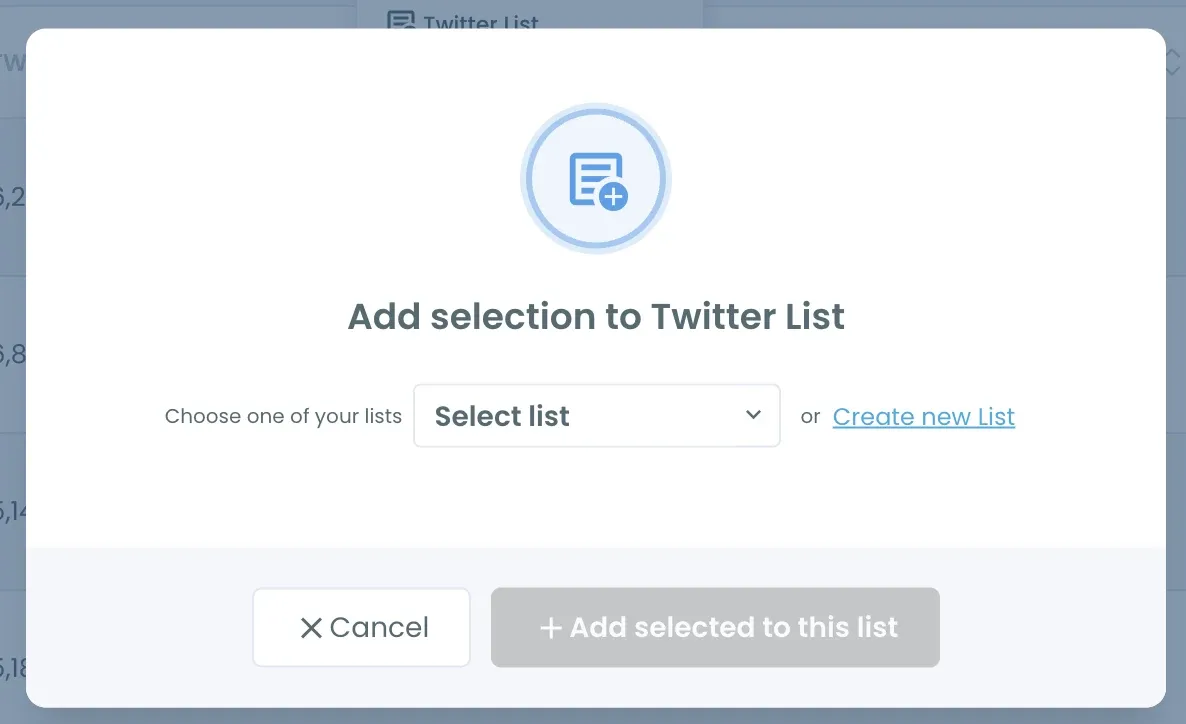
Pro Tip: Want to keep reading some of them without following? Select those accounts and click Add to List to put them into a Twitter List with Circleboom's Twitter list manager.
Mass unfollow those accounts that are not following you back on Twitter for free!
Unfollow Twitter Accounts Not Following You Back, Free
Find out who is not following you back on Twitter, and mass unfollow those accounts for free!

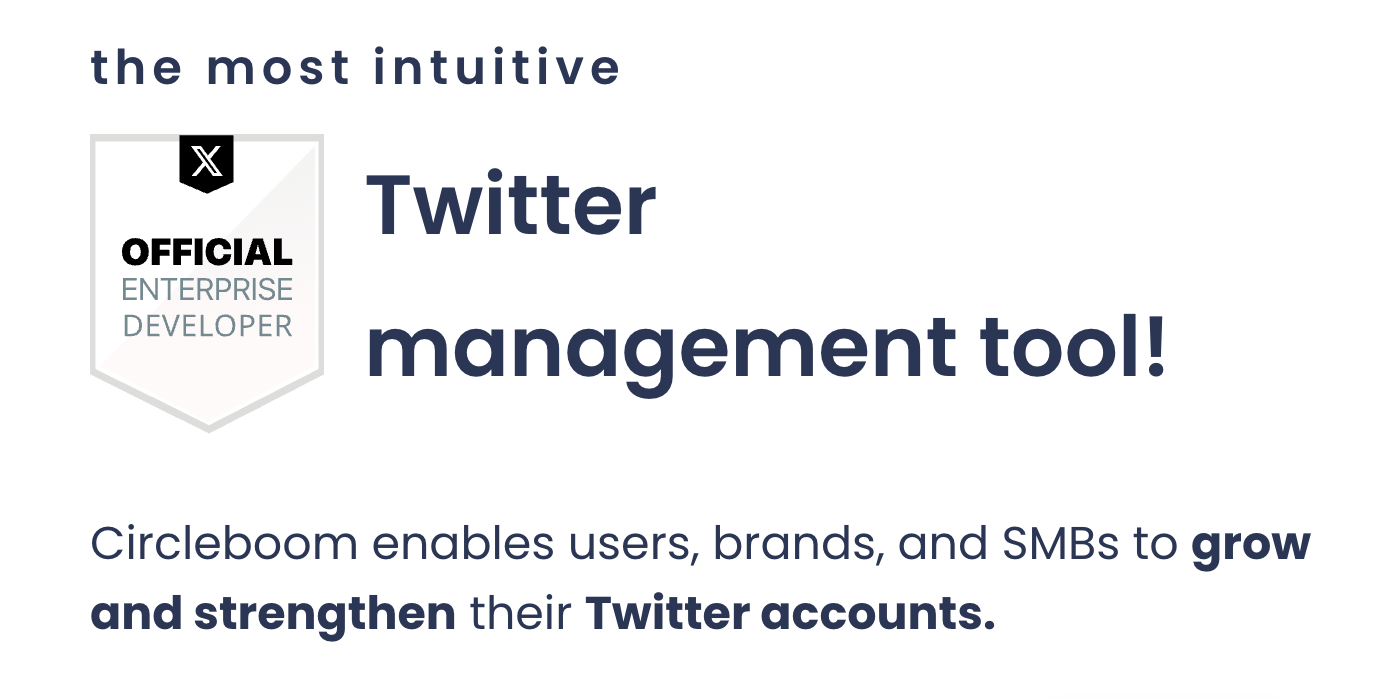
Circleboom : An Official Enterprise Developer
"Work with a trusted X Official Enterprise Developer to expand what's possible for your business. Each Official Enterprise Developer has been selected for the program after an extensive evaluation, and represents excellence, value, and trust." — X (Twitter)Circleboom Twitter Tool
Circleboom Twitter management tool provides account analytics, follower/friends insights, tools to check, fakes, spammers, inactive accounts, advanced account search and delete tweets services.
DOES X SHOW WHO DOESN'T FOLLOW YOU BACK?
No. X shows your followers and the accounts you follow as two separate lists and doesn't compare them for you. With hundreds of follows, checking profiles one by one isn't practical. Circleboom compares both lists through the official X API and shows only the one-sided follows.
WHAT DOES FOLLOW BACK MEAN ON TWITTER?
On Twitter, a "follow back" means that when you follow someone, they reciprocate by following you in return. It indicates a mutual connection where both users can engage with each other's content. If you're building relationships or networking on Twitter, a follow back can be an indicator of engagement and interest.
Knowing who follows you back can help you better manage your Twitter community and decide who you want to continue following, all while maintaining a good Twitter follow ratio.
TWITTER FOLLOW BACK CHECKER
Are you curious about who are not following you back on Twitter? Then, you can use Circleboom's Follow Back Checker and find out Twitter not followers!
When you follow someone on Twitter, generally you expect that they will follow you back! Some do it but some do not! To detect those, you can use Circleboom's follow back checker and find out who is not following you back on Twitter!
HOW TO UNFOLLOW THOSE WHO DON'T FOLLOW BACK ON TWITTER
Unfollowing accounts that don't follow you back can help tidy up your follower list and make room for more meaningful connections. Circleboom's Twitter unfollow tool allows you to quickly unfollow everyone not following back on Twitter, so you don’t have to go through the process manually.
Our tool enables you to safely mass unfollow Twitter users in line with the Twitter follow limits. So you don't have to worry about Twitter shadowbans, possible temporary labels, or even risks of permanent suspension.
WHY DETECT WHO YOU ARE NOT FOLLOWING BACK?
If you want to grow your Twitter audience, keep in mind that first impressions are critical. Potential followers get their first impressions based on your profile image, bio information, and the number of following and followers! That's why you should have a golden ratio for follower & following counts.
Those who you are not following back are potential unfollowers on Twitter. They may unfollow you in the future because they expect you follow them back. So, if you can spot them, you can take action immediately.
YOUR FOLLOWER NUMBER IS DROPPING!
Yes, those who once followed you started to unfollow you on Twitter. Circleboom enables users to find Twitter unfollowers and reshape their Twitter strategy!
For example, you can rely on Circleboom's AI Tweet Generator and smart tweet with relevant hashtags, emojis, CTA's and grasp the attention of Twitter users with the correct style and tone.
You know the best time to tweet with Circleboom! So, you can schedule your tweets at the best times to post, increasing the chance of getting more likes, comments and retweets for your tweets!
YOU ARE SAFE WITH CIRCLEBOOM!
Many multinational companies around the world use Circleboom. Additionally, we strictly comply with Twitter Policy, and it doesn't allow any operation within Twitter that could compromise your account. It's safe with Circleboom!
HOW TO SEE WHO DOESN'T FOLLOW YOU BACK ON X
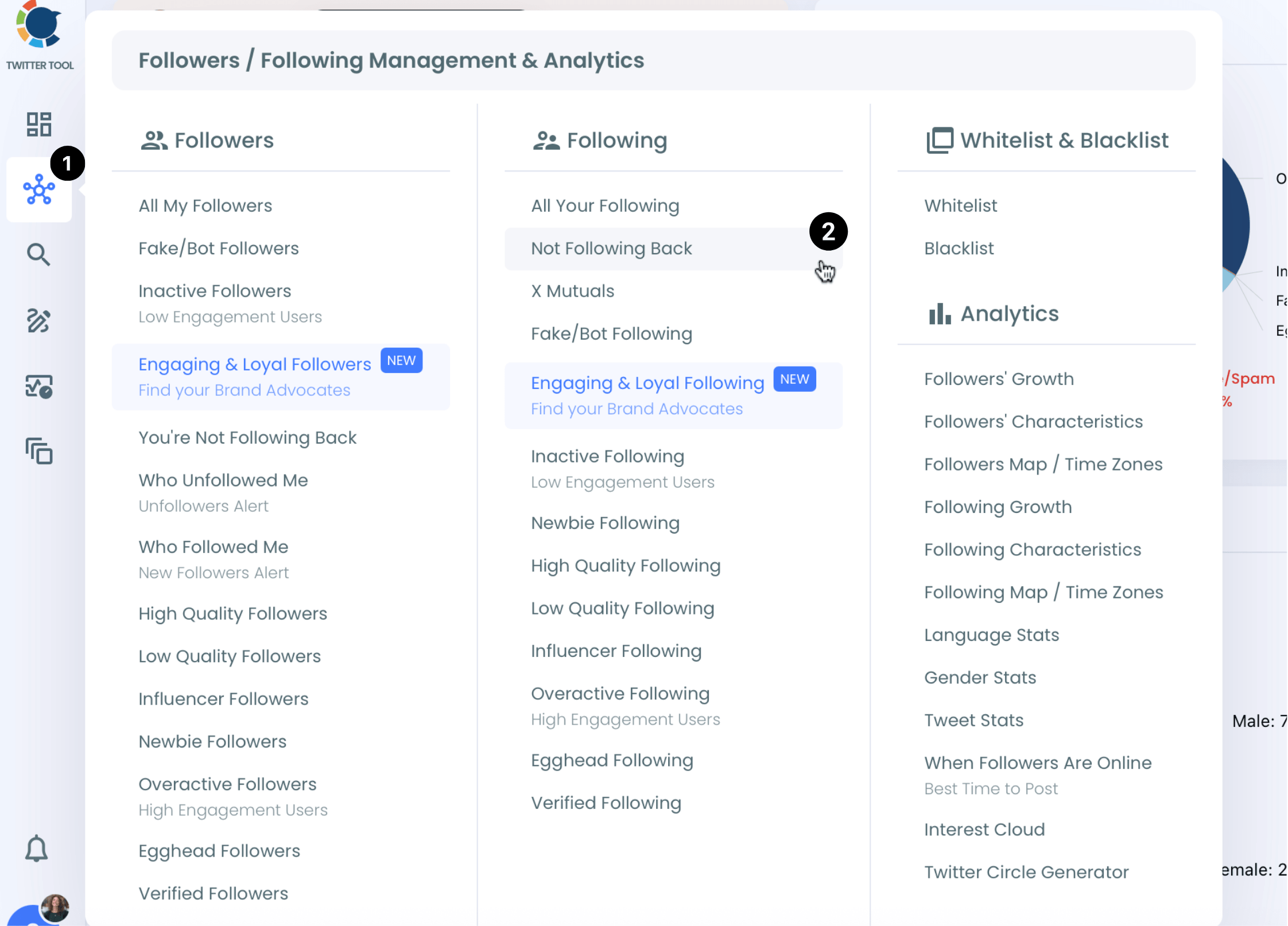
Connect your X account to Circleboom, open the left menu and go to Followers / Following Management & Analytics > Following > Not Following Back. You get the full list of accounts you follow that don't follow you back, with tweet count, join date, followers, follow ratio and activity for each one, so you can decide who to keep and who to unfollow.
SHOULD YOU UNFOLLOW EVERYONE WHO DOESN'T FOLLOW BACK?
Not always. News accounts, public figures, large creators and industry sources rarely follow back, and they may still be worth following. Add those to your Whitelist so they stay out of every cleanup, then filter the rest by activity, follower count or join date and unfollow the accounts that no longer add value.
WHO DOESN'T FOLLOW ME BACK ON TWITTER?
Wondering who isn't returning the favor and following you back on Twitter? Identifying these accounts is key to maintaining a balanced and engaged follower list. While you may be following someone, they might not be following you back, which could impact your engagement and visibility.
With Circleboom, you can easily check who doesn’t follow you back on Twitter and take action accordingly. Don’t let unreciprocated follows crowd your feed; streamline your Twitter network for better interaction.
CHECK WHO'S NOT FOLLOWING YOU BACK ON TWITTER
As one of the best Twitter follow back checker tools, Circleboom makes it simple to check who's not following you back on Twitter. With just a few clicks, you can get a detailed list of users who haven't followed you back, giving you better control over your Twitter connections.
Plus, by using Circleboom's advanced Twitter audience insights, you can optimize your Twitter strategy, ensuring that you’re engaging with those who are interested in your content. See who’s not following back on Twitter and decide if it's time to clean up your following list.
FOLLOWERS YOU DON'T FOLLOW BACK
Looking for the opposite list? These are the accounts that follow you while you don't follow them. With Circleboom's You're Not Following Back feature, you can see them in one list, check which ones are real and active, and follow back the ones worth it.
DON'T WORRY ABOUT FAKE FOLLOWERS!
If you are worried about fake Twitter followers, don't do this! Thanks to Circleboom's Fake Account Checker you can find fake followers and remove them if you wish!
So, if those accounts that you are not following back are not fake or bot, you may think of following them in return, so that you can keep a balanced follower/following ratio.
MORE THAN A FOLLOW BACK CHECKER
Not Following Back is one of many Circleboom features for a healthier follower/following ratio. You can also detect fake/spam accounts and inactive accounts among the accounts you follow, and clean them up the same way.
APP FOR WHO'S NOT FOLLOWING BACK ON TWITTER
Looking for an app for who's not following back on Twitter? Circleboom is also available as an iOS app, so you can manage your X account from your phone too.
Whether you're using Twitter for business or for personal branding, Circleboom helps you keep your following list clean and your follower/following ratio healthy.
HOW TO SEE WHO'S NOT FOLLOWING YOU BACK ON TWITTER?
With Circleboom, you don't need to wonder "who doesn't follow me back on Twitter?" Here's how to see the full list and clean it up:
01
Go to Circleboom Twitter and log in with your email address.
If you don't have a Circleboom account yet, you can create one with your email.
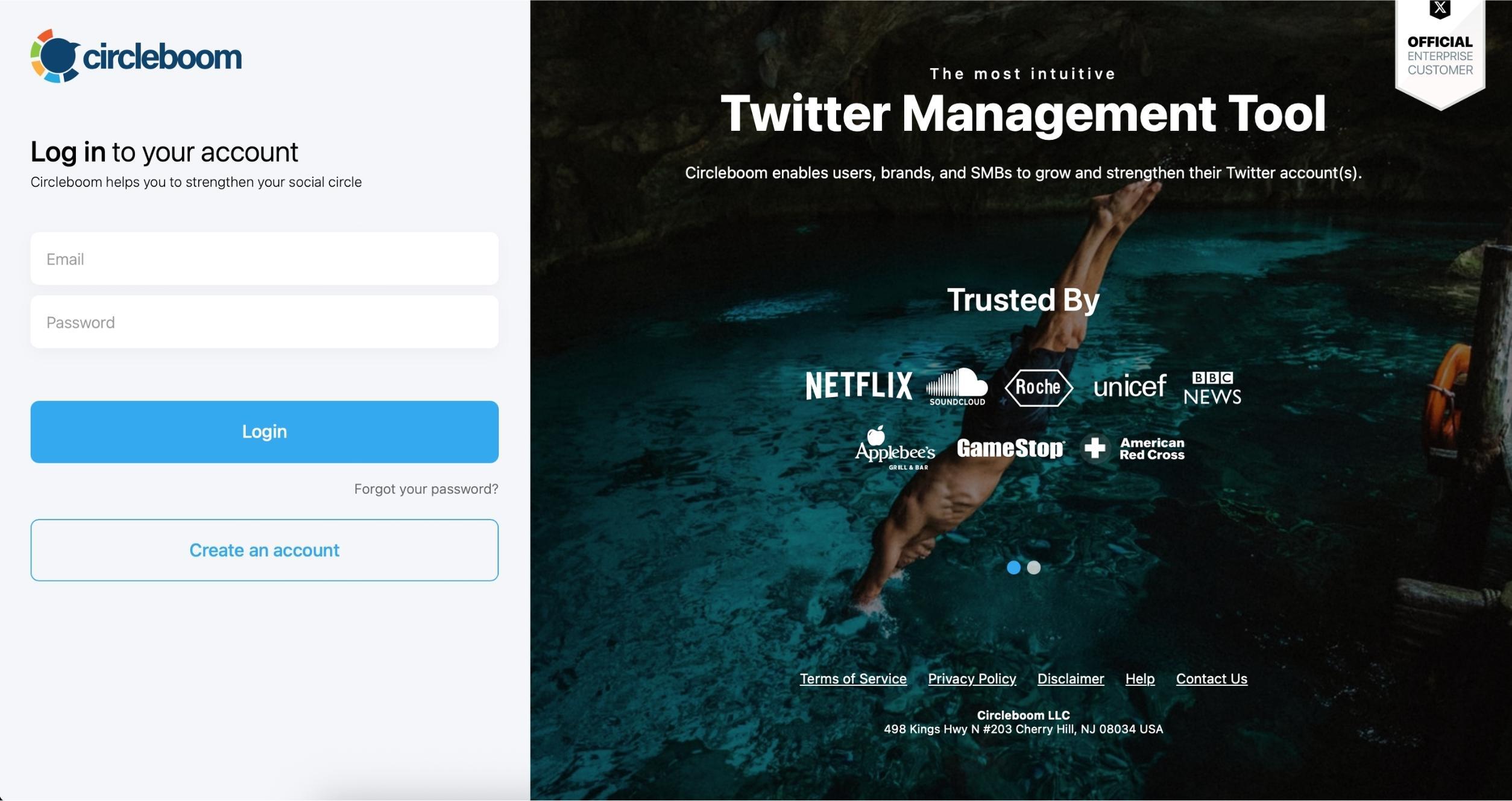
Connect your X account through X's official sign-in. Circleboom is an Official X Enterprise Developer and never asks for your password.
02
Open the left menu and go to Followers / Following Management & Analytics > Following > Not Following Back.
You'll see every account you follow that doesn't follow you back, with tweet count, join date, followers, follow ratio and activity for each one.
The list shows how many of the accounts you follow don't follow you back.
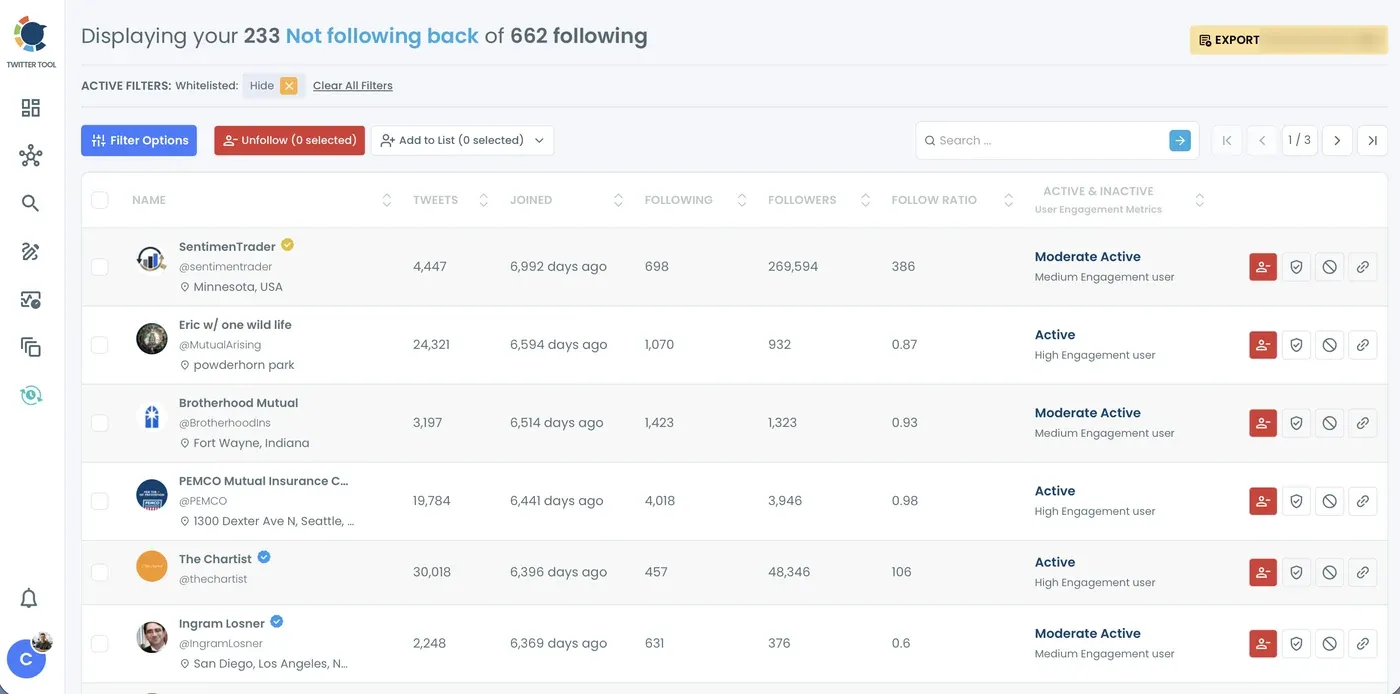
If you don't want to follow them anymore, you can mass-unfollow them with Circleboom. Or, you can unfollow them selectively.
03
Filter the list and whitelist the accounts you want to keep.
Use Filter Options to narrow the list by activity, follower count, join date, verification or language. Add accounts you want to keep following, like news sources or industry experts, to your Whitelist so they stay out of every cleanup.
04
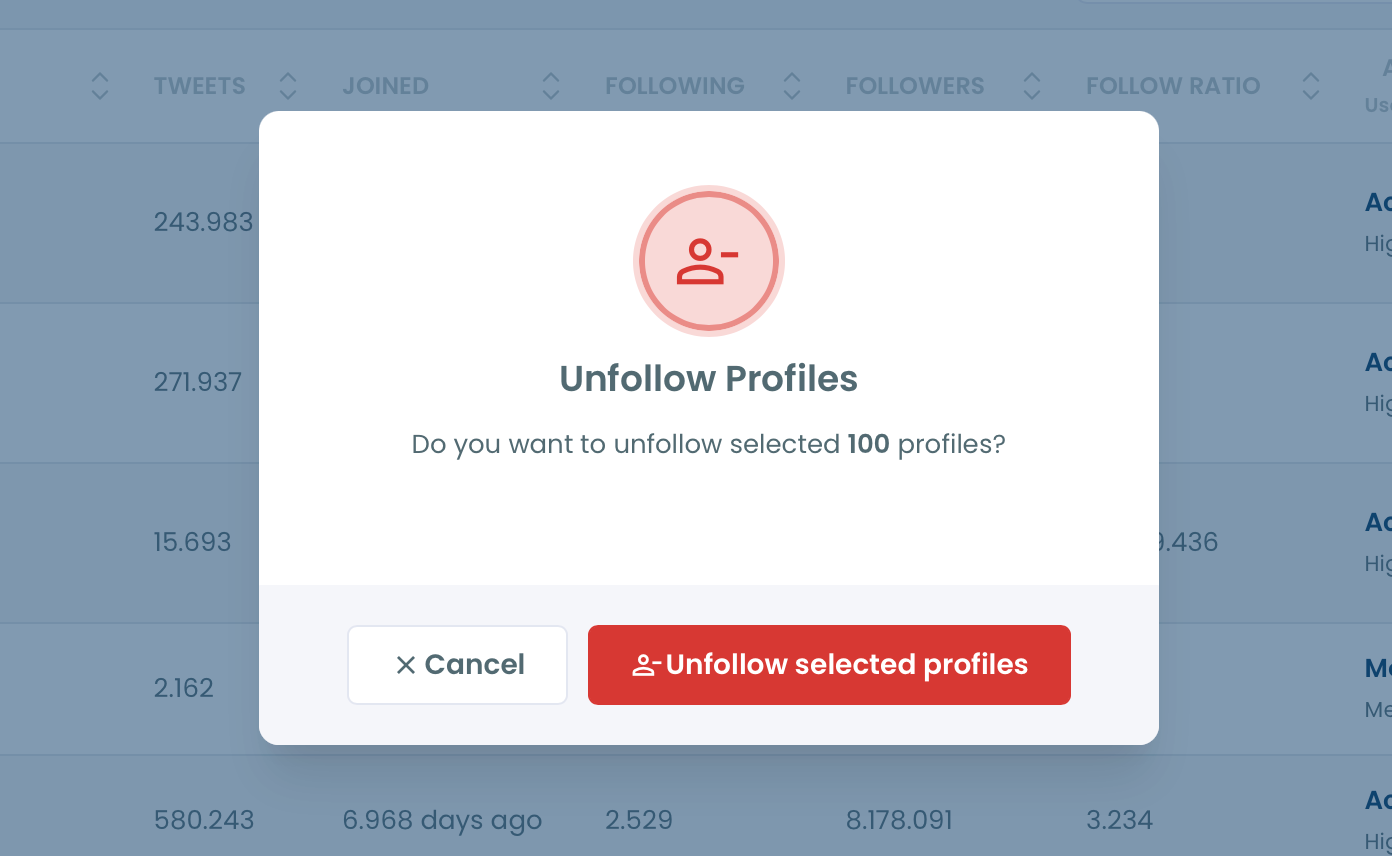
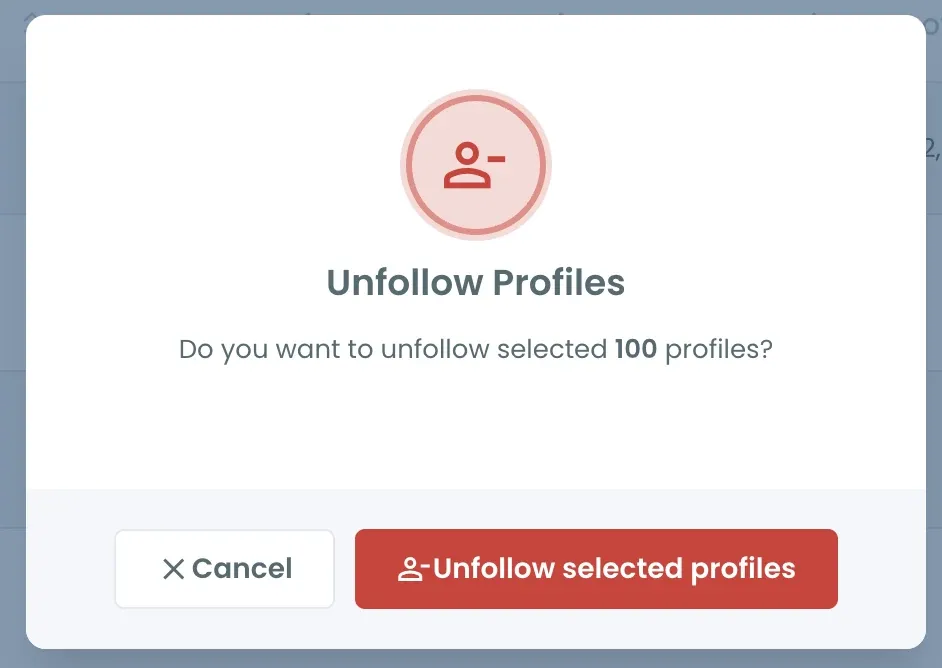
Select the accounts and click "Unfollow".
Select accounts one by one or all at once, then confirm with Unfollow selected profiles.
05
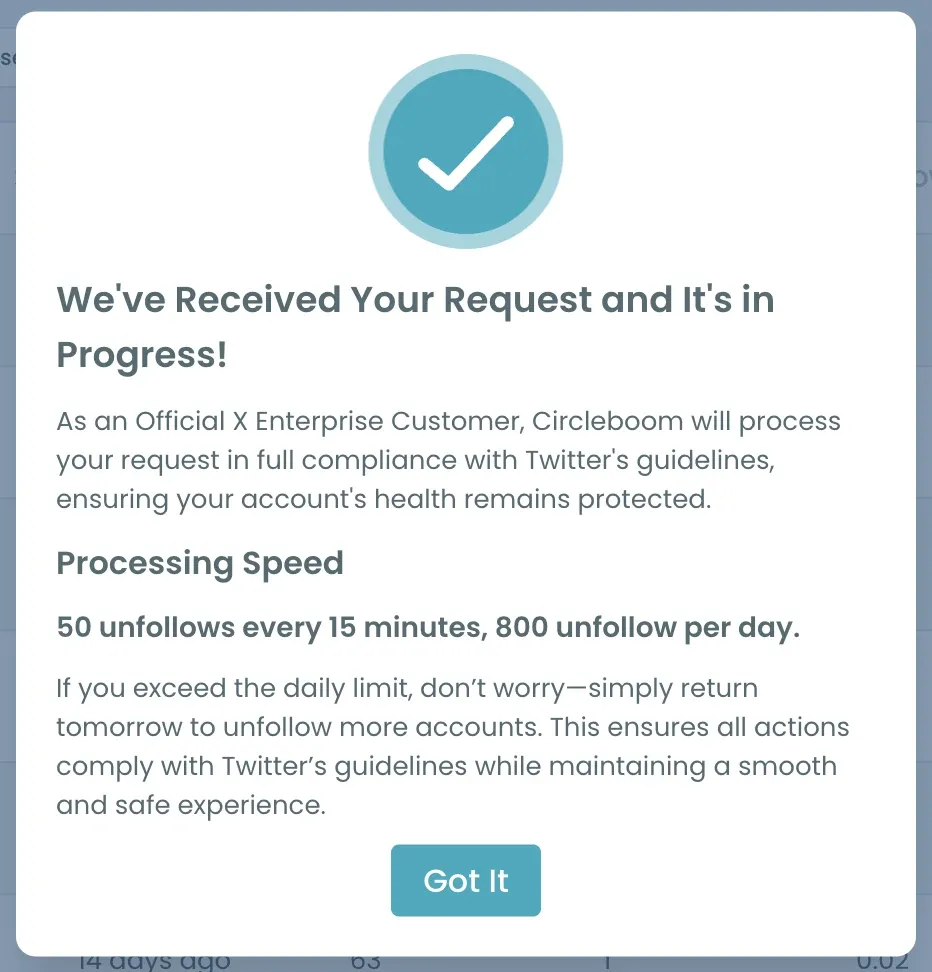
Circleboom processes your unfollows in a controlled way.
To keep your account protected, unfollows run at 50 every 15 minutes, up to 800 a day, through the official X API. If you queue more, the rest continue automatically the next day.
You can unfollow them and still see their posts through the list, without hurting your following/follower ratio.
Bonus: You can also export the listed accounts for further review or future reference.
See who's not following you back on Twitter now!
Unfollow Twitter Accounts Not Following You Back, Free
Find out who is not following you back on Twitter, and mass unfollow those accounts for free!