"Work with a trusted X Official Enterprise Developer to expand what's possible for your business. Each Official Enterprise Developer has been selected for the program after an extensive evaluation, and represents excellence, value, and trust." — X (Twitter)
Wondering how old your Twitter account is? Enter your own username to see the exact day you joined X. It is also the date of your X anniversary, so you never have to guess it again.
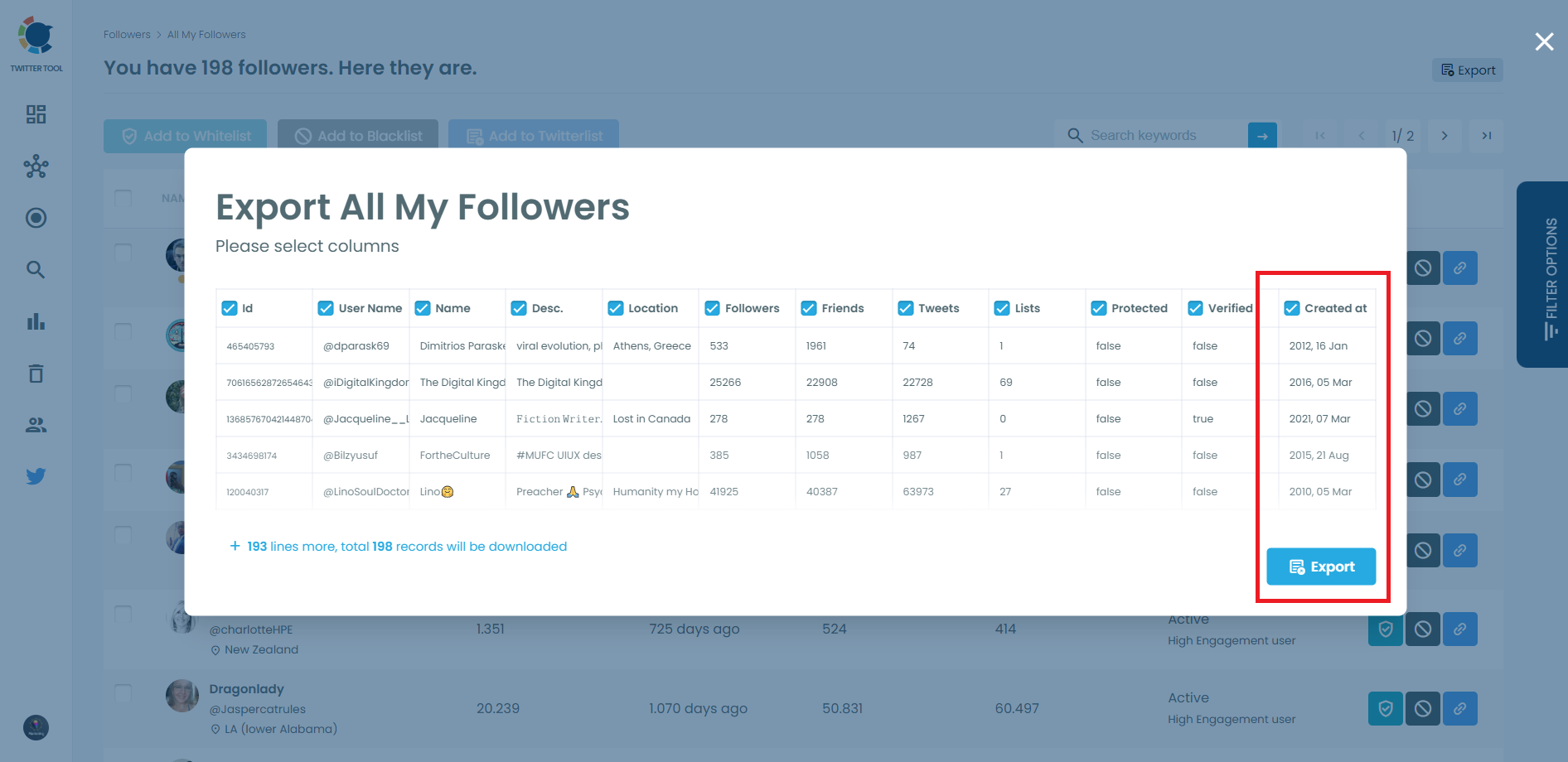
With Circleboom's Export Followers or Following tool, you can download the follower or following list of any public X account as a CSV file. Every row includes the account's full creation date, retrieved through official X APIs, so you can analyze account age across a whole audience in a spreadsheet.
CIRCLEBOOM KEEPS YOU SAFE, ALWAYS!
Circleboom is the top choice for diverse users, spanning individuals, small businesses, corporations, and non-profits globally. What sets us apart? We strictly adhere to Twitter Rules, ensuring no actions that could jeopardize your account. Trust Circleboom for a secure and compliant experience on Twitter: you're in safe hands!
SEE THE EXACT DAY ANY ACCOUNT WAS CREATED
X profiles only show something like "Joined June 2009". Enter any public username in the search box above, and the Twitter Join Date Checker tool shows the full creation date with the weekday, for example: "This Twitter/X account has been created at 2 June 2009, Tuesday."
SPOT BRAND-NEW ACCOUNTS BEFORE YOU TRUST THEM
An account that offers a partnership or claims authority but was created last week deserves a closer look. Check its join date first, then compare it with its tweet count and followers, or run it through the Fake Account Checker tool.
FIND NEWBIES
Newly created accounts in your audience are easy to miss on X. With Circleboom's Newbie Followers feature, you can list the recently created accounts that follow you, and Newbie Following does the same for the accounts you follow, so you can review them before they affect your account quality.
FILTER X ACCOUNTS BY CREATION DATE
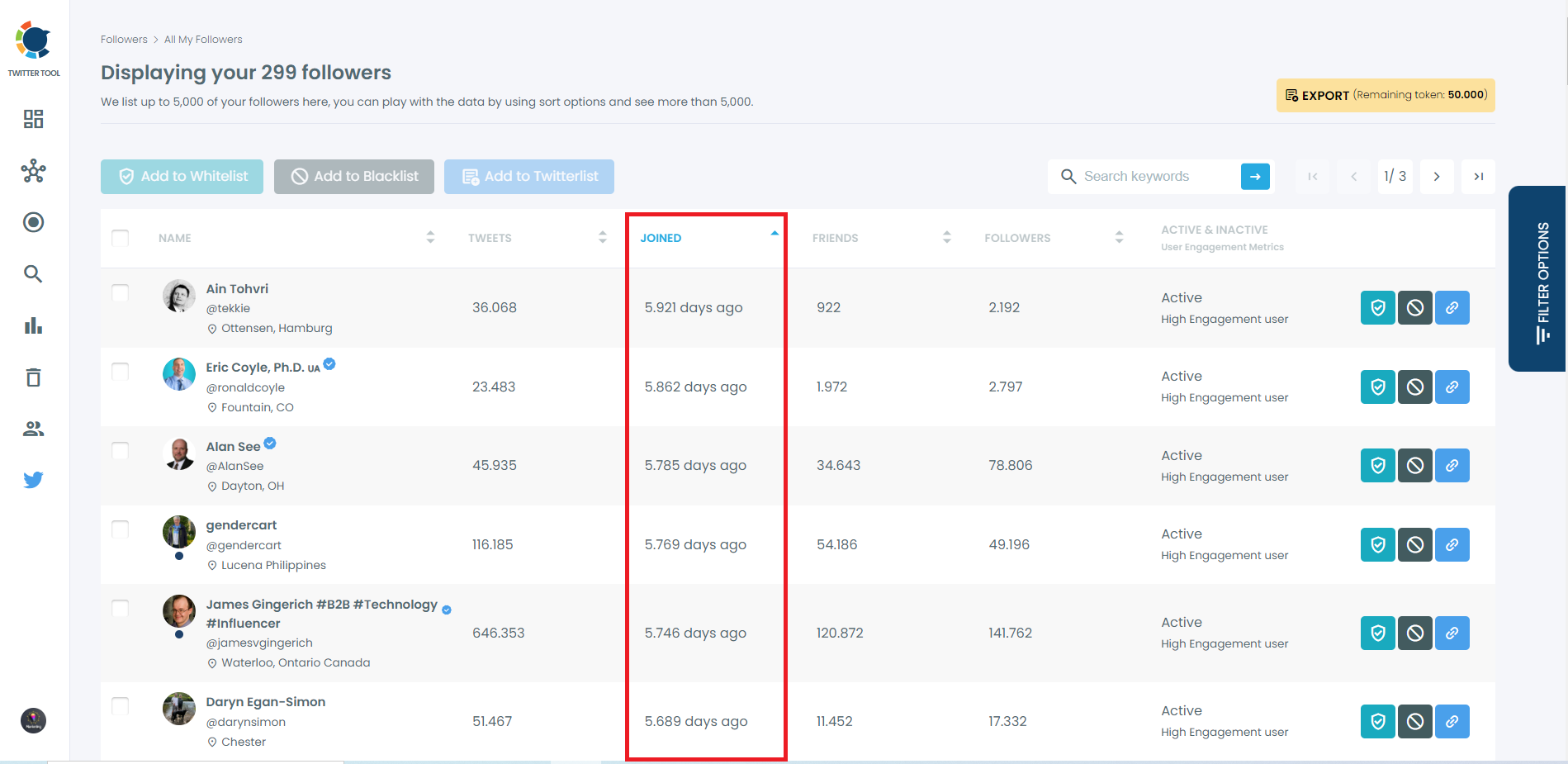
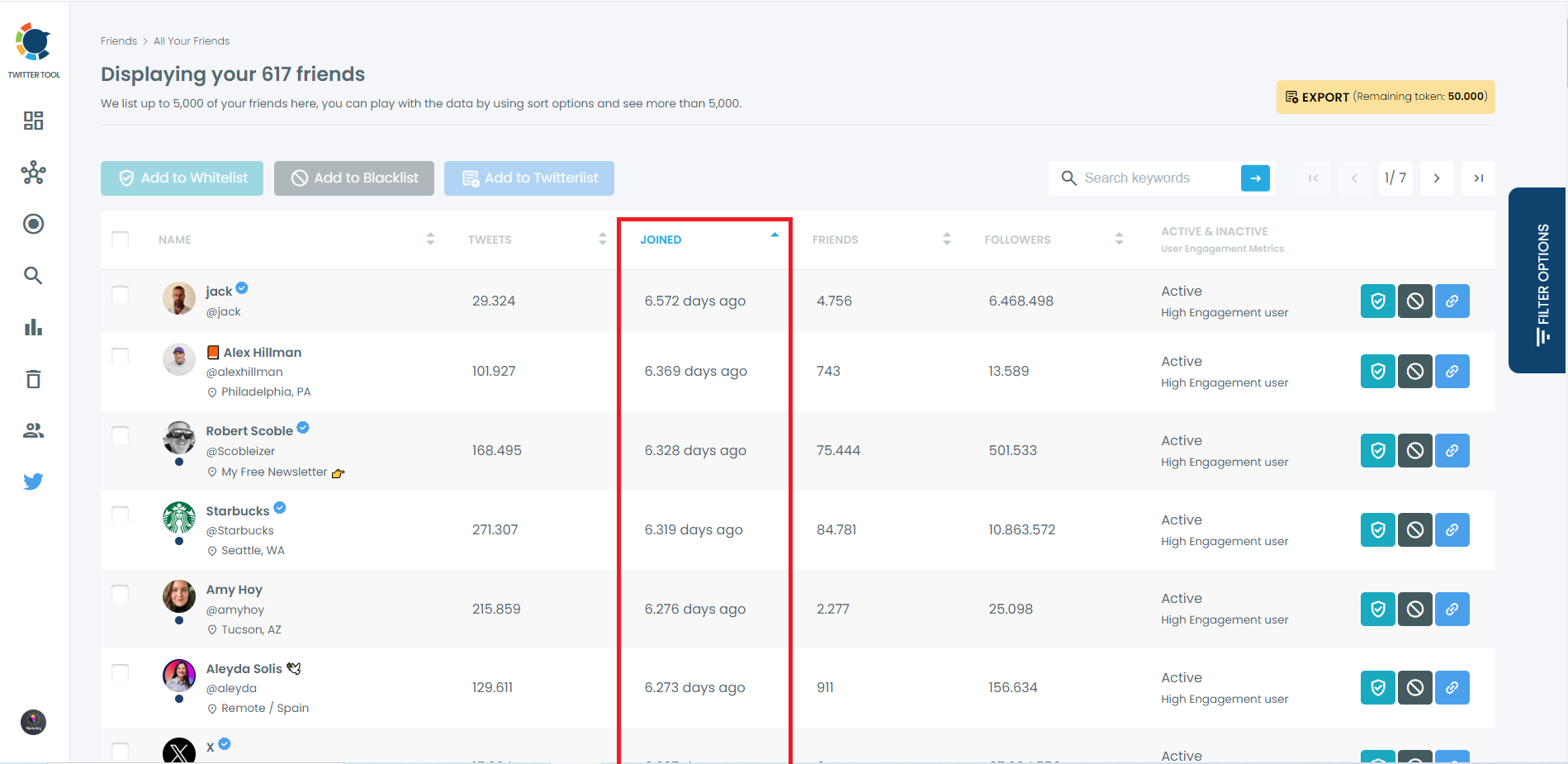
In All My Followers and All Your Following, every account shows how long ago it joined X. Sort by the Joined column to see your newest or oldest connections, or set an Earliest and Latest Join Date range in Filter Options to focus on accounts created in a specific period.
[1] Everyone deserves to use good products. That's why we're committed to ensuring our platform remains cutting-edge and meets your needs through ongoing enhancements.