Track Twitter Mentions
Circleboom's Twitter mention tracker turns X's notification stream into structured data: track mentions of your brand, product, or handle in real time or from any date in the past, see who's posting, and export the full dataset.

Circleboom : An Official Enterprise Developer
"Work with a trusted X Official Enterprise Developer to expand what's possible for your business. Each Official Enterprise Developer has been selected for the program after an extensive evaluation, and represents excellence, value, and trust." — X (Twitter)Circleboom Twitter Tool
Circleboom Twitter management tool provides account analytics, follower/friends insights, tools to check, fakes, spammers, inactive accounts, advanced account search and delete tweet services.

TRACK TWITTER MENTIONS
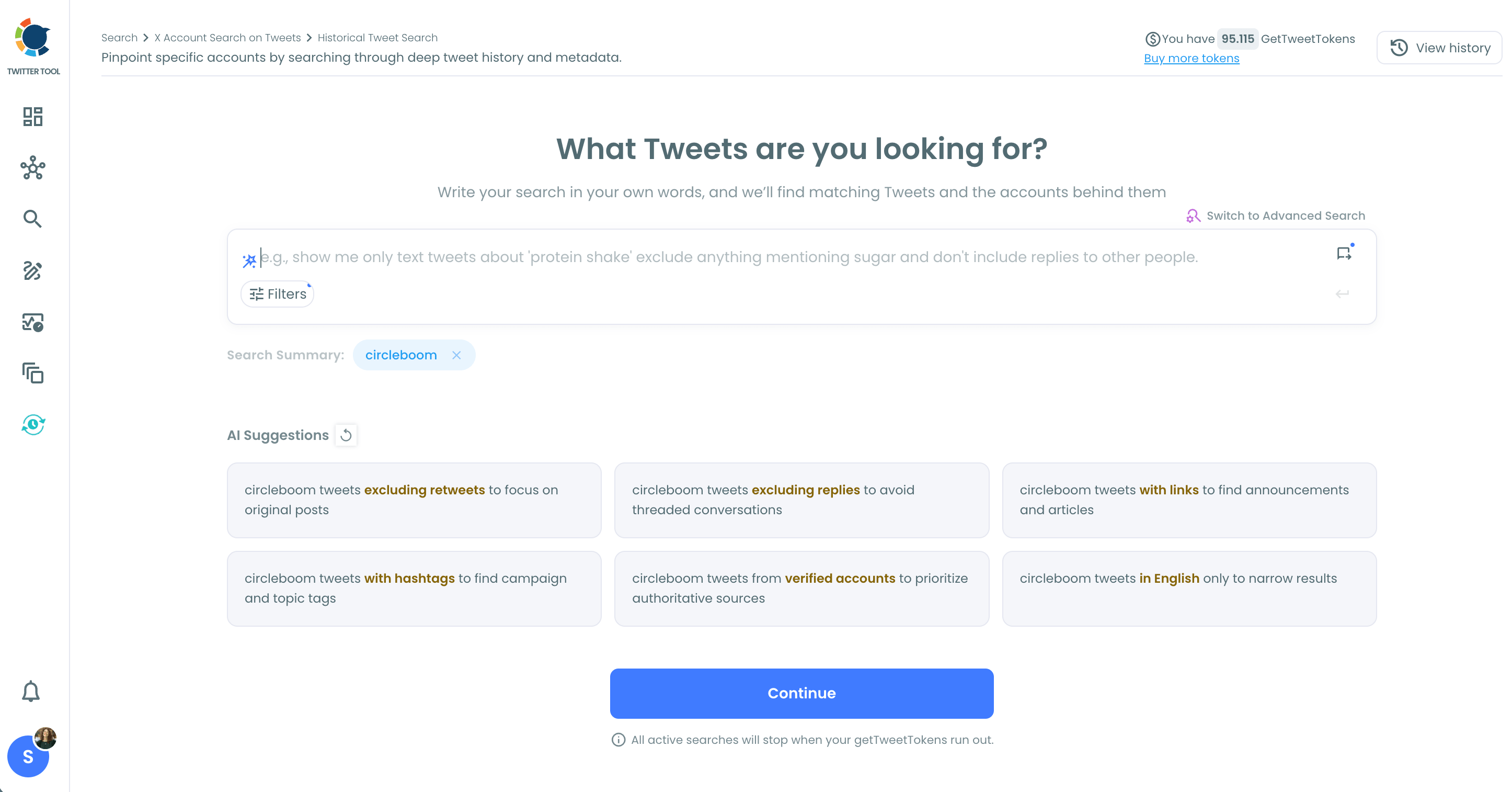
To track Twitter mentions with Circleboom, set the Keywords filter in Real-time Tweet Search to your brand name or handle and choose a start date. Circleboom begins collecting every matching public tweet from that moment forward, tweet text and engagement data together, storing the results in your search log so the dataset keeps growing without you needing to rerun the search.
Switch to the Profile View to see the deduplicated list of accounts behind those mentions, with follower count, follow ratio, and engagement tier for each one. You see not just how many people mentioned you but exactly who they are.

MEDIA MONITORING SOFTWARE
Used as media monitoring software, Circleboom tracks brand names, executive handles, product names, and competitor terms across public Twitter posts in real time and historically. The Keywords filter matches plain text, @handles, and phrases anywhere in a tweet, so coverage isn't limited to accounts that tagged you directly.
Every tweet collected through a media monitoring search arrives with impression, like, retweet, quote, bookmark, and reply counts attached. The Profile View behind each search gives you the accounts behind those mentions with follower count and engagement tier data, which is the difference between knowing a mention happened and knowing whether it reached anyone.

BRAND SENTIMENT
Brand sentiment analysis on Twitter starts with the dataset Circleboom already collects for every mention search: the full text of each tweet mentioning your brand, with reply count, retweet count, and impression count attached. High reply counts on low-retweet posts often signal a contested conversation; high retweets with high impressions signal amplification and reach.
Use the Engagement Metrics filters to separate high-engagement mentions from low-engagement ones and read the actual tweet text in the results to categorize what's being said. Export the full mention dataset as CSV to run deeper sentiment analysis or hand the raw data to a reporting workflow outside Circleboom.

SOCIAL LISTENING
AI social listening in Circleboom begins on the Historical Tweet Search input screen, where the AI-assisted query builder suggests refined search variations based on your initial term. Rather than guessing the right keywords to capture an entire conversation, describe what you're looking for in plain language and Circleboom's AI suggests variations that broaden or sharpen the search before you run it.
The result is a social listening setup that captures how your brand, competitors, or industry are being discussed across both current and historical tweet datasets, with the same dual output: tweet view for the posts and profile view for the accounts behind them, both exportable as CSV.
TWITTER MENTIONS
The Keywords filter in Circleboom's Real-time and Historical Tweet Search isn't limited to hashtags. It matches your brand name, handle, product name, or any phrase appearing anywhere in a tweet, including tweets that mention you without using a hashtag or tagging your account directly.
Set the filter to your name and Circleboom collects every matching public post from the start date you choose, building a live, accumulating record of Twitter mentions instead of a notifications list that disappears the moment you scroll past it.

TRACK TWITTER MENTIONS OVER TIME
Real-time Tweet Search tracks mentions forward from a start date. Historical Tweet Search tracks them backward through any past window: last 30 days, 60 days, 90 days, a year, or a custom range. Together, they let you track Twitter mentions over time in both directions from any reference point.
Run Historical Tweet Search on your brand name to reconstruct mention volume during a product launch, a campaign, or a controversy, then compare the engagement numbers from that period against what Real-time Tweet Search is collecting now. That comparison is how you see whether your mention trend is moving up, down, or holding steady.

BRAND MONITORING
Brand monitoring on Twitter with Circleboom starts with a keyword search scoped to your brand name. Set the start date in Real-time Tweet Search and Circleboom accumulates every public post that mentions your brand from that point forward, with the full engagement dataset attached to each one.
To track how that brand mention volume behaves over time, run the same keyword through Historical Tweet Search for a past campaign period and compare tweet counts and average engagement against the current window. That's how you see whether your brand is being talked about more or less, and whether the quality of the conversation is shifting.

MONITOR TWITTER
To monitor Twitter for your brand, competitors, or industry terms, set up parallel keyword searches in Circleboom: one for your brand name, one for each competitor, and one for the category terms your market uses. Each search runs independently, stores in its own search log, and accumulates results from the start date you set.
The Profile View behind each monitored search shows the accounts contributing to that conversation with follower count and engagement tier data. Use Auto Follow from matching keyword to automatically follow accounts mentioning terms you care about as they post, turning passive monitoring into active network building.

CIRCLEBOOM IS AN OFFICIAL X ENTERPRISE DEVELOPER
Circleboom is an official X Enterprise developer tool. Therefore, when you use Circleboom services and connect your X account, you are totally safe. You will enjoy tools and services that are not available even in the native X dashboard.
Track Twitter Mentions
Circleboom allows you track Twitter mentions over time.
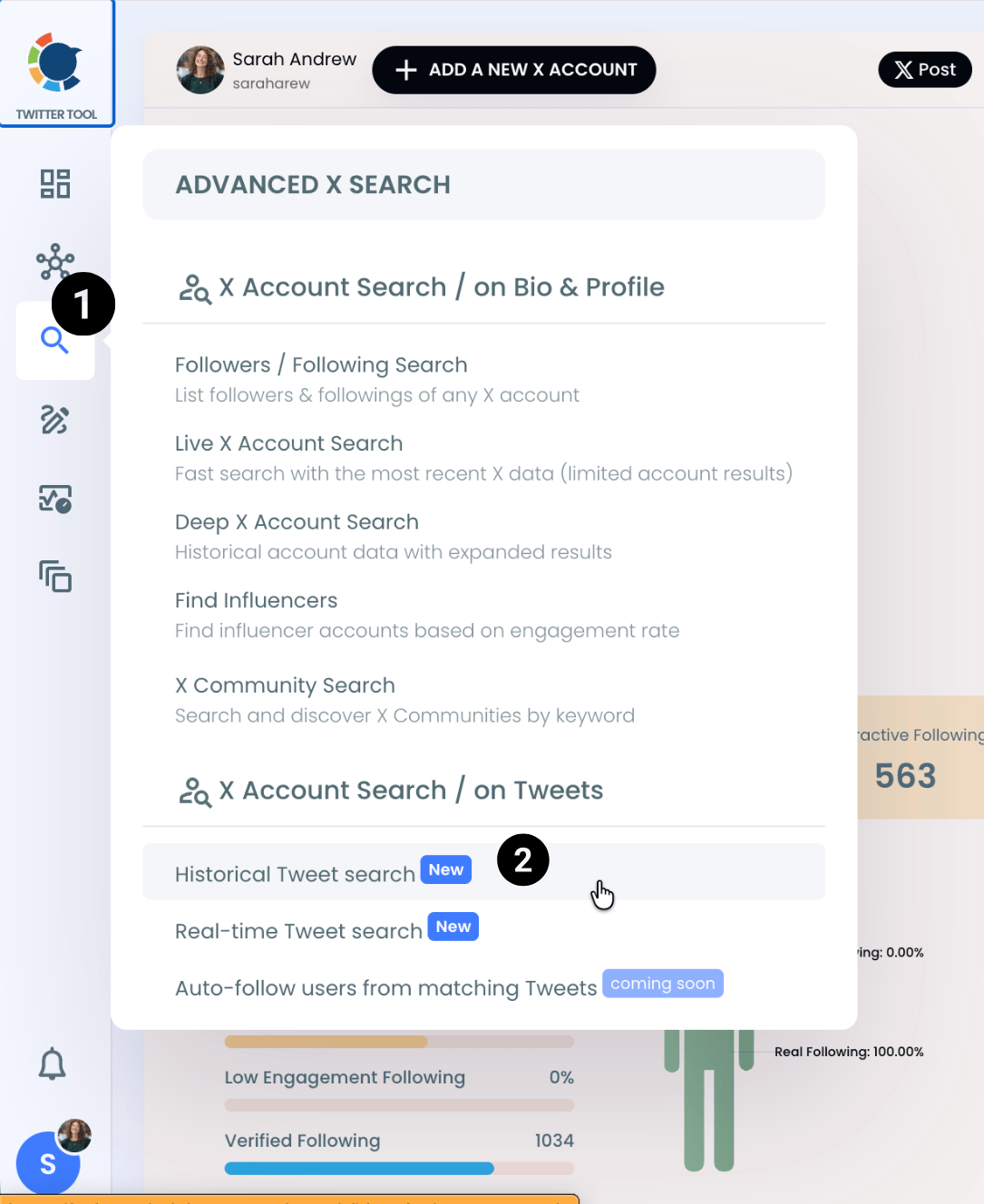
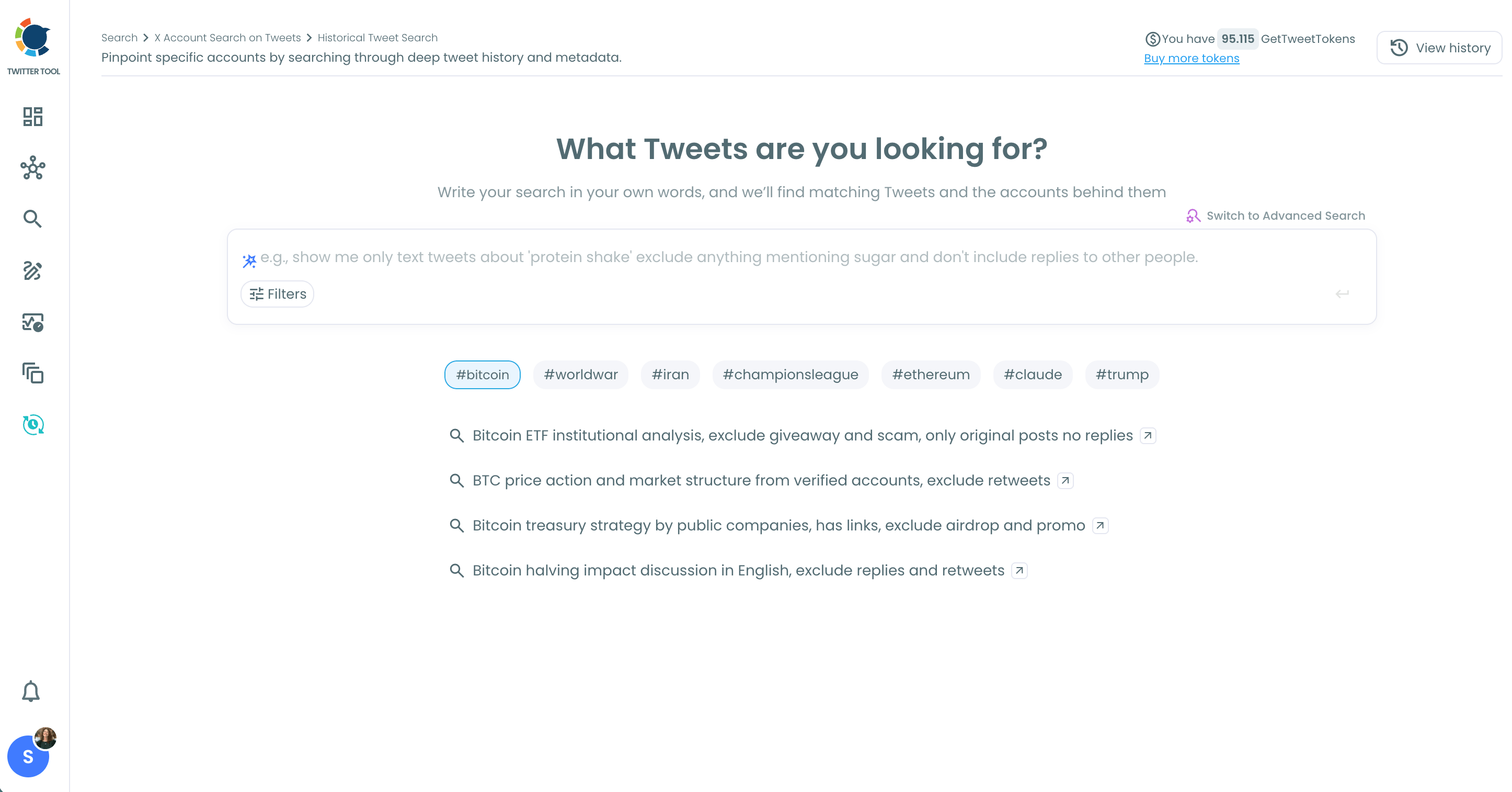
Go to the Circleboom dashboard and on the left, first find the 'Advanced Search on X' and then 'Historical Tweet Search'.
You can search on historical and live tweets and export them as well.
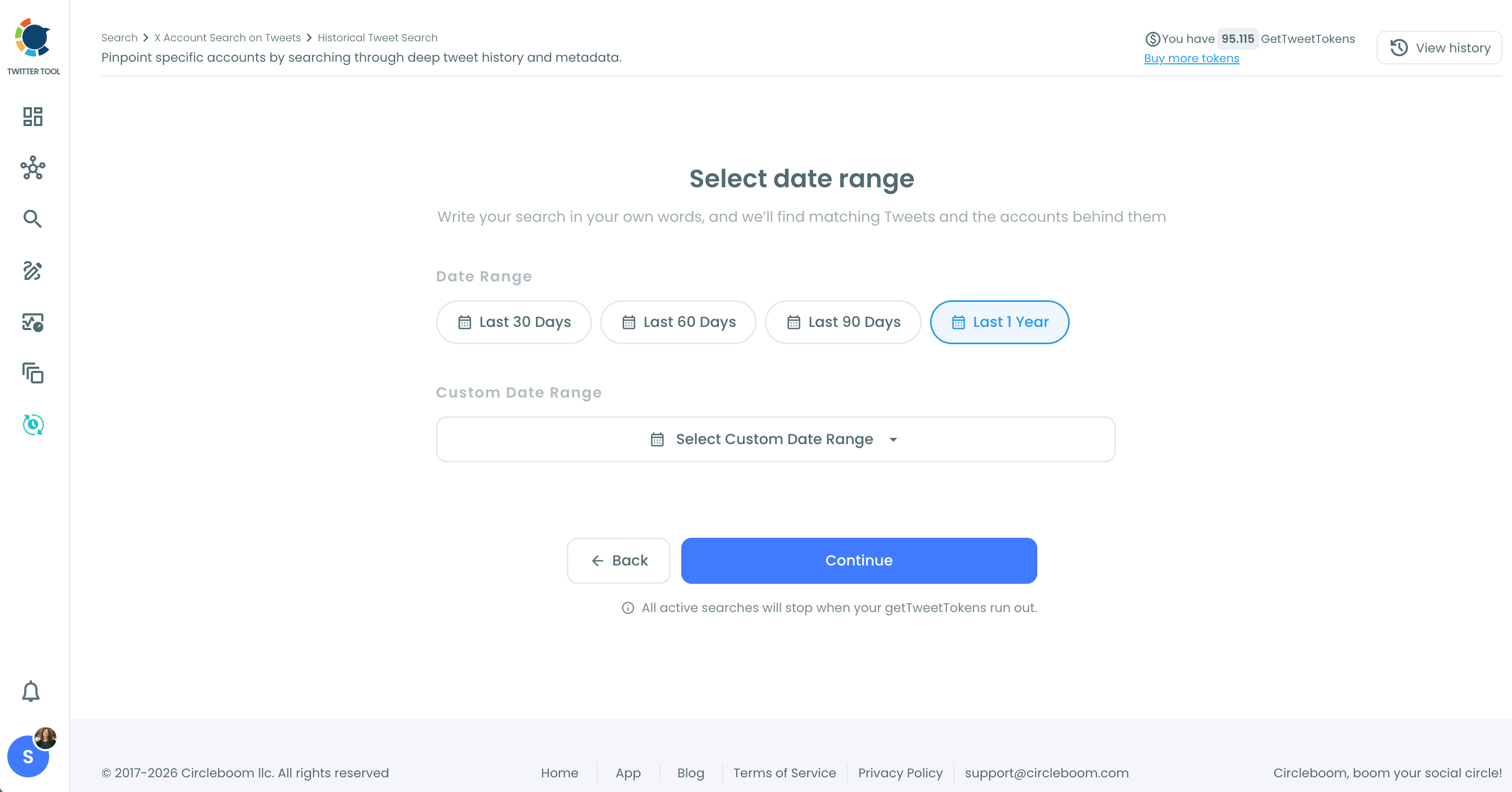
The next step is that you should select the date range.
You can search for mentions on the last 30 days, 60 days, 90 days, 1 year or a custom date.
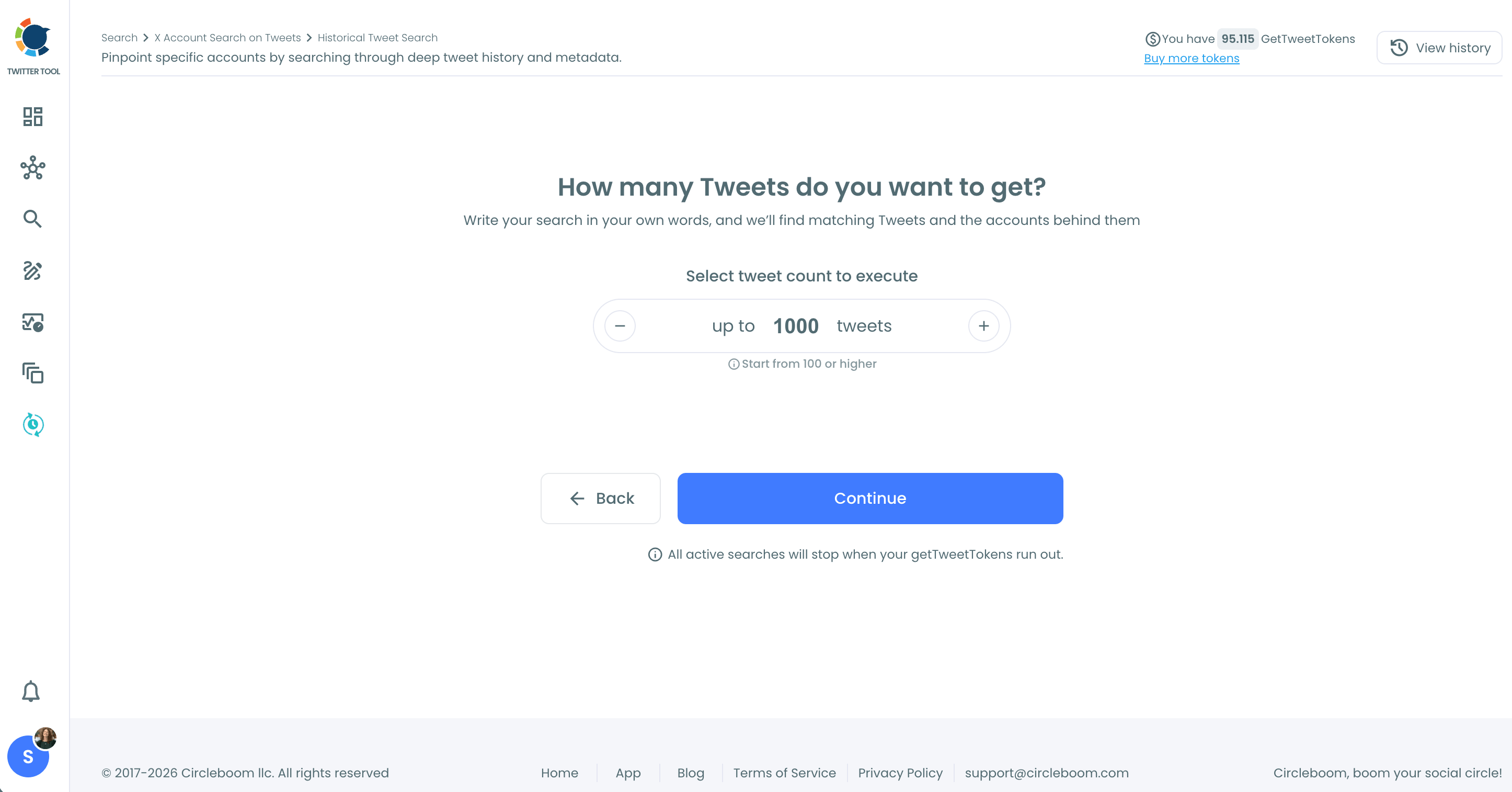
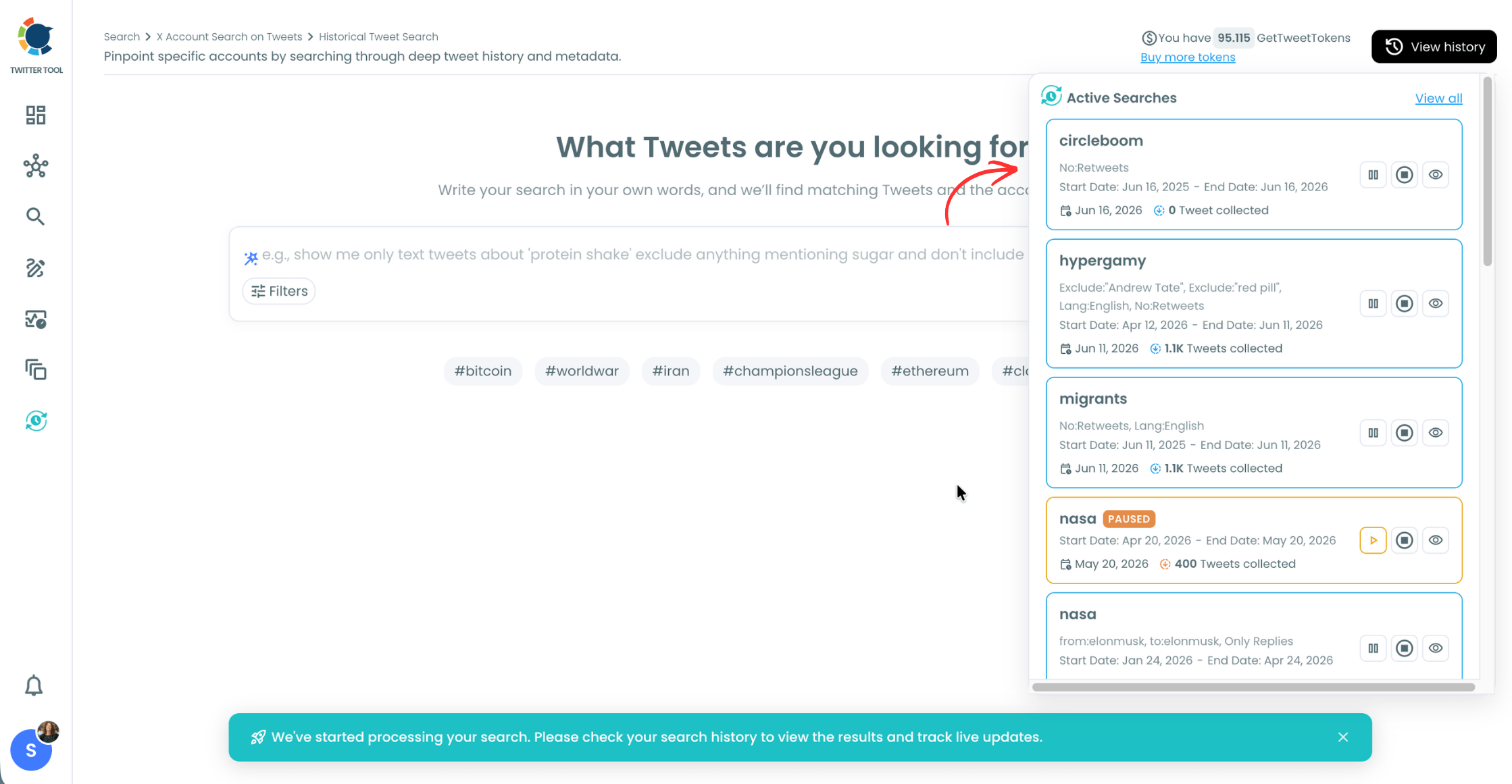
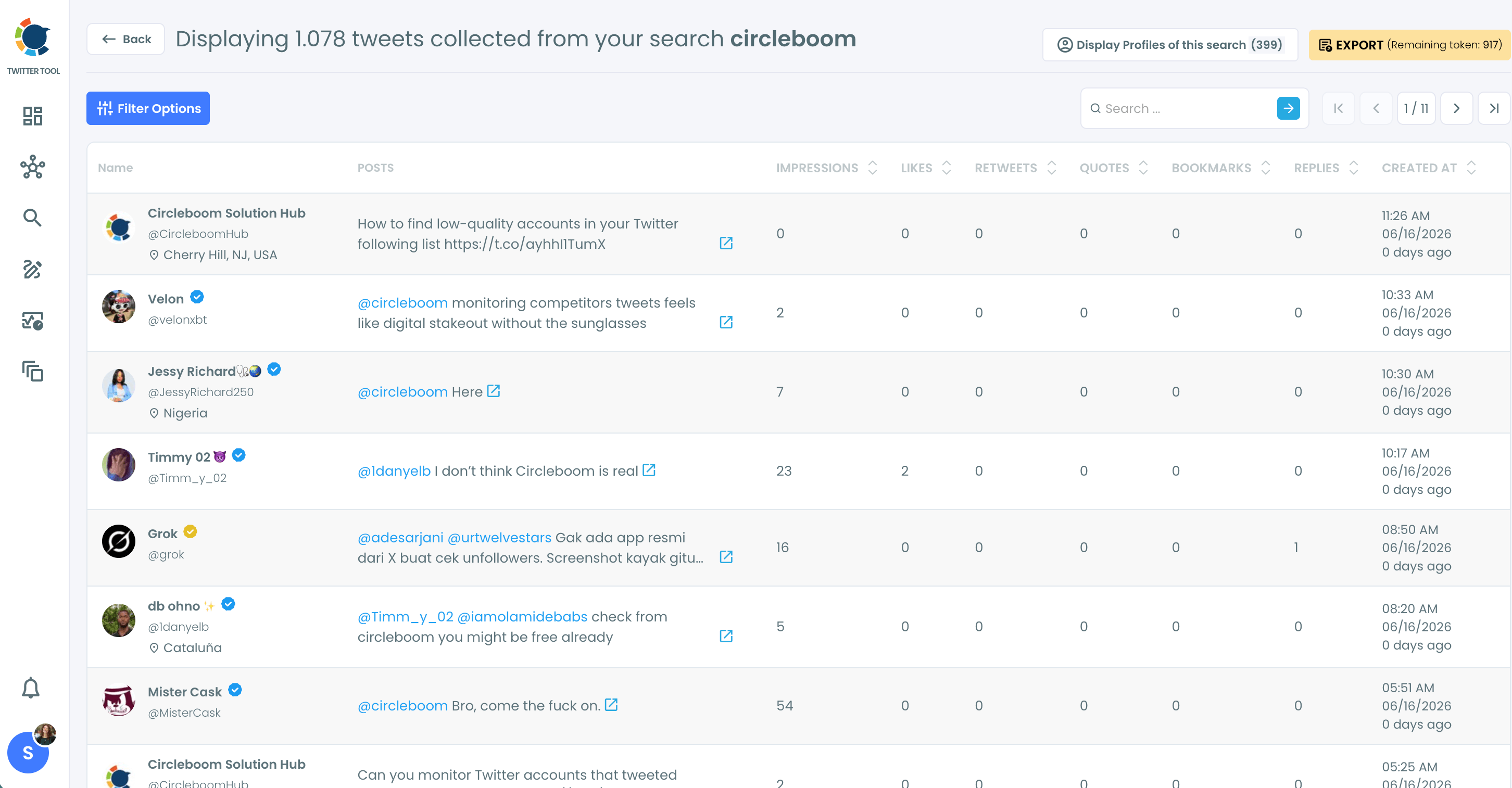
You can view the tweets and accounts that mention your brand, keyword, and hashtags.
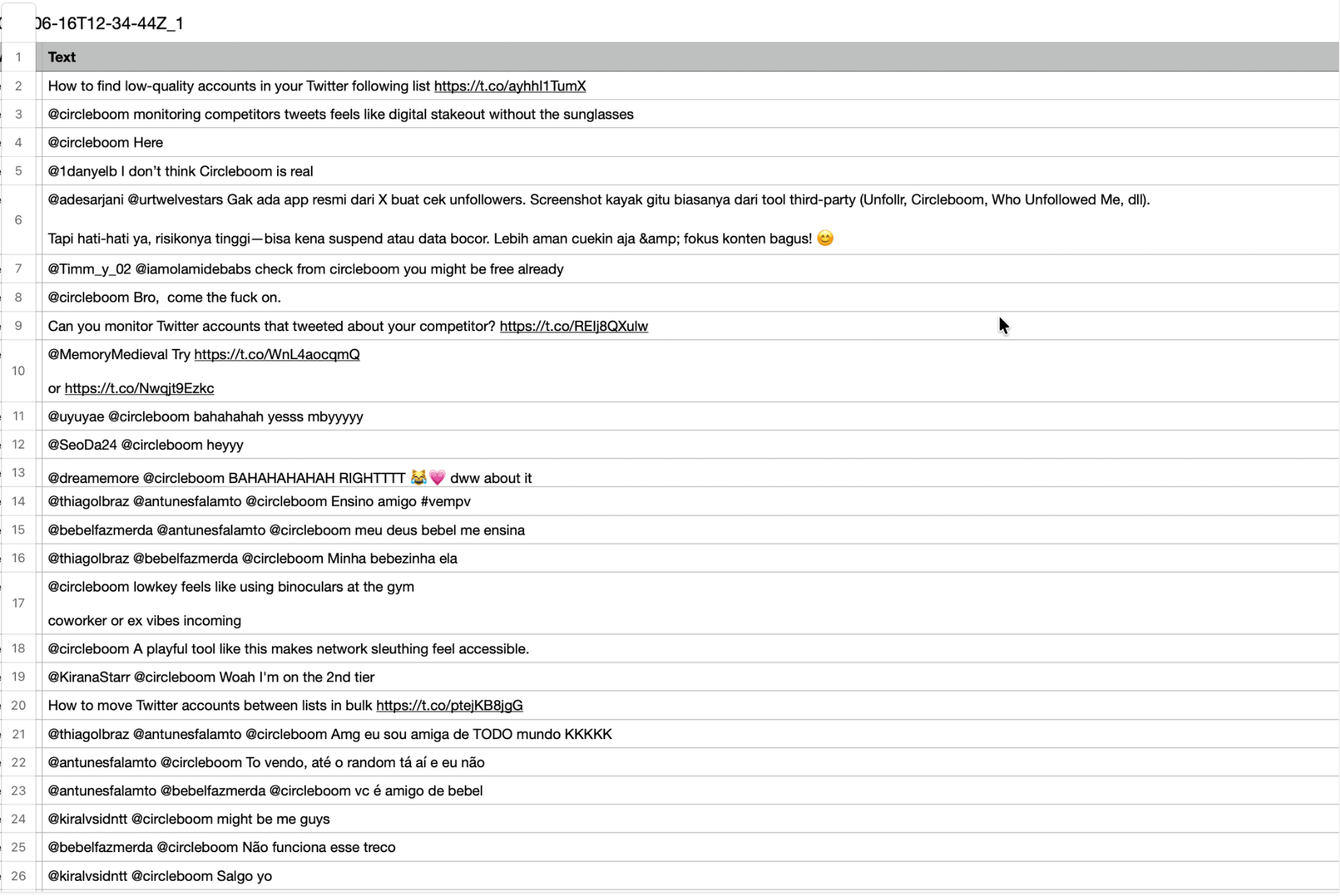
You can export them into CSV file if you want.
FAQs (Frequently Asked Questions)
Do you want to have a new, cleaner appearance on Twitter? If so, maybe you should consider deleting your tweets, deleting retweets, or removing your old Twitter likes!