Twitter Hashtag Counter
Circleboom counts and lists every tweet under a hashtag, live or from a past date range, with full engagement numbers and the accounts behind each post.

Circleboom : An Official Enterprise Developer
"Work with a trusted X Official Enterprise Developer to expand what's possible for your business. Each Official Enterprise Developer has been selected for the program after an extensive evaluation, and represents excellence, value, and trust." — X (Twitter)Circleboom Twitter Tool
Circleboom Twitter management tool provides account analytics, follower/friends insights, tools to check, fakes, spammers, inactive accounts, advanced account search and delete tweet services.

HASHTAG VIEWER
The count is only half the picture, so every search doubles as a hashtag viewer. The tweet view lists each post under the tag with its text, a link back to the original, and impressions, likes, retweets, quotes, bookmarks, and replies attached.
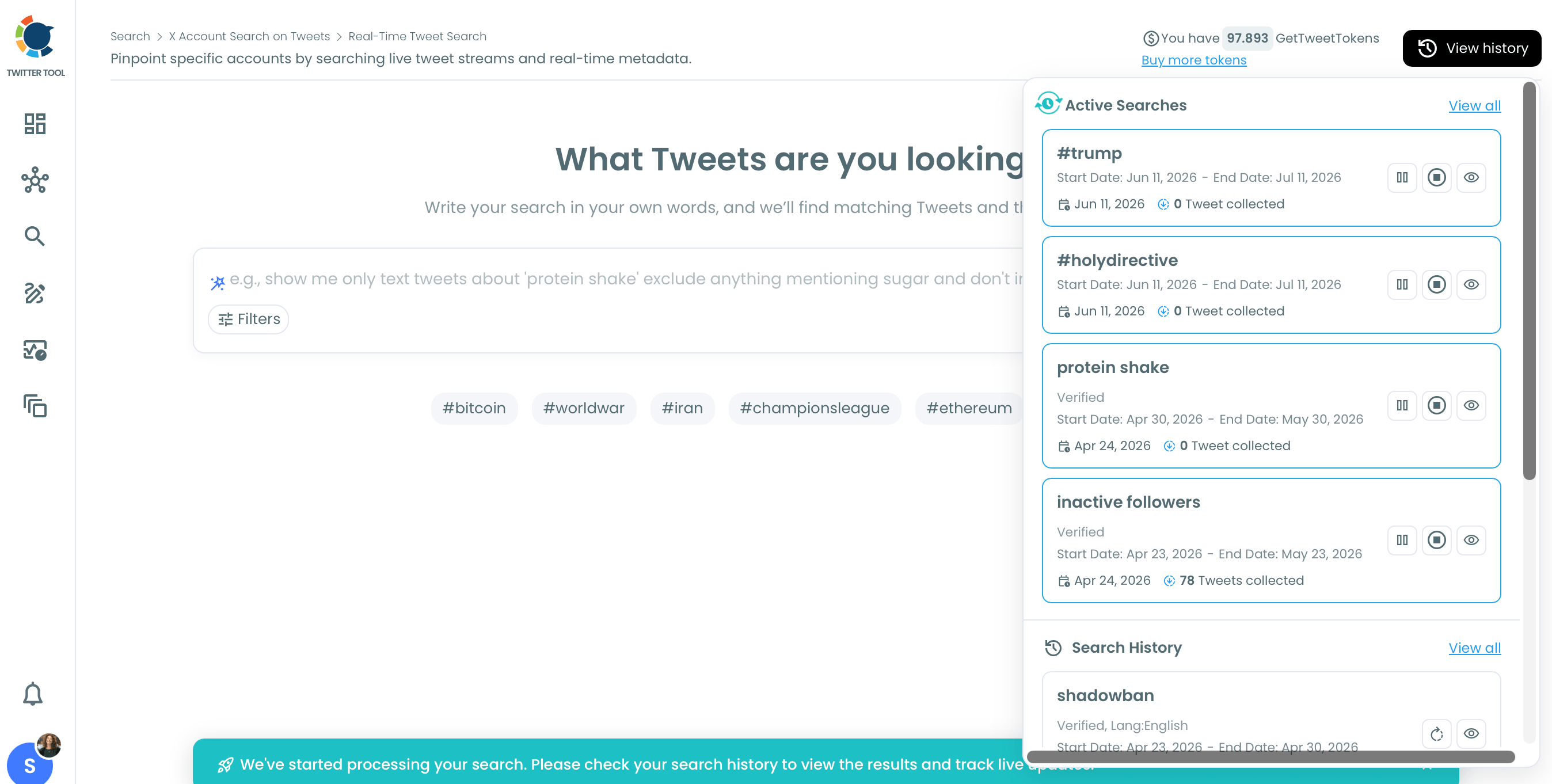
Switch to the profile view to see the deduplicated accounts posting under that hashtag, with follower count, follow ratio, and engagement tier for each. Used as a hashtag tracker, Real-time Tweet Search keeps this view current from a start date you choose, while Historical Tweet Search rebuilds it for any past window, and both export as CSV.

HASHTAG COUNTER
Need a real number for how many tweets used #YourTag? Run the Hashtags filter through Historical Tweet Search over the last 30, 60, or 90 days, a year, or a custom range, and the tweet view returns every matching post for that window, a direct hashtag counter and tag counter in one. Run the same query over two different periods to compare totals.
That count is also the simplest hashtag popularity checker available. A tag with a high tweet total and strong average engagement is active, one with a shrinking count across consecutive windows is fading, and counting tweets on a hashtag this way takes one search, not a manual scroll.

CIRCLEBOOM IS AN OFFICIAL X ENTERPRISE DEVELOPER
Circleboom is an official X Enterprise developer tool. Therefore, when you use Circleboom services and connect your X account, you are totally safe. You will enjoy tools and services that are not available even in the native X dashboard.
Hashtag Counter
This tool helps you counting tweets on any hashtag.
Go to Circleboom and log into your account.
If this is your first time, you should create a new account. It will be done in five seconds.

Circleboom is an official X Enterprise Developer.
That means you are totally safe when you connect your X account to Circleboom.

When you are on the Circleboom dashboard, go to the left and find the 'Advance X Search'.
Select Historical Search or Real Time Search. If you want to track hashtags on live tweets, select Real Time. If you want to search on old tweets, select Historical.


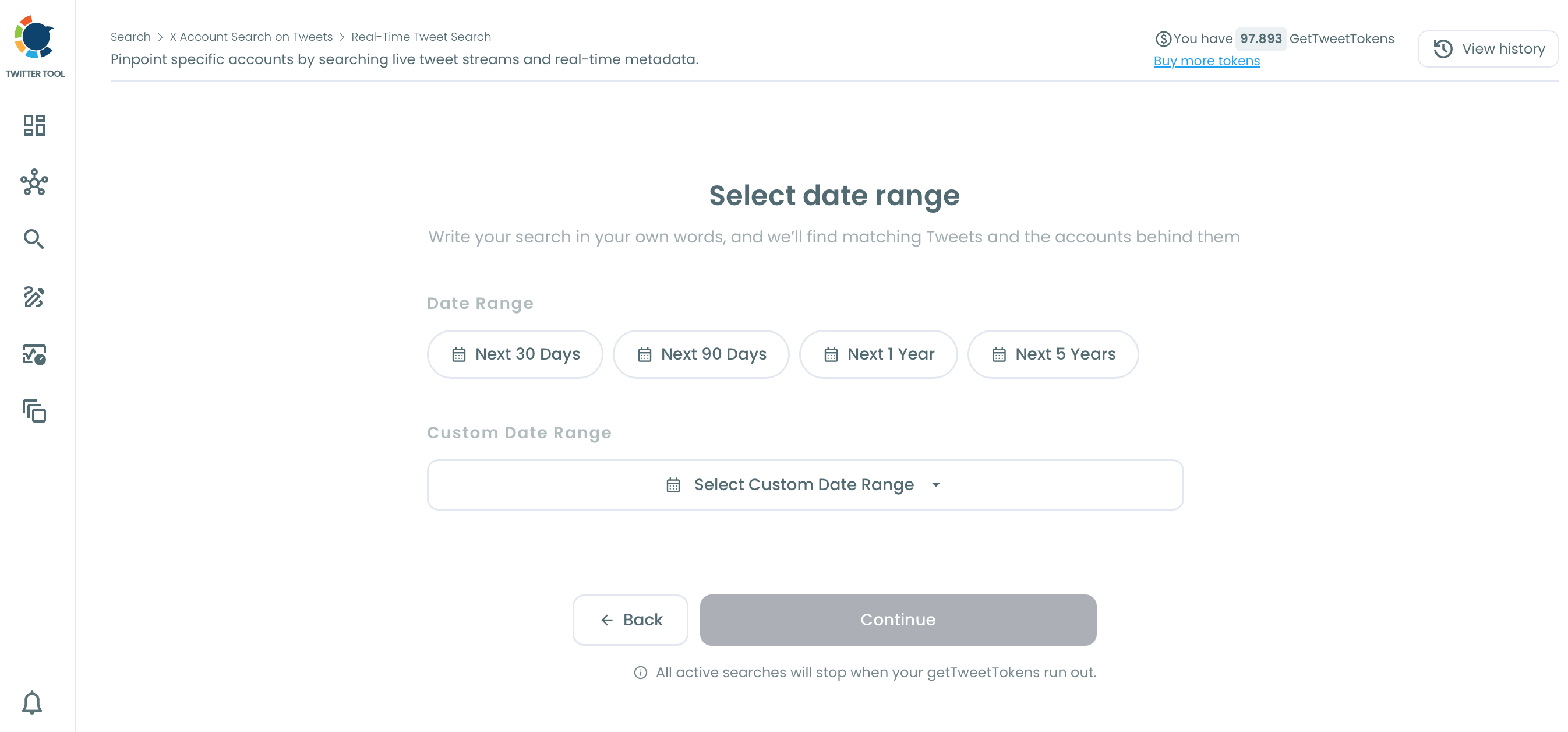
How many tweets do you want to get?
You can set the maximum tweet number.

FAQs (Frequently Asked Questions)
Do you want to have a new, cleaner appearance on Twitter? If so, maybe you should consider deleting your tweets, deleting retweets, or removing your old Twitter likes!