Curate Instagram Content
Curating content on Instagram for many different post types and through multiple Instagram accounts has been made possible by Circleboom!





Circleboom : An Official Enterprise Developer
"Work with a trusted X Official Enterprise Developer to expand what's possible for your business. Each Official Enterprise Developer has been selected for the program after an extensive evaluation, and represents excellence, value, and trust." — X (Twitter)Circleboom Publish Tool

HOW TO CURATE INSTAGRAM FEED
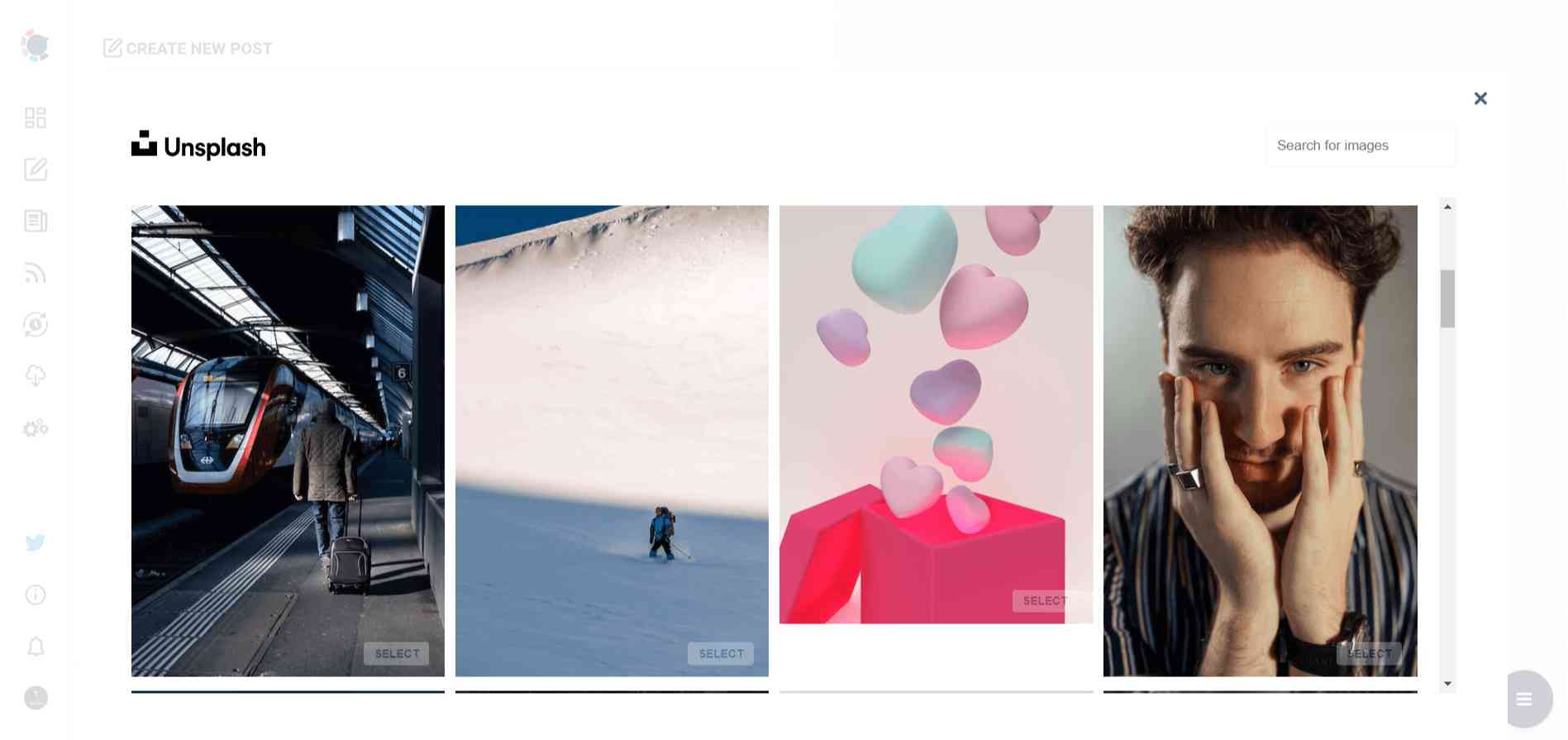
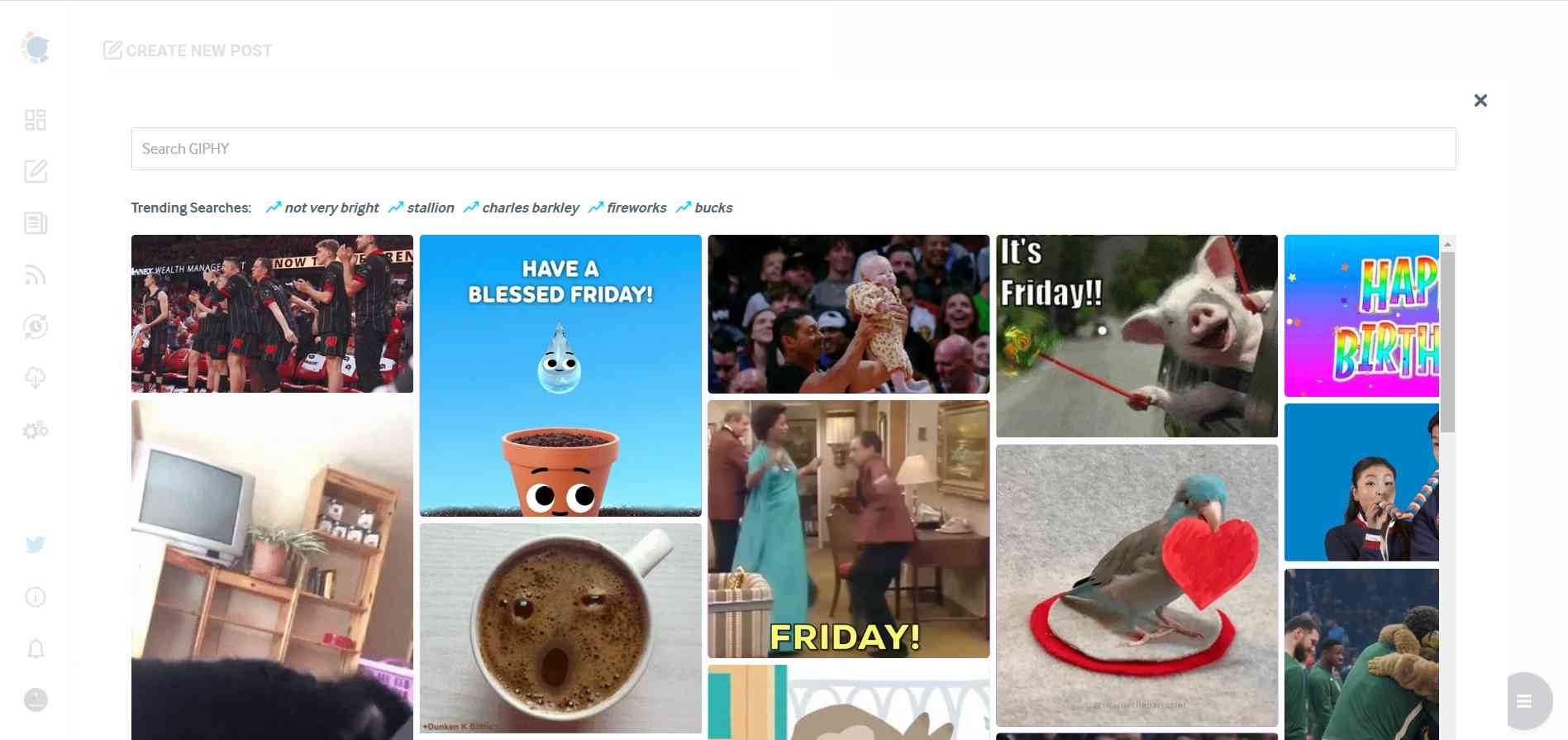
With built-in stock directories of Unsplash and Giphy, and a Canva integration coming with Instagram post templates, Circleboom Publish brings all you need for Instagram content curation.
That's not all! You can curate stunning visuals for your Instagram stories to keep your profile active, panoramic carousels to make use of every beautiful moment on Instagram, and even grid posts of either 3x3 or 3x4 images for a puzzle-looking attractive feed!
If this is not the best way to plan your entire Instagram feed and turn it into a curated Instagram feed, we don't know what is!

BATCH CREATE INSTAGRAM POSTS
Wouldn’t it be awesome if you could batch-create, design, and schedule your Instagram posts in an hour for the whole of the week, even for multiple Instagram accounts?
Instagram content curator of Circleboom is ready to be your best friend while doing so! Providing a great way to batch create and schedule Instagram posts with its amazing Instagram post creator, it will allow you to automate your Instagram posts with curated Instagram content to save valuable time and effort, even through a PC!

INSTAGRAM CONTENT CURATION
As we all know, to be successful on Instagram, you need to post in a regular and timely manner. However, we also know how time-consuming and overwhelming it may become to be active and creative all the time.
That's why Circleboom Publish provides amazing design materials for you to curate your Instagram feed with attractive images and GIFs!

BENEFITS OF A CURATED INSTAGRAM FEED
- Enhance your creativity and attract new people to grow your Instagram account, whether from scratch or from 1,000 followers to 5,000, while saving your precious time and energy.
- Never run out of ideas of what to post on Instagram while still keeping your content at the top level.
- Empower your profile with different post types, all the way from single image posts to puzzle feeds, in order to boost your engagement.
- Do all these with a powerhouse like Circleboom, one of the best Instagram feed planners and schedulers, and you'll enjoy the benefits of being able to design, create, curate, post, schedule and automate Instagram posts, all through a single dashboard without needing any other tool!

YOU'RE SAFE WITH CIRCLEBOOM
Many creators, small businesses, and reputed organizations prefer Circleboom because we prioritize your privacy and comply with Instagram community guidelines in order to avoid harming your account. You're in safe hands with Circleboom.
HOW TO CURATE YOUR INSTAGRAM
Curate your Instagram feed with a great Instagram content curator like Circleboom, and enjoy all there is to come with it!
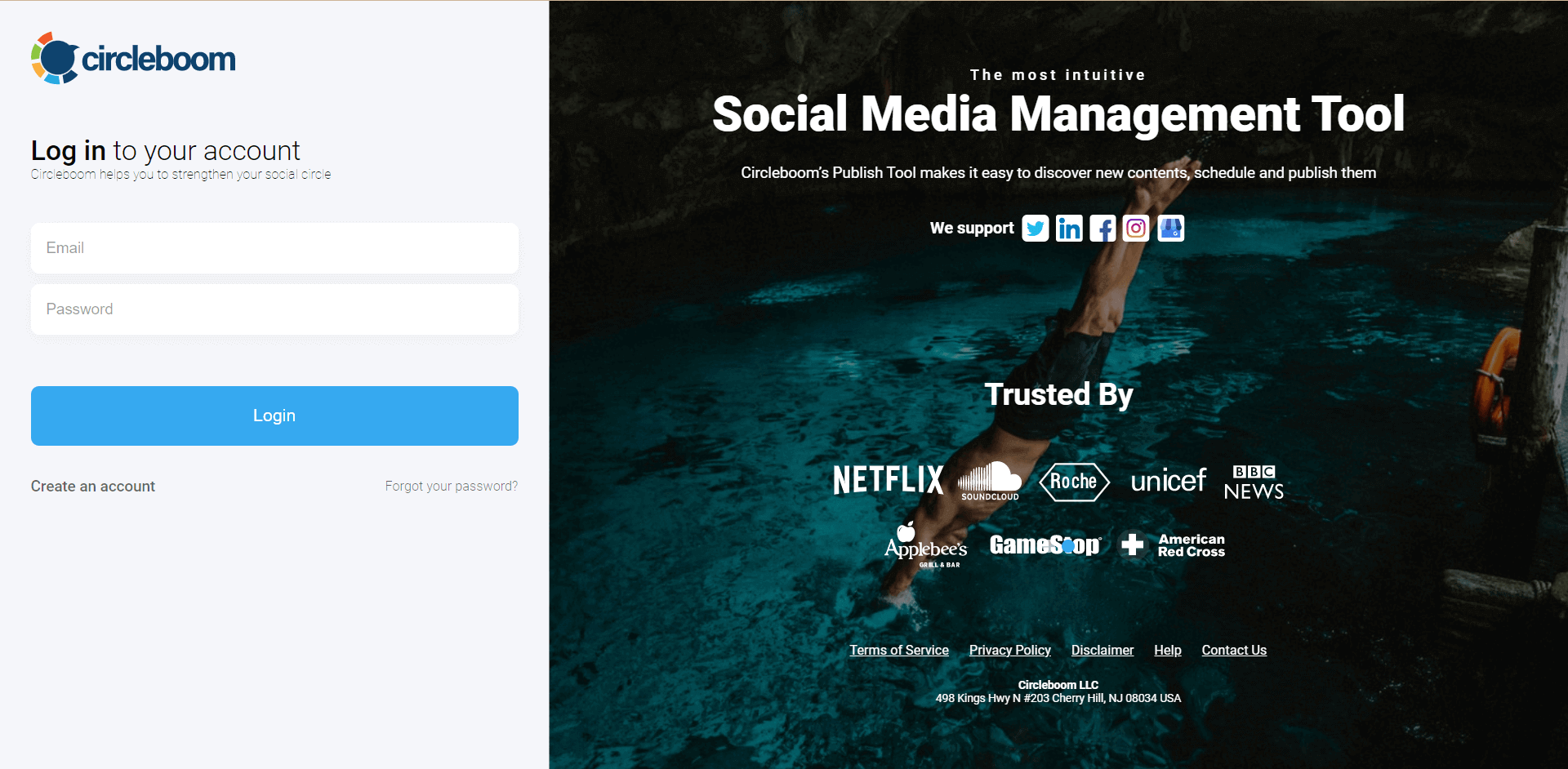
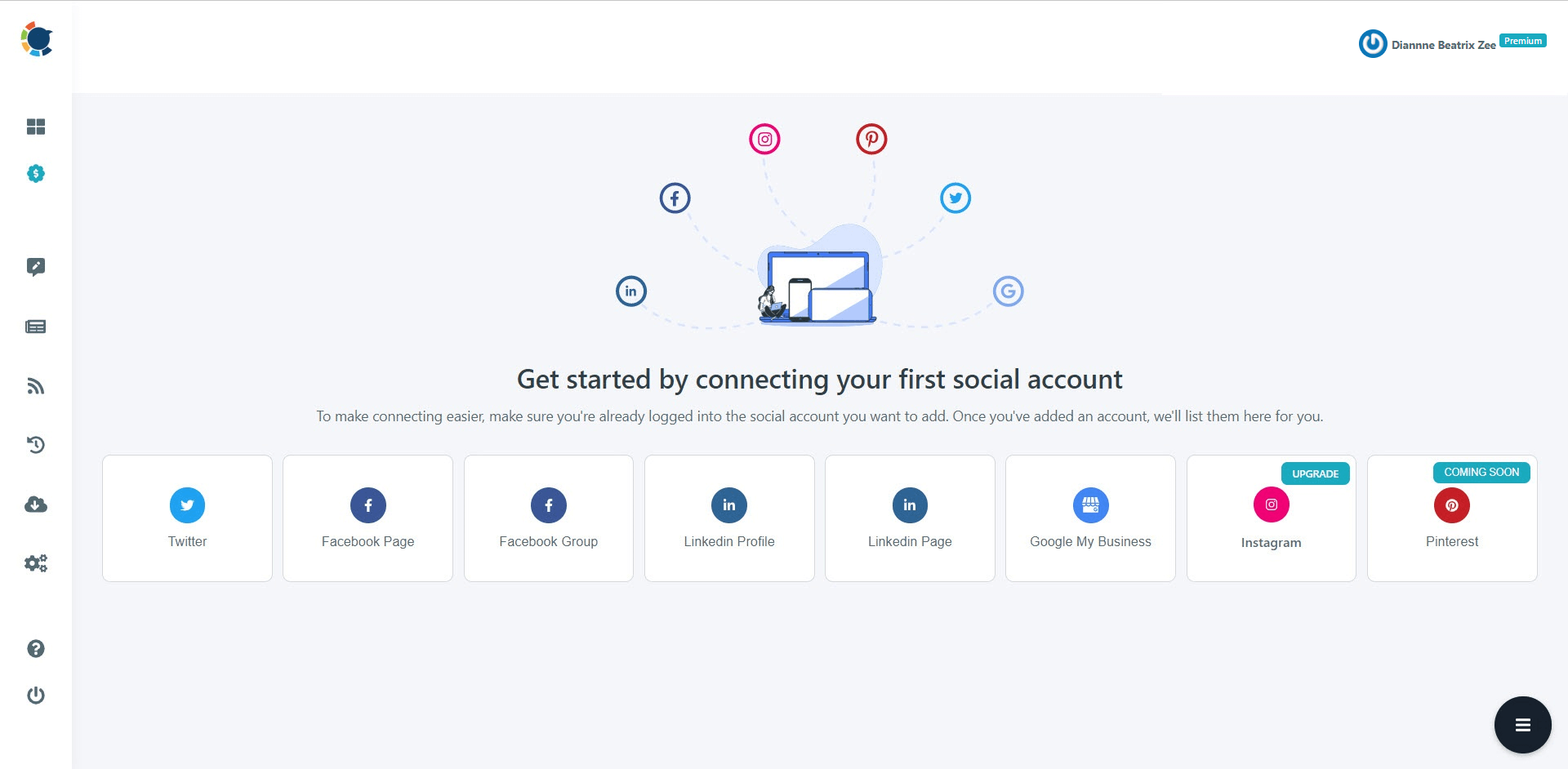
If you're new to Circleboom, you'll find options for Instagram, Twitter, Facebook page, LinkedIn profile, LinkedIn page, Google Business Profile, and Pinterest.
Proceed with connecting your Instagram Business Account. You may quickly switch your existing Instagram profile to an Instagram Business account with a few clicks if you do not already have a business account.
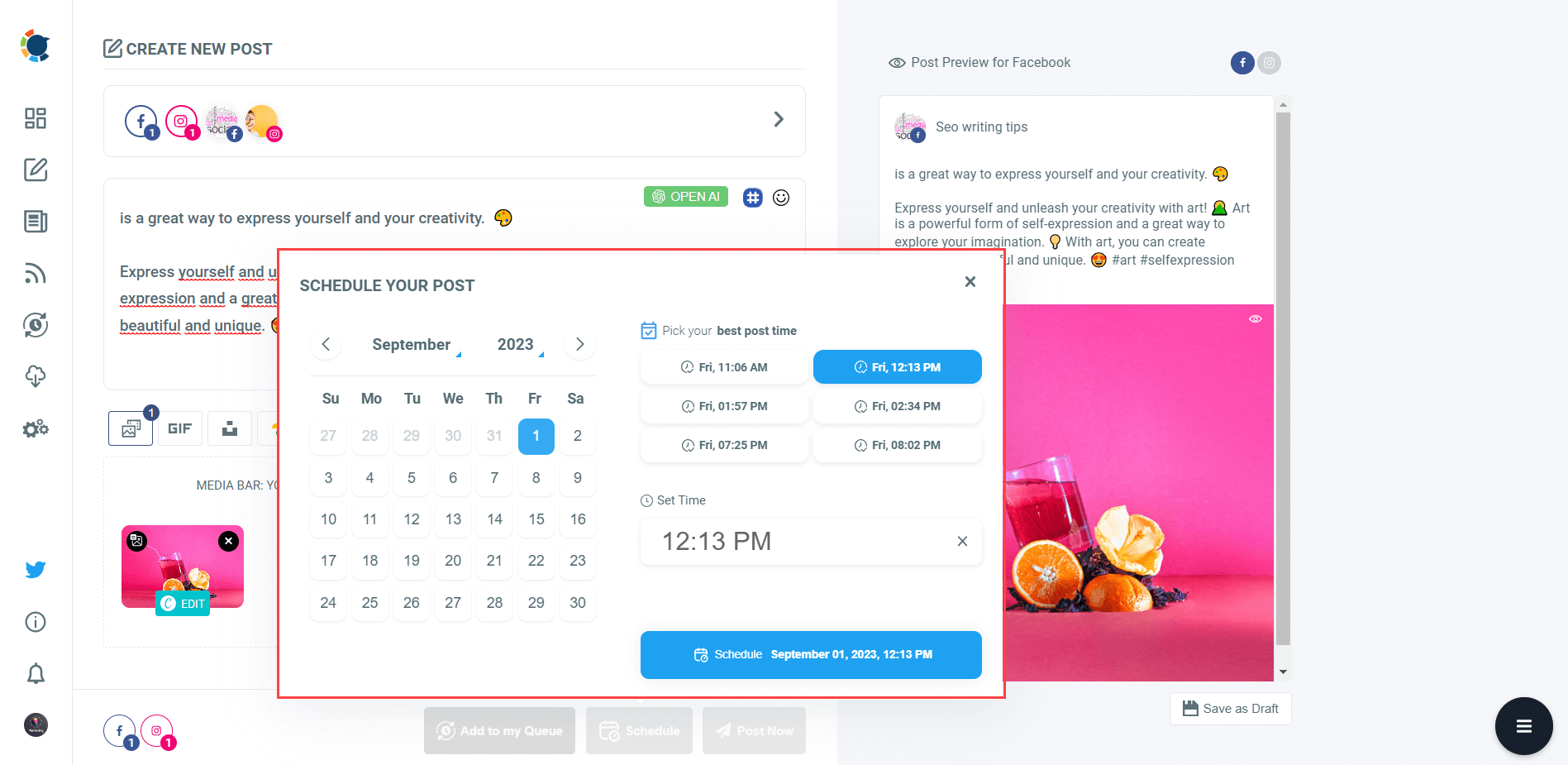
Click on the “Create New Post" button on your dashboard.
You can choose “Instagram Specific Post & Reels”, too.
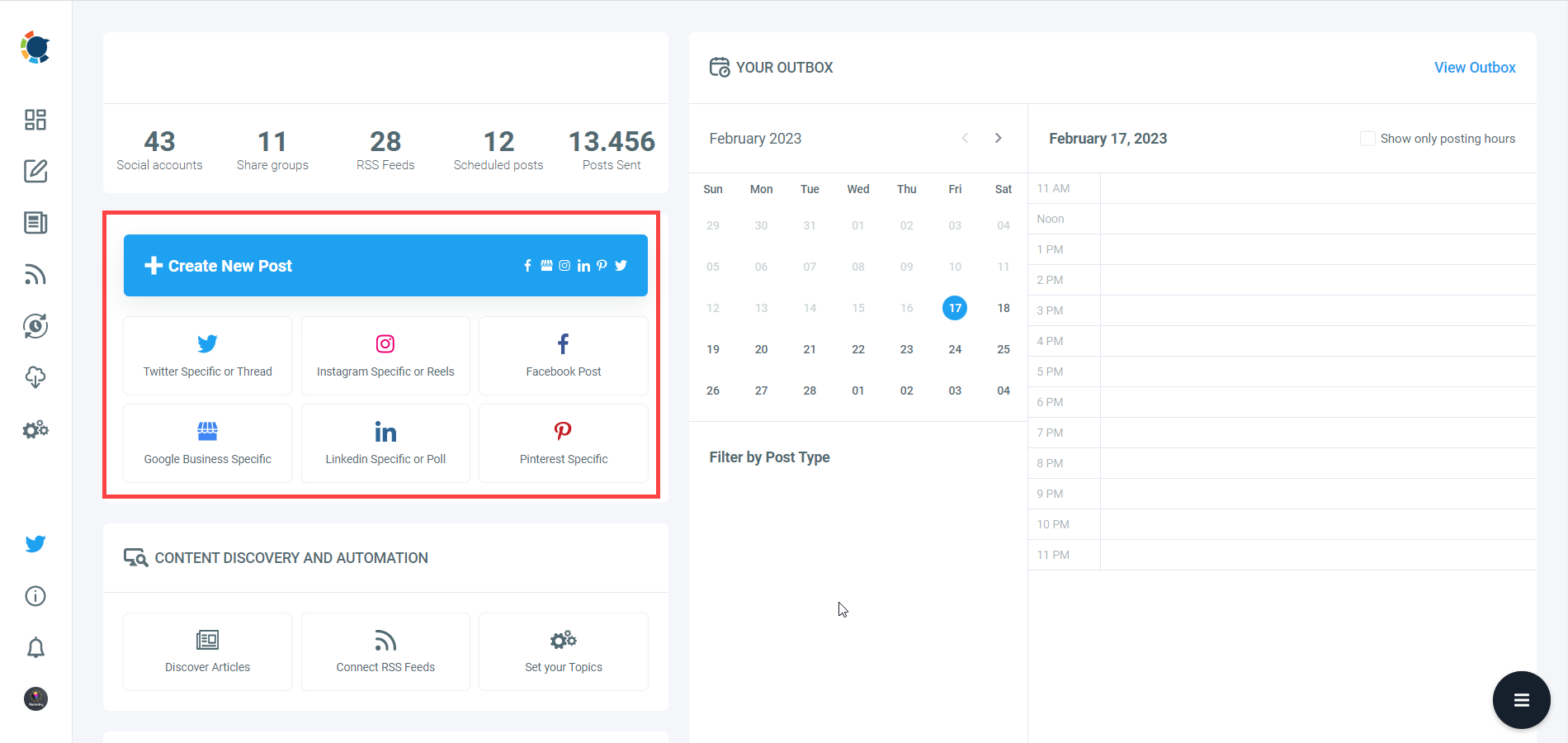
Pick the Instagram account(s) you'd like to curate content for, choose your post type, and proceed.
Curating Instagram content via Circleboom is possible through image curation tools, namely Unsplash, Giphy, and Canva. You can also connect your Google Photos and curate Instagram content among your own visuals.
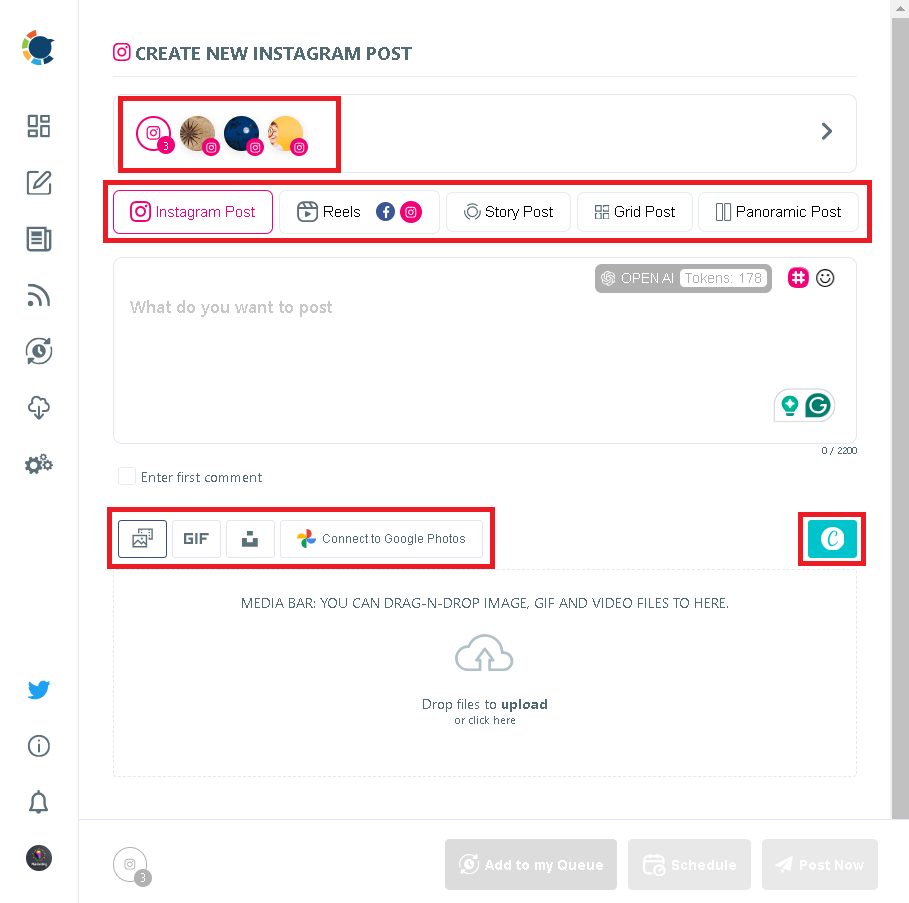
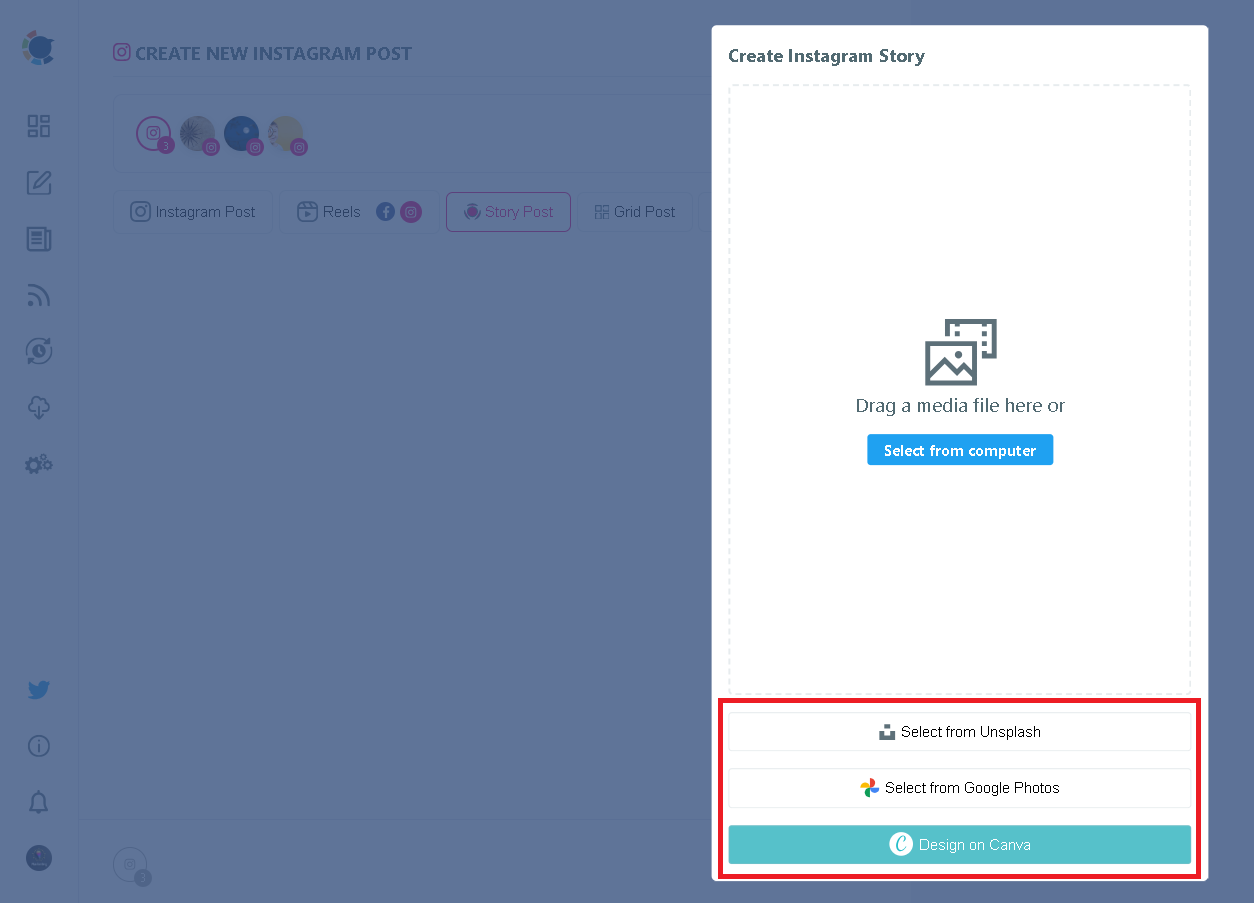
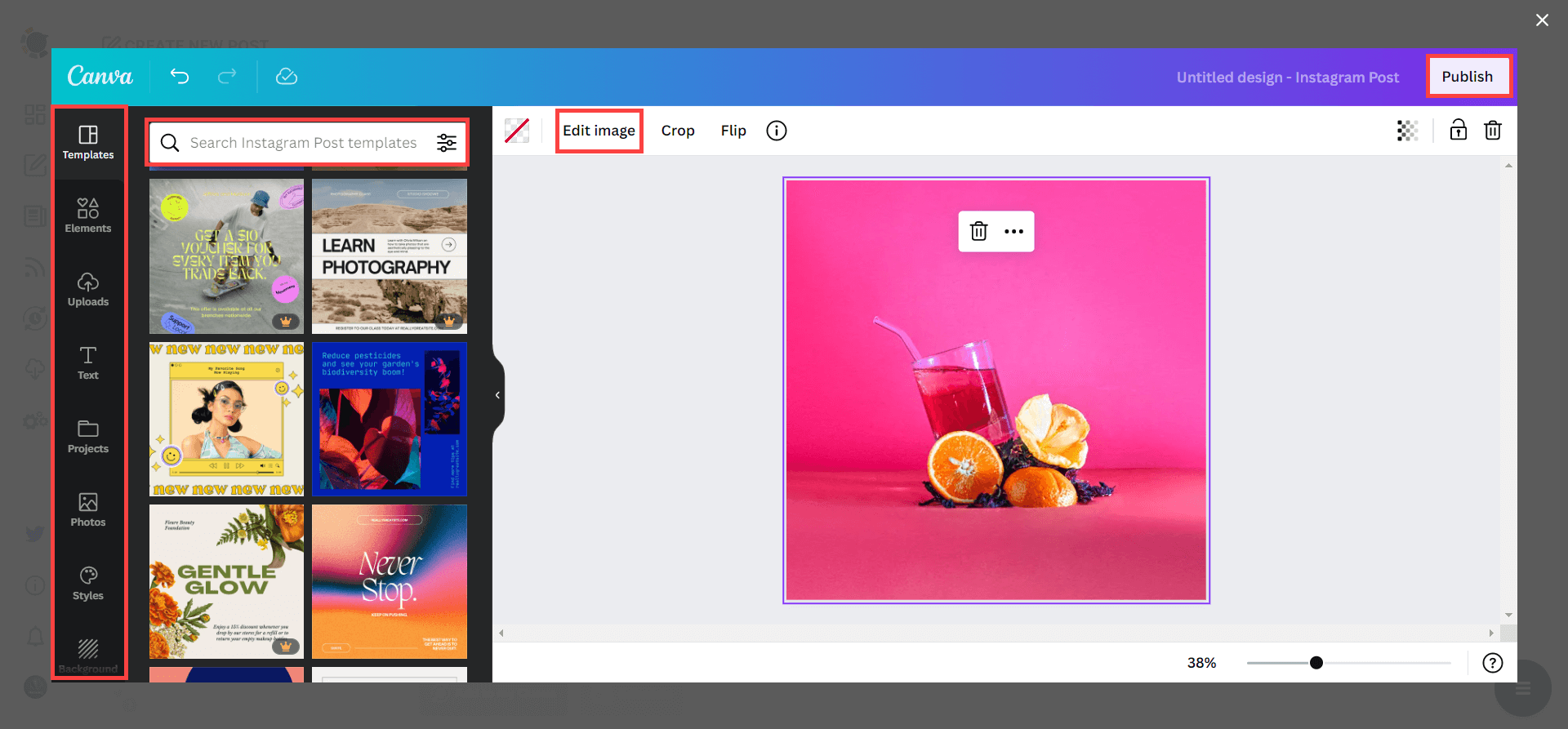
If you proceed with Canva, you can also benefit from many Instagram post design options, even though, let's say, your own Instagram filters stop working.
As you probably know, Canva is a popular design tool that allows you to curate and design images as you wish. You can apply ready-made templates, filters, effects, and other kinds of elements to edit your image.
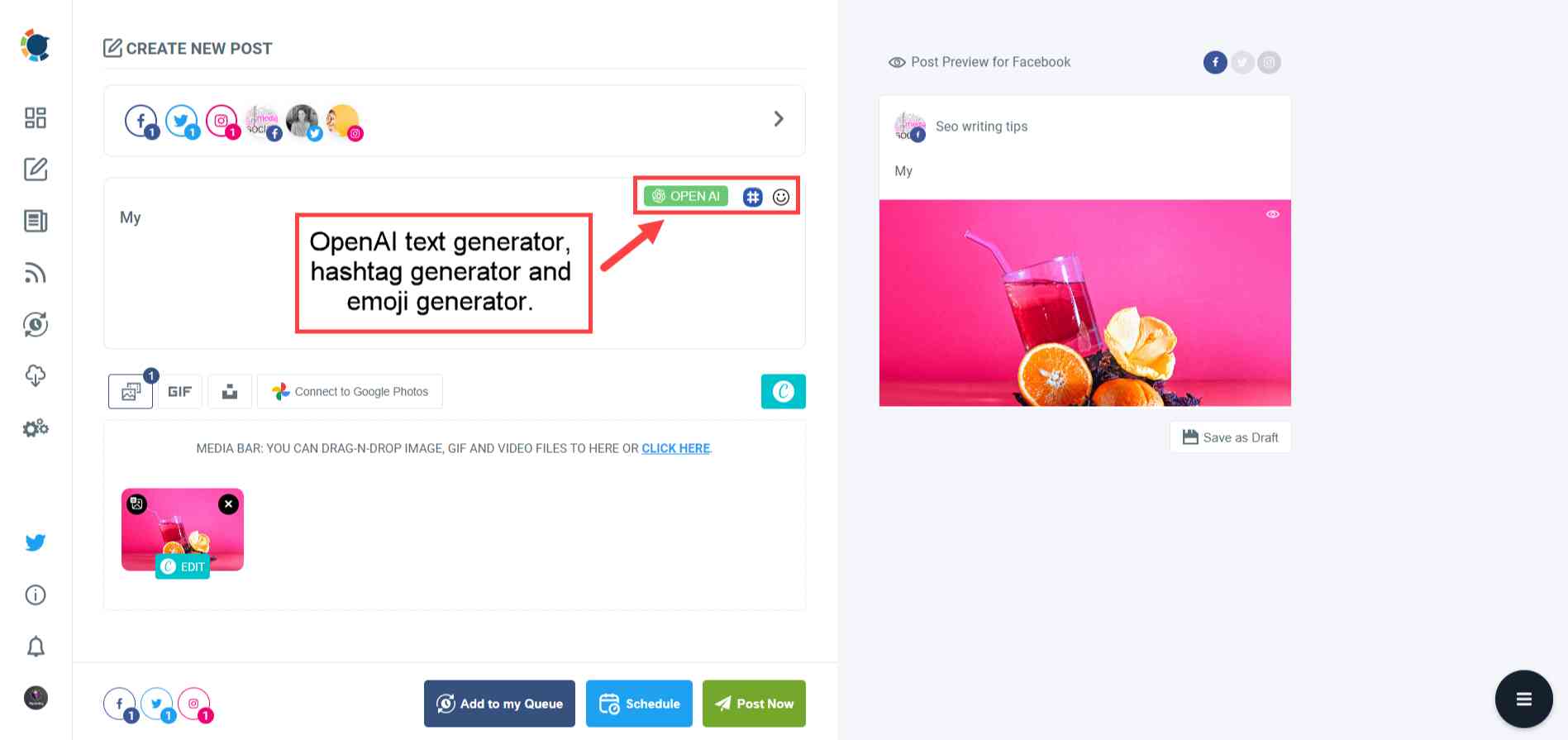
Then, you can add captions, emojis, and hashtags to your Instagram posts. Thanks to the OpenAI integration of Circleboom, you can even let ChatGPT write auto-generated captions for your Instagram posts!
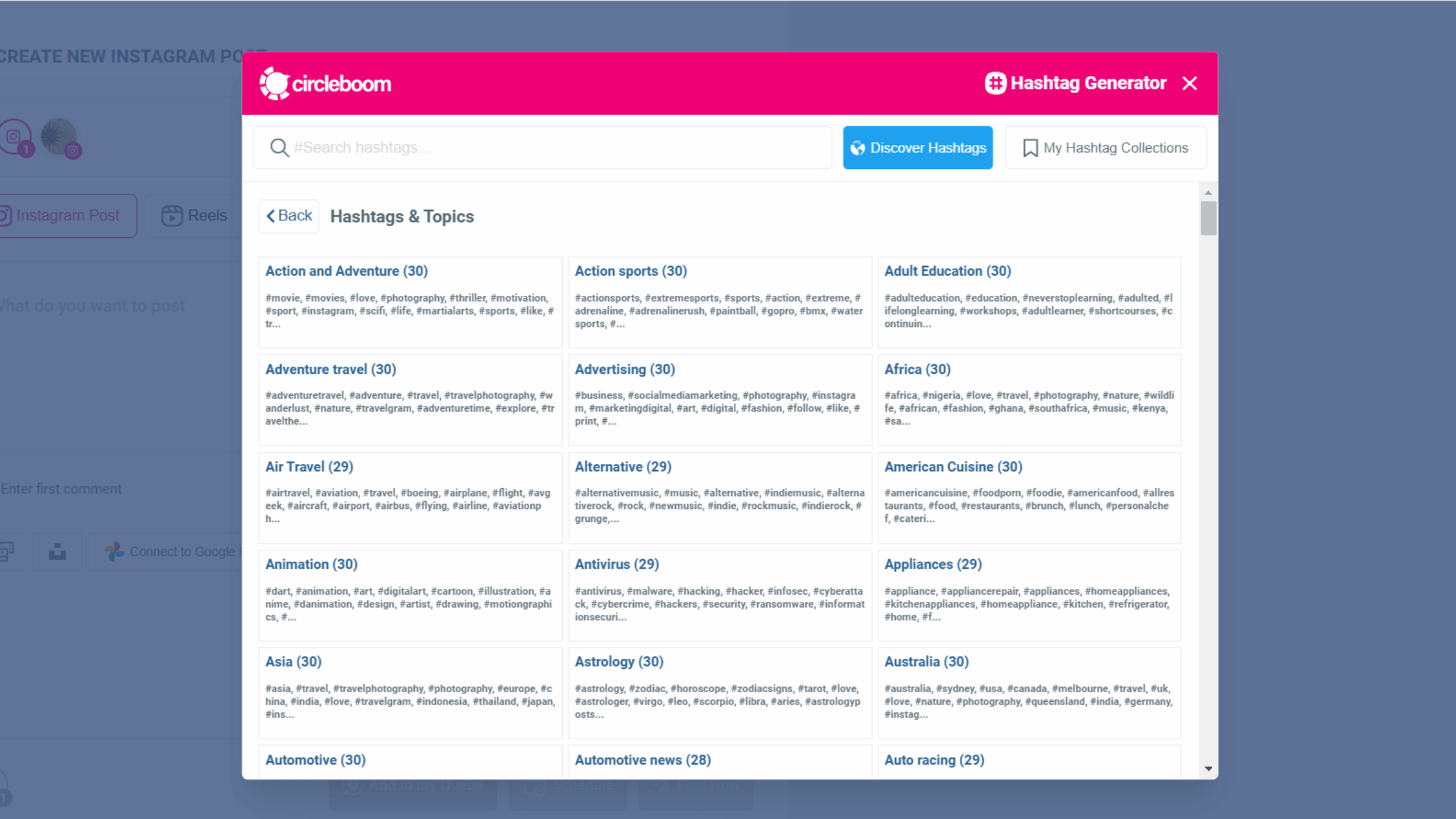
You can also use the native Instagram hashtag generator of Circleboom Publish to find, create, and save relevant and popular hashtag groups to grow your reach on Instagram.
Frequently Asked Questions (FAQs)
Are you looking for a comprehensive social media scheduler? Take advantage of Circleboom Publish's Twitter Scheduler, Facebook Post Scheduler, LinkedIn Post Scheduler, Instagram Post Scheduler, Google Business Profile Scheduler, YouTube, Threads and Pinterest Scheduler!
Manage all social media in one place! One dashboard, less effort.