Post panoramas to Instagram as one wide image across your profile.
Instagram Panorama Post Maker
Upload one wide image and Circleboom splits it into a horizontal sequence of tiles that reassemble across your profile, so your panorama keeps its full impact instead of being cropped.
"Work with a trusted X Official Enterprise Developer to expand what's possible for your business. Each Official Enterprise Developer has been selected for the program after an extensive evaluation, and represents excellence, value, and trust." — X (Twitter)
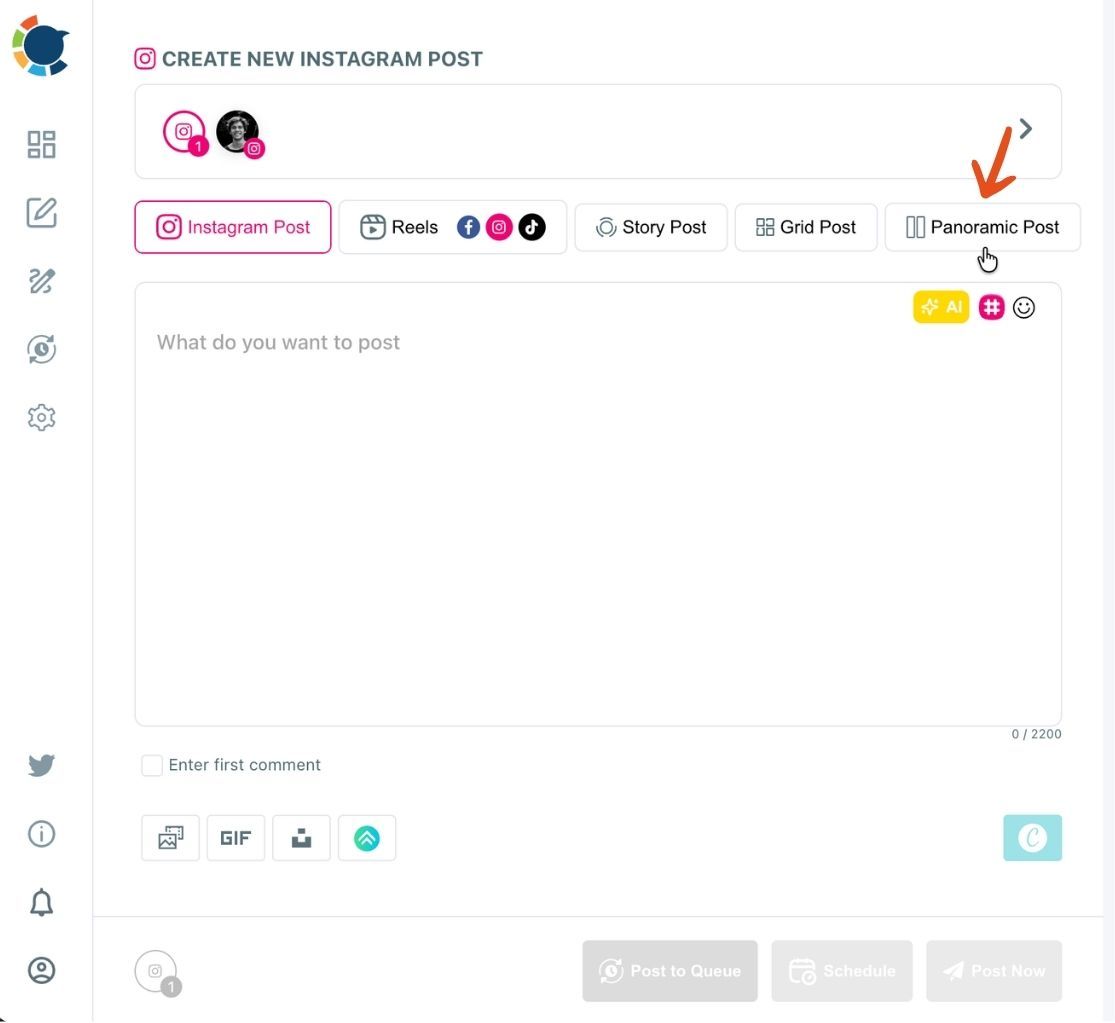
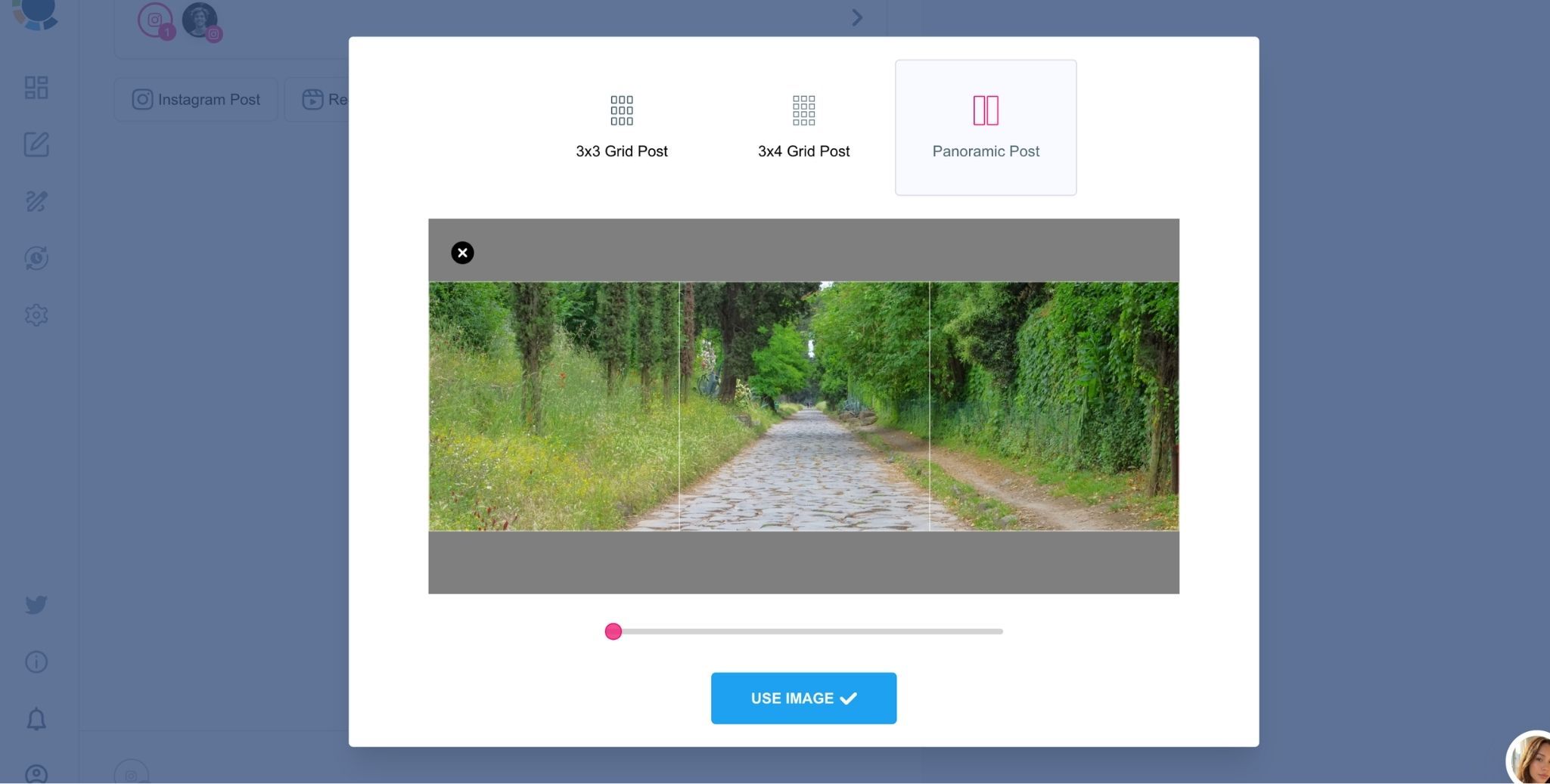
Wondering how to post panoramas to Instagram, or how to post panoramic photos on Instagram, without losing the wide view? Upload the image in the Panoramic Post tab and let Circleboom handle the split. To upload a panorama to Instagram this way, all you do is check the tile order and schedule the set.
Once the tiles are scheduled, you can post a panorama to Instagram as a single deliberate moment on your profile. You never crop, resize, or slice the image by hand, and posting a panorama on Instagram becomes a planned sequence instead of a workaround.
HOW TO MAKE A PANORAMIC INSTAGRAM POST
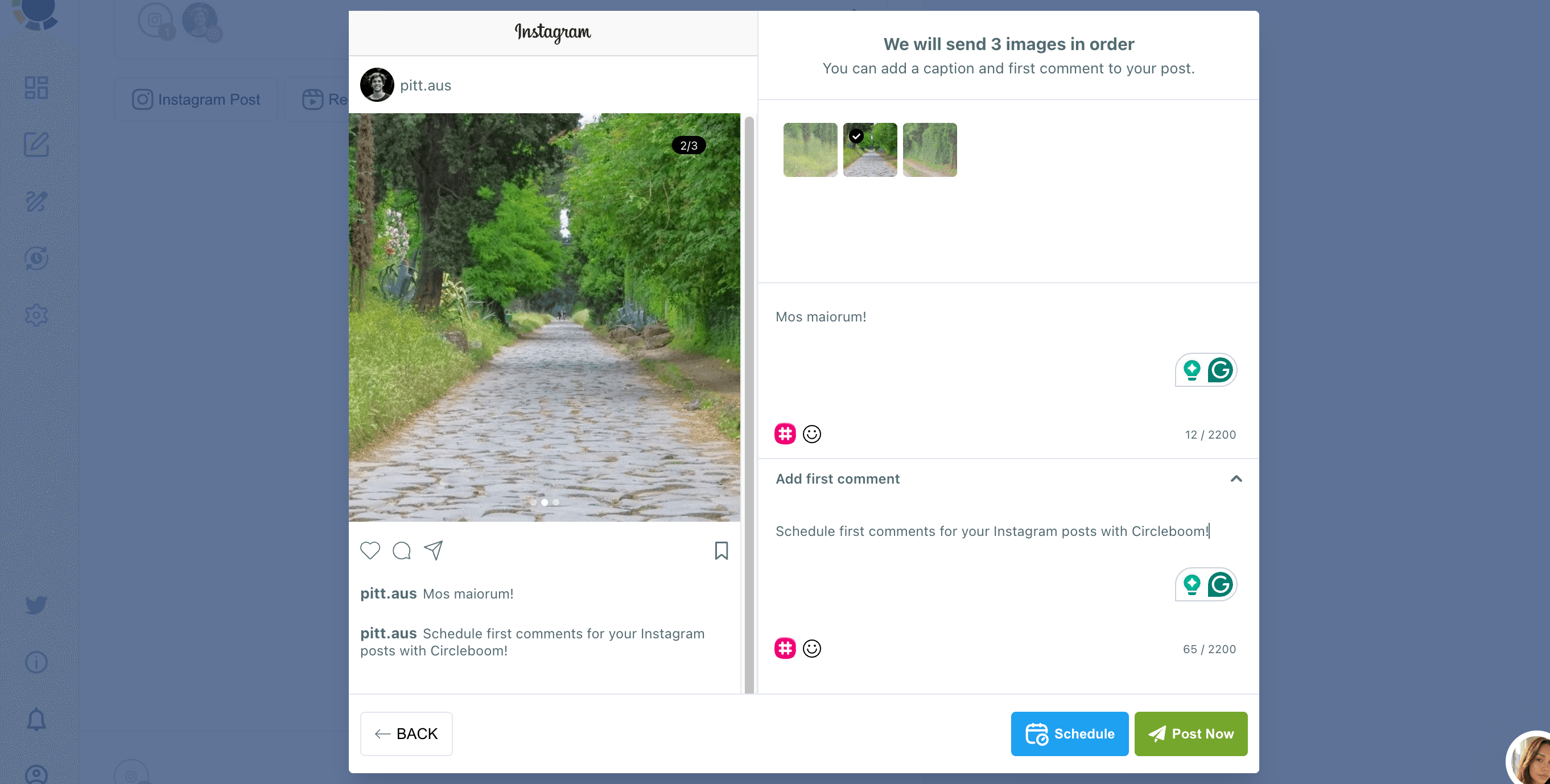
Curious how to make a panorama Instagram post that actually lines up? Circleboom generates the tiles for you, and you review their order before anything goes out. If you want to know how to make a panoramic Instagram post that looks intentional, the answer is order: every tile has to publish back to back, with nothing else posted in between.
Schedule the whole set in one sitting and check your Outbox before the first tile goes live. That single habit is what keeps panoramas on Instagram looking like one image instead of a broken sequence.
AUTOMATE INSTAGRAM PANORAMIC POSTS
Thanks to the Instagram Auto Poster on Circleboom Publish, you can create Instagram Panoramic posts that will be published automatically and continuously. The queue scheduling feature of Circleboom makes it possible to set time intervals and automatically share your Instagram panorama posts for your multiple Instagram profiles.
This way, you can keep your Instagram feed always fresh. And do not forget that auto-posters on Circleboom are available for other social media platforms. For example, you can set up auto-tweets for your multiple Twitter accounts in one workspace.
WIDER VIEW FOR YOUR INSTAGRAM POSTS
Panorama posts make it possible to create a wider view for your Instagram posts. You can split an image into two, and you can swipe them to view the whole picture. This creates a wider view for your Instagram pictures, and you can make your wide images instagrammable!
YOU’RE PERFECTLY SAFE WITH CIRCLEBOOM
Circleboom is widely preferred by many international companies all over the world. Why? Because we highly respect your account privacy and strictly follow the Instagram Spam Policy not to lead any harm to your account(s). Tens of corporate firms and worldwide organizations can't be wrong! You're perfectly safe on Circleboom!
INSTAGRAM PANORAMA POST MAKER FOR ONE WIDE IMAGE
The Panoramic Post tab is an Instagram panorama post maker built around a single upload. Pick your wide image, and Circleboom turns it into a horizontal band of tiles that spreads across the width of your profile grid. Once every tile has published in order, the tiles reassemble into one unbroken image for anyone viewing your account.
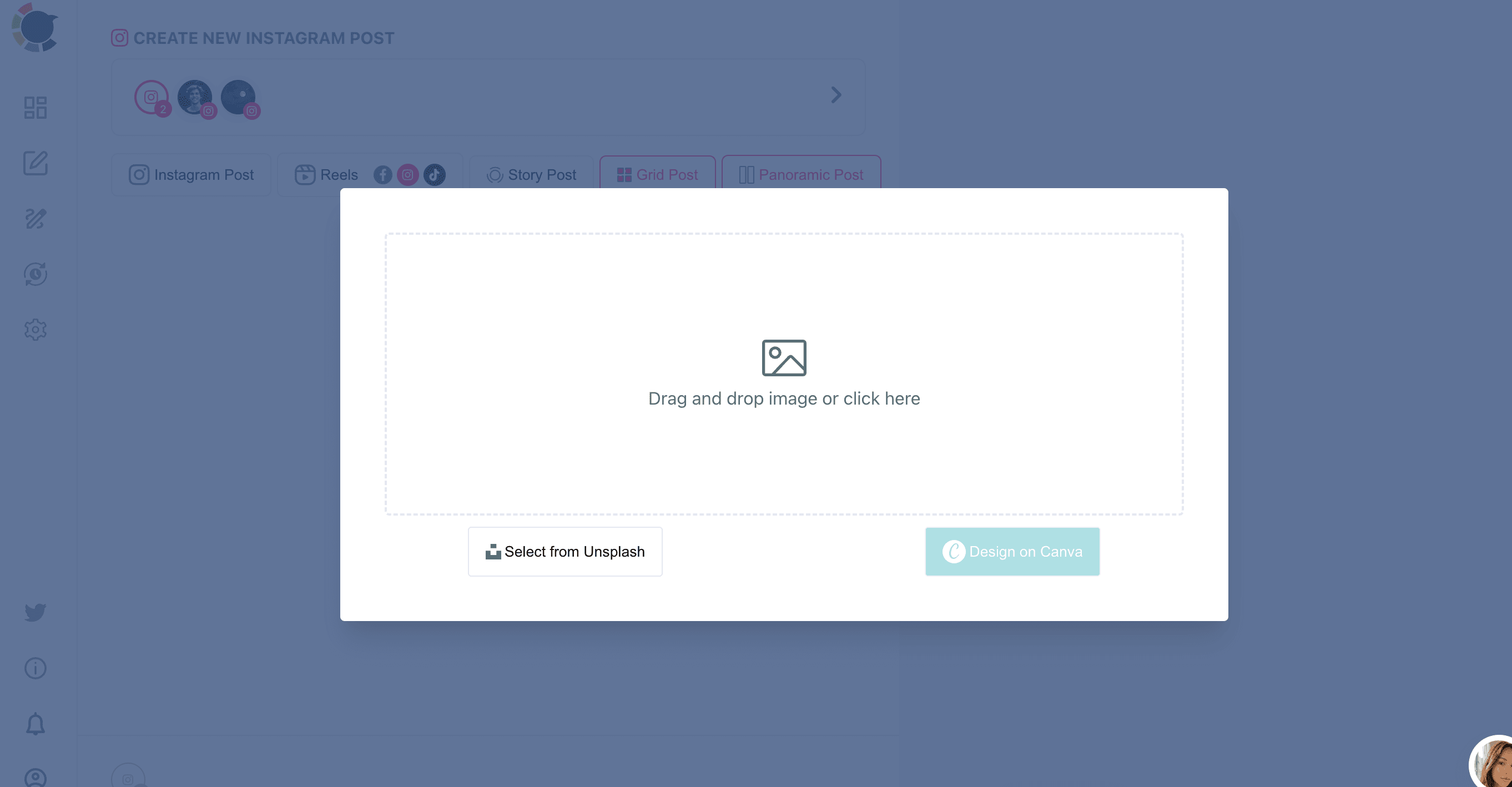
Where a Grid Post fills a squared off block of your profile, an Instagram panoramic post runs in one continuous horizontal line, which suits a wide image far better. It works from one uploaded image, with no outside design software required. Whether you search for a panorama IG tool or an Instagram post panorama workflow, this is the one place the split, the order, and the schedule all live.
STOP CROPPING YOUR PANORAMA FOR INSTAGRAM
Anyone who has tried to crop a panorama for Instagram online knows the trade off: a square or portrait crop throws away the width that made the shot special. A panoramic photo on Instagram built from Circleboom's tiles keeps that width, so a landscape, a group photo, or a banner graphic gets the full horizontal spread of your profile.
That makes it a strong fit for event photography, travel shots, and brand banners, the kind of panorama picture Instagram feeds usually crop down. Choose an image with enough horizontal detail and resolution to hold up once it is divided into tiles. Whether it is a panoramic picture, a panorama photo, or a set of panoramic photos on Instagram, the width stays intact.
PANORAMIC CAROUSEL ON INSTAGRAM: WHAT TO EXPECT
Searching for a panoramic carousel on Instagram, an Instagram panorama carousel, or a panorama carousel on Instagram? It helps to know the difference. A carousel is a single post you swipe through. Circleboom's Panoramic Post works differently: it publishes separate posts whose tiles sit side by side across your profile grid and reassemble into one wide image there.
If you want a swipe through format, Circleboom also supports native multi image carousels in the Instagram Post tab. If your panorama carousel idea is really about showing one wide image at full width on your profile, Panoramic Post is the tool built for it.
INSTAGRAM POST TEMPLATES
Circleboom Publish is here to help you in every matter. For example, you don’t need to worry about Instagram templates and layouts with Circleboom Publish because it provides you with amazing Instagram post templates!
FIRST COMMENT OPTION
You can schedule your first comments for your Instagram posts before publishing them! This way, you will have more space for your hashtags and description.