"Work with a trusted X Official Enterprise Developer to expand what's possible for your business. Each Official Enterprise Developer has been selected for the program after an extensive evaluation, and represents excellence, value, and trust." — X (Twitter)
You can easily create and design your Instagram posts using Circleboom’s built-in tools. Adding visuals to your message makes it far more engaging—one well-designed image can communicate more than hundreds of words. With support for images, animations, GIFs, and videos, Circleboom gives you everything you need to create attention-grabbing Instagram content.
Circleboom integrates seamlessly with Canva, Unsplash, and Giphy, allowing you to design and organize your posts in one place. You can use a wide range of effects, filters, backgrounds, and visual elements to create polished content, make edits before publishing, and upload your own photos or videos without worrying about losing them.
Since each social platform has its own image size requirements, Circleboom removes the hassle by offering ready-to-use Instagram post templates through Canva. All you need to do is focus on your creativity and design standout Instagram posts that are perfectly sized and ready to publish.
AUTOMATE YOUR INSTAGRAM POSTS
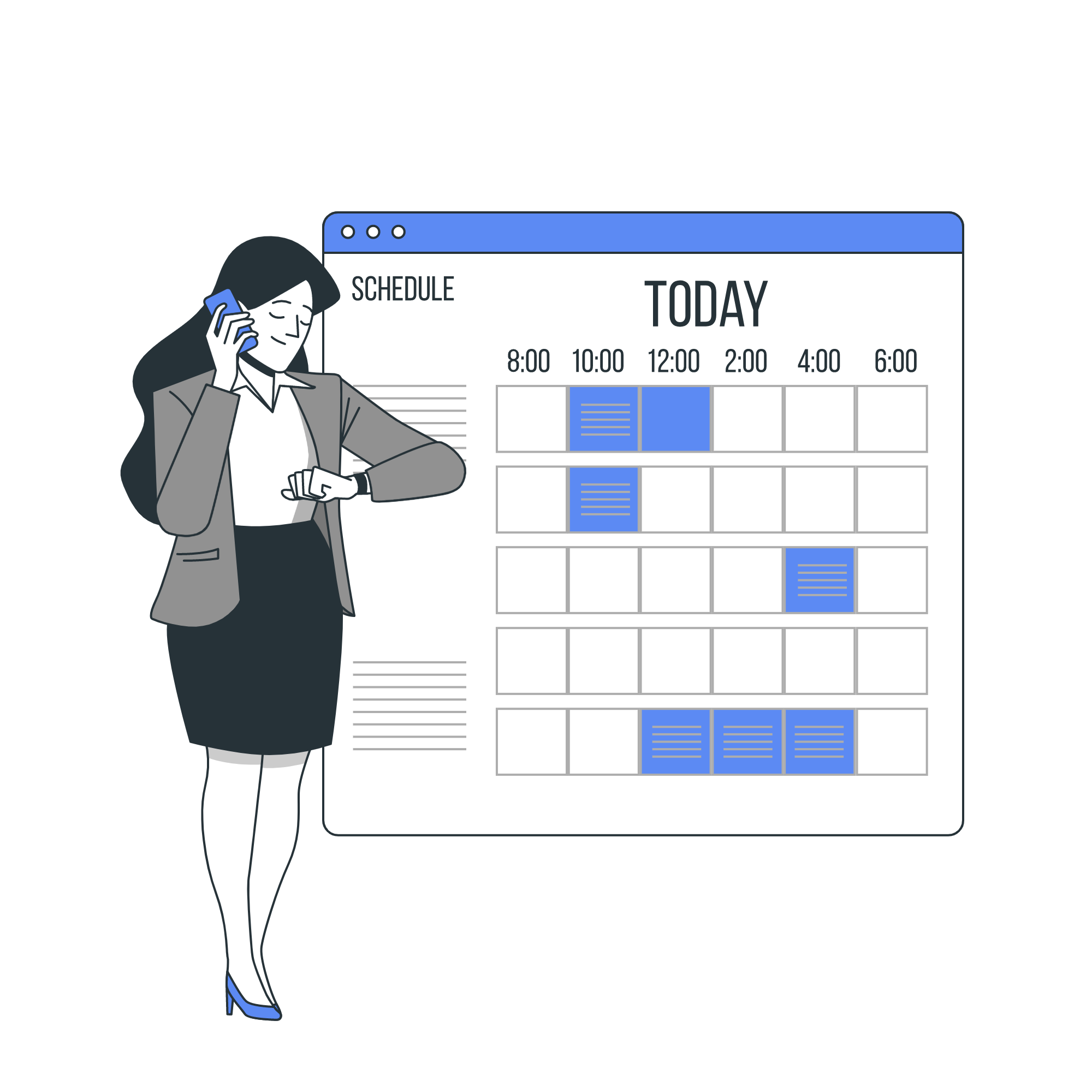
Once your Instagram post is ready, it’s time to publish. Circleboom lets you post your content instantly or schedule it in advance—either one by one or in bulk. You can also automate your Instagram posts to keep your content flowing without manual effort.
Queue scheduling makes this even easier. By setting posting intervals and adding your posts to a queue, you can save time and stay consistent. Scheduling your Instagram content ahead of time also allows you to target different time zones, helping you reach more people and increase engagement.
FIND THE RIGHT CONTENT
Visual content is the foundation of Instagram, and using the right visuals is key to increasing impressions and engagement. Finding strong content and designing it well isn’t always easy, especially when creativity or resources run low.
That’s where Circleboom Publish helps. With built-in extensions, ready-to-use templates, photos, filters, and effects, Circleboom gives you everything you need to design Instagram content effortlessly. You can create visually appealing posts that match your goals and reach the right audience with the right content.
STAY SAFE WITH CIRCLEBOOM
Many companies all over the world prefer Circleboom to other options. Why? In order to avoid creating any harm to your account, we cherish your account privacy and strictly comply with Instagram policies. There can't be anything wrong with tens for multinational enterprises and international organizations! You're 100% protected on Circleboom!
BULK SCHEDULE INSTAGRAM POSTS FOR THE REST OF THE MONTH
Managing Instagram and other social media platforms can quickly drain your time and energy—especially if you’re using them professionally. Posting daily across multiple channels means constantly creating, designing, and publishing content, leaving little room for other priorities or, honestly, a life outside social media.
The solution is simple: bulk scheduling Instagram posts. By planning and uploading your content in advance, you save hours every week and stay consistent without the daily pressure. With Circleboom Publish’s bulk Instagram post scheduler, you can organize your content calendar effortlessly and create posts for an entire week—or even a full month—in one focused session. Batch your Instagram content and free up time and energy to grow your business on every platform.
BULK SCHEDULE FOR MULTIPLE INSTAGRAM ACCOUNTS
Managing multiple Instagram accounts at the same time can quickly become overwhelming, especially when you need to create, design, post, or schedule content for each one separately. Circleboom makes this process simple. You can connect all your Instagram accounts in one dashboard and bulk schedule posts for every account in a single session.
By handling everything at once, you save valuable time and energy while keeping your accounts organized and consistent. Regular posting plays a major role in Instagram success, and bulk scheduling helps you stay active without the daily workload. If you want to increase impressions and engagement, learning how to bulk schedule Instagram posts for multiple accounts is essential.
INSTAGRAM CAROUSEL POST BULK SCHEDULER
Instagram carousel posts are a powerful way to increase engagement by keeping visitors interacting with your content longer. They’re especially effective for brands and businesses, allowing you to share multiple images in a single post and tell a stronger, more engaging story.
With Circleboom Publish, creating Instagram carousel posts is simple. You can upload your own images or curate photos using built-in tools, design and optimize each slide, and schedule your carousel posts for a future date with ease.
Circleboom also lets you create and bulk schedule Instagram carousel posts in one session. You can batch your content for an entire week or even a full month, design your images, prepare carousel or regular posts, and schedule everything at once—saving time while staying consistent.
BULK SCHEDULE VIDEOS FOR INSTAGRAM
Do you have great videos ready but don’t know how to bulk schedule them across multiple Instagram accounts? Circleboom Publish makes it easy. You can upload your own videos and schedule them for multiple Instagram accounts at the same time—saving hours while keeping your video content consistent and organized.