RSS Feed to Google Business Profile
Connect any RSS feeds to your Google Business Profile(s)!

Circleboom : An Official Enterprise Developer
"Work with a trusted X Official Enterprise Developer to expand what's possible for your business. Each Official Enterprise Developer has been selected for the program after an extensive evaluation, and represents excellence, value, and trust." — X (Twitter)Circleboom Publish Tool

AUTO-POST TO GOOGLE MY BUSINESS PAGE(S)
Assuming you intend to integrate your website's or blog feed to Google Business Profile(s) to boost visitors to your website. Once configured, your RSS feed to GMB will be updated automatically with content from your website/blog!

YOU'RE SAFE WITH CIRCLEBOOM
Many multinational organizations throughout the world prefer Circleboom. Furthermore, we strictly adhere to Google's user policy, and do not allow any services that may jeopardize your Google Business Profile(s). Circleboom will keep you safe, always!

POST RSS FEED TO GOOGLE BUSINESS PROFILE
If you frequently submit blog articles, news updates, and other items to your Google Business Profile, Circleboom's RSS automation tool is absolutely a lifesaver! You can use the RSS feed to Google Business Profile feature to auto-post RSS feeds to GBP page(s). Using Circleboom's RSS to GMB feature, auto-post fresh content from the RSS feeds you specify and create and publish new posts for multiple Google Business Profile(s).

ALWAYS BE ONE STEP AHEAD
Want to connect your favorite RSS feeds to Google My Business to keep your Google Business Profile page updated with industry news? You've come to the right place! You may automate RSS to Google Business Profile and add RSS to company pages on Google Business Profile using the RSS automation feature of Circleboom's social media management tool.

HOW TO ADD RSS FEEDS TO GOOGLE BUSINESS PROFILE
On Circleboom, you can easily add RSS to your Google Business Profile. Just follow the quick steps listed below:
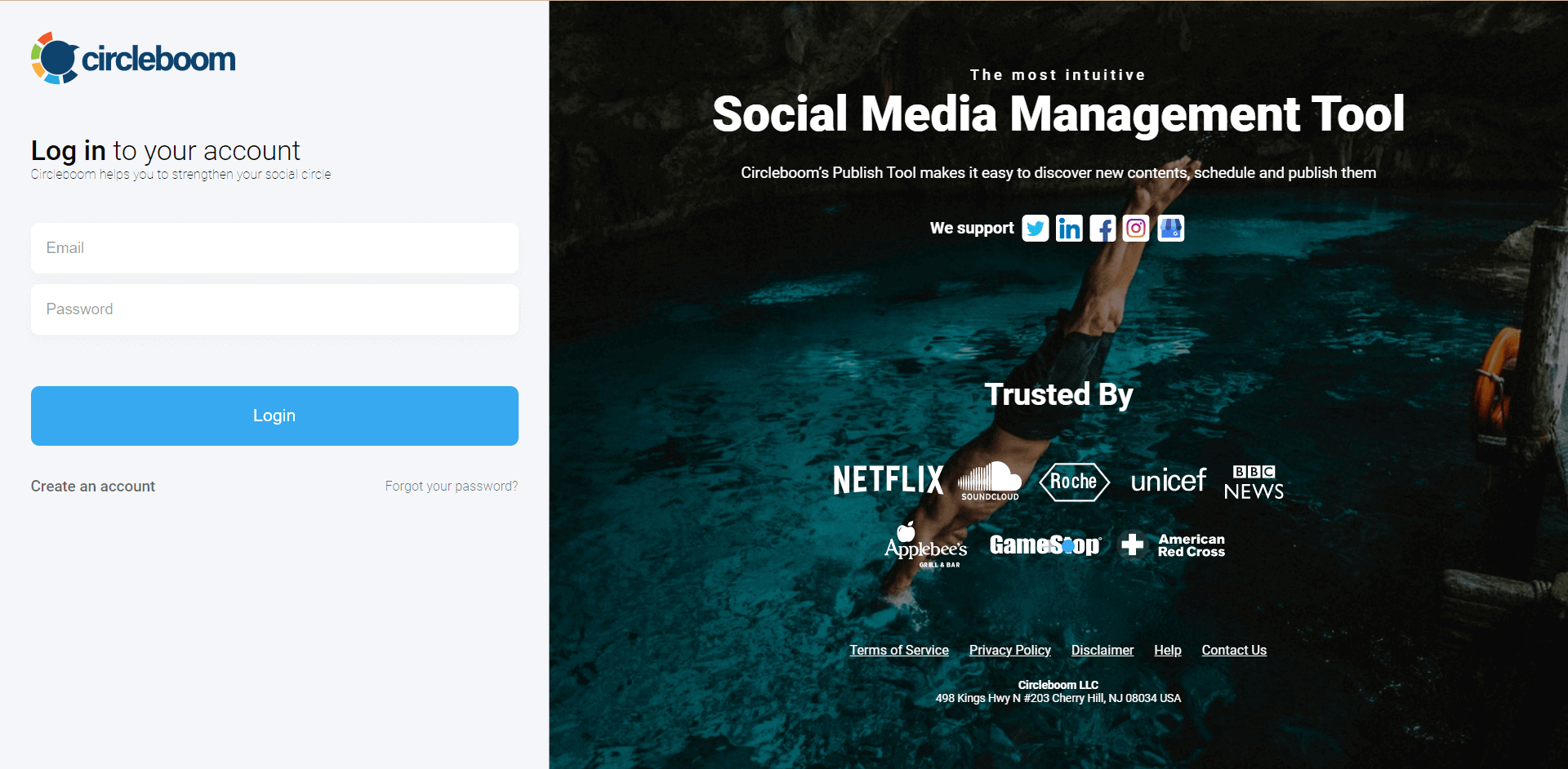
Go to the Circleboom Publish, and sign in with your Circleboom account.
Don't have a Circleboom account yet? You can quickly get yours. No credit cards are needed!

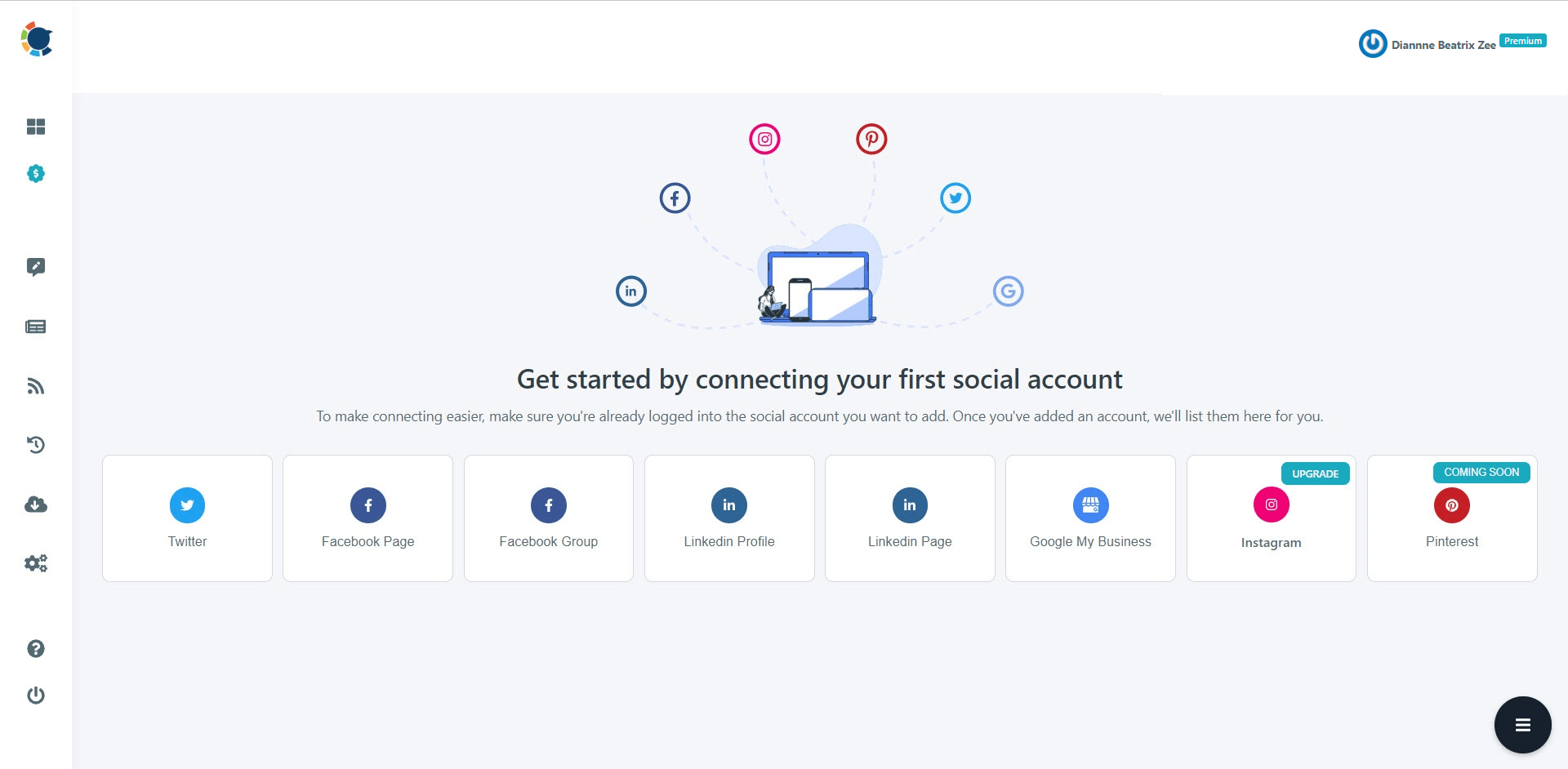
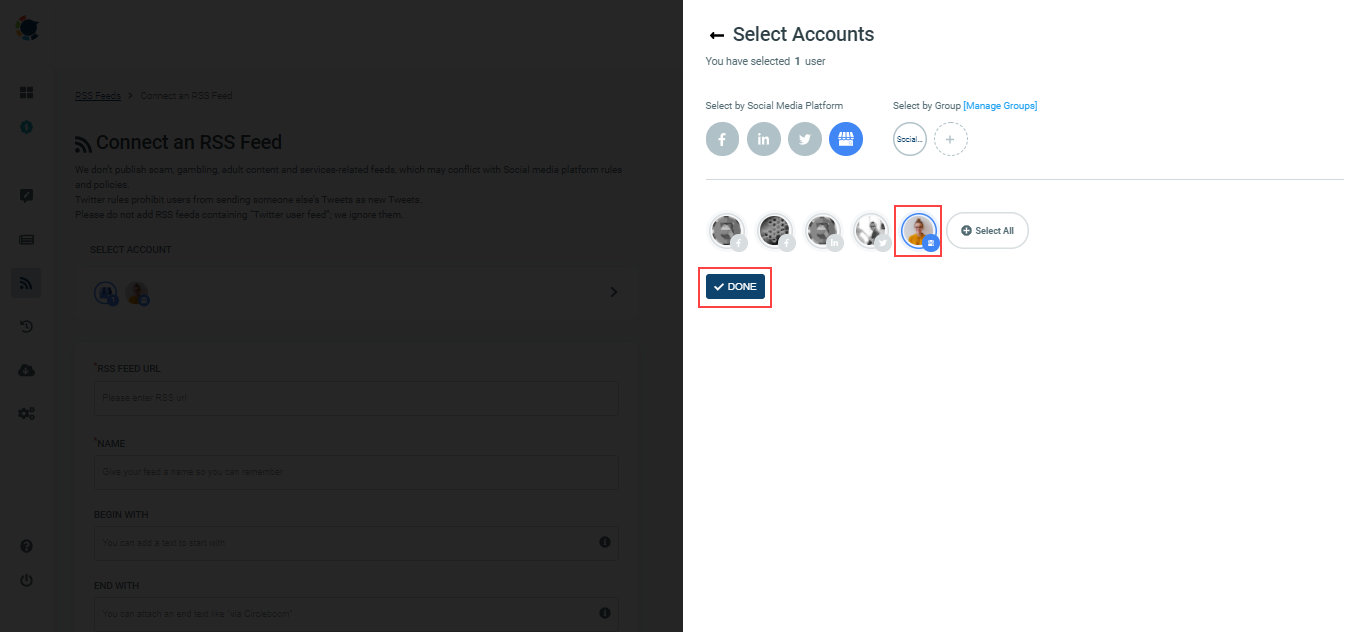
Once you log in, add your Google My Business page(s) to continue.
All these will take only a few seconds!

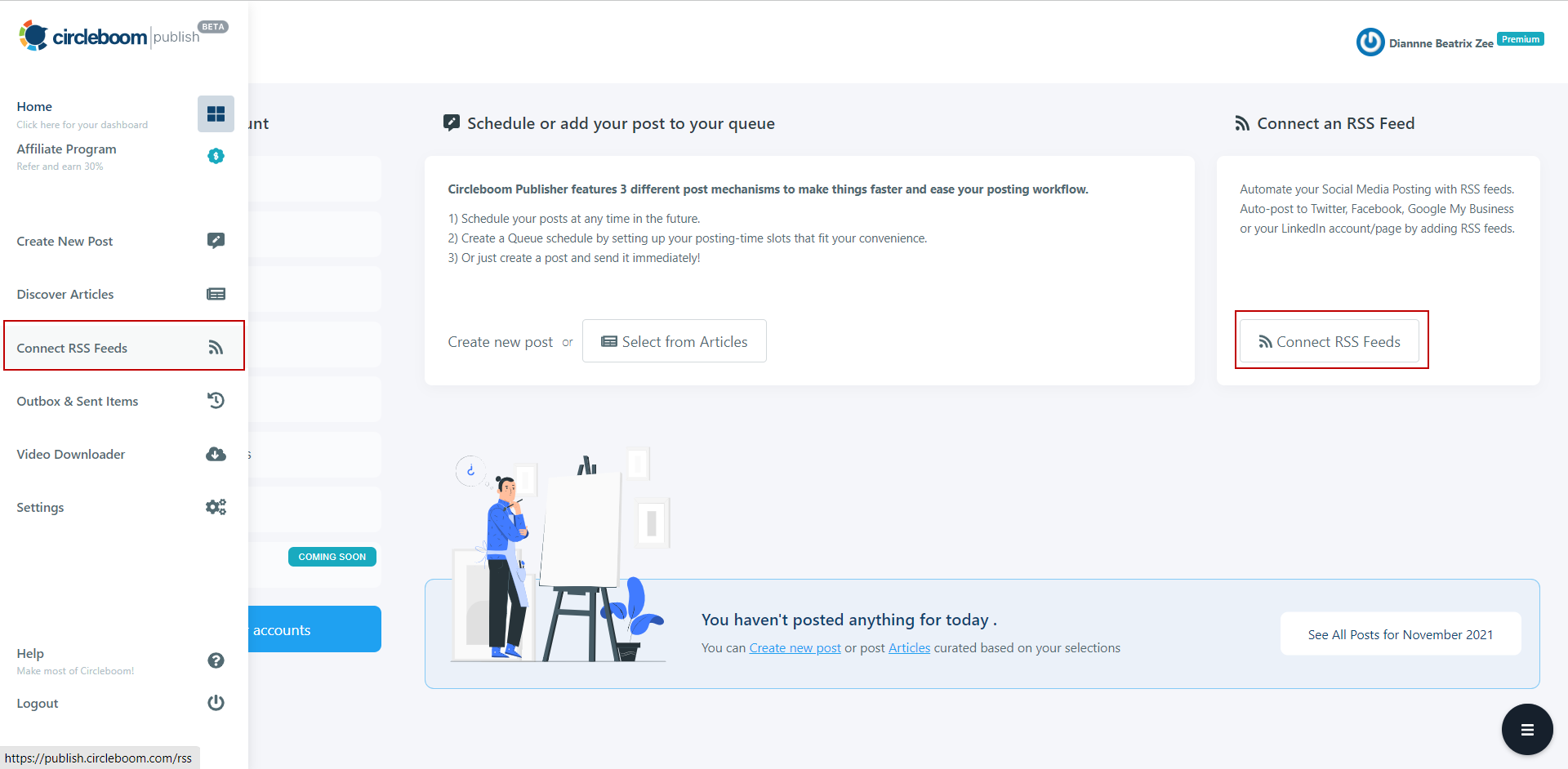
On the left menu, please click on the "Connect RSS Feeds".
Or you may continue with the "Connect RSS Feeds" button on the right side of the board.

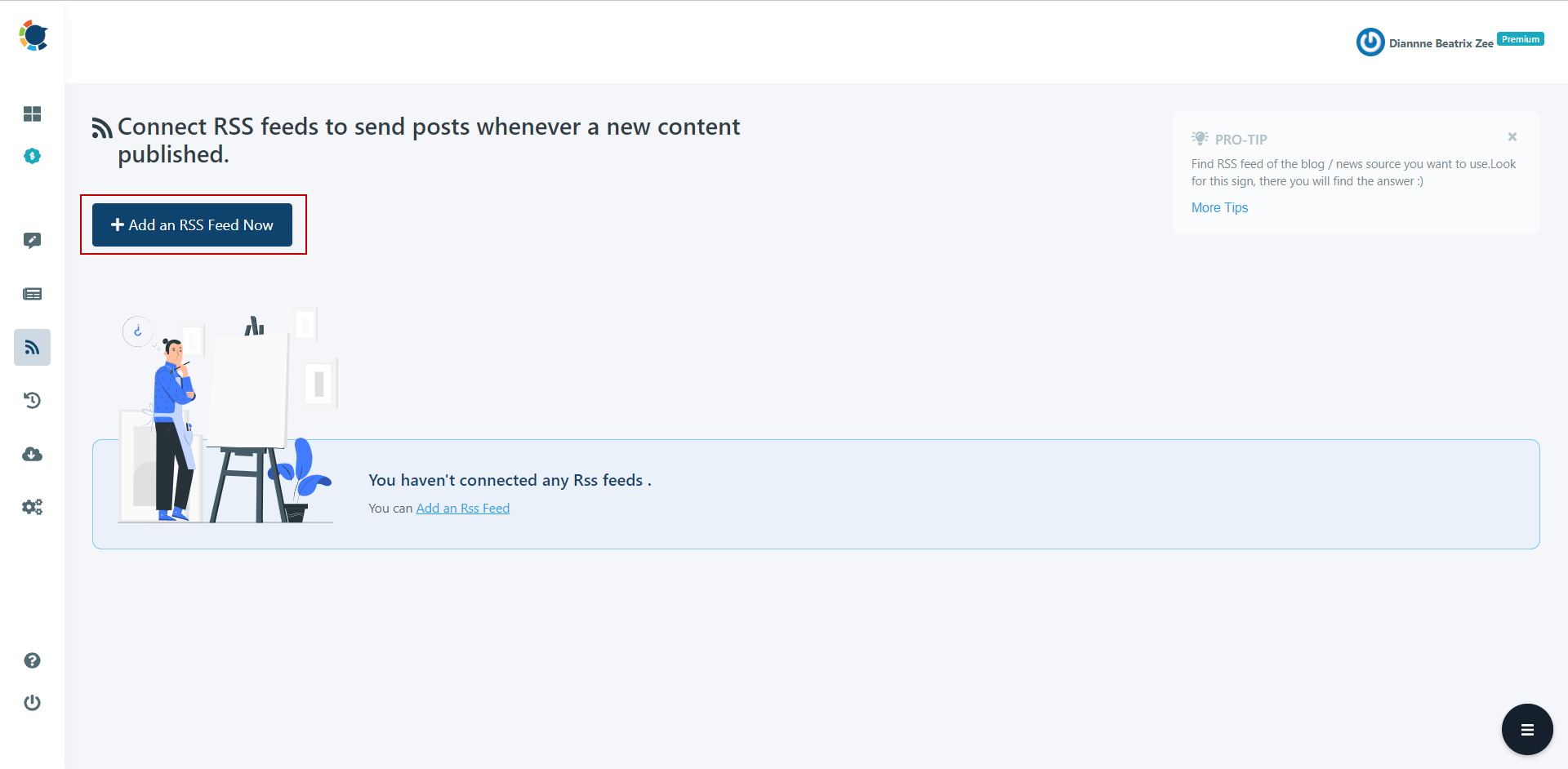
Click on the "Add an RSS Feed Now" button on the newly opened board.


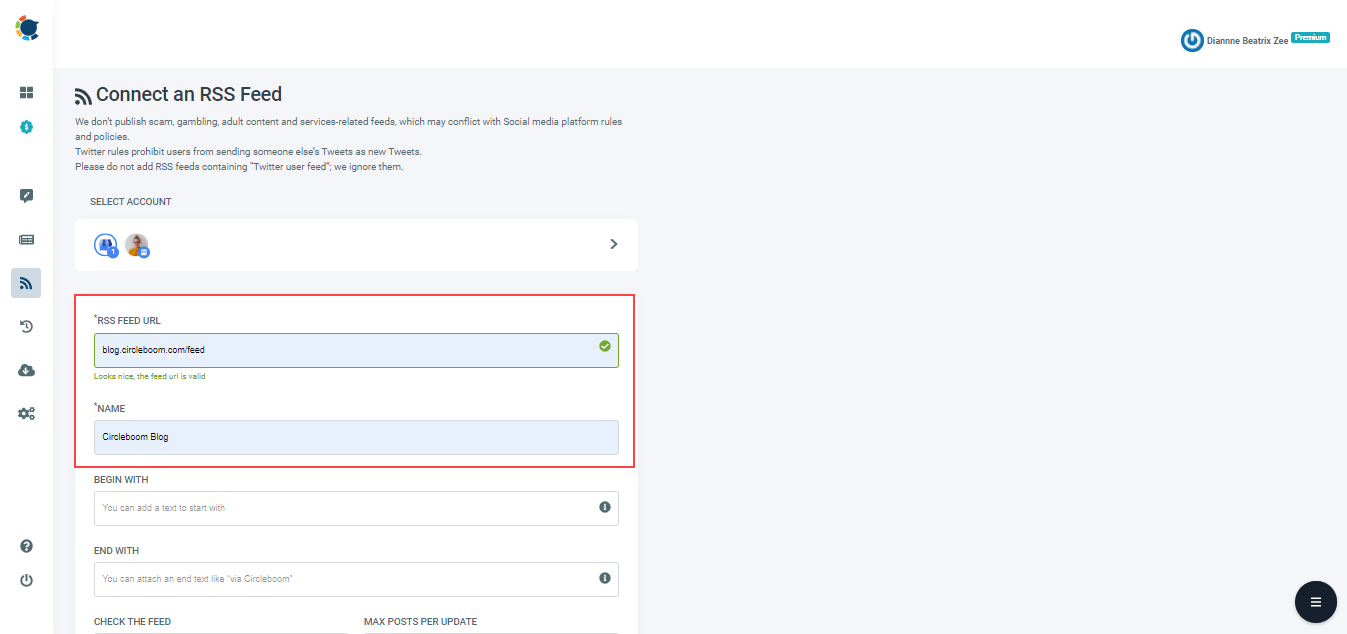
Now, please add your RSS feeds into the "RSS FEED URL" to link them to your Google Business Profile(s).
You can also name the feed or add a specific text and hashtag to publish with RSS tweets.

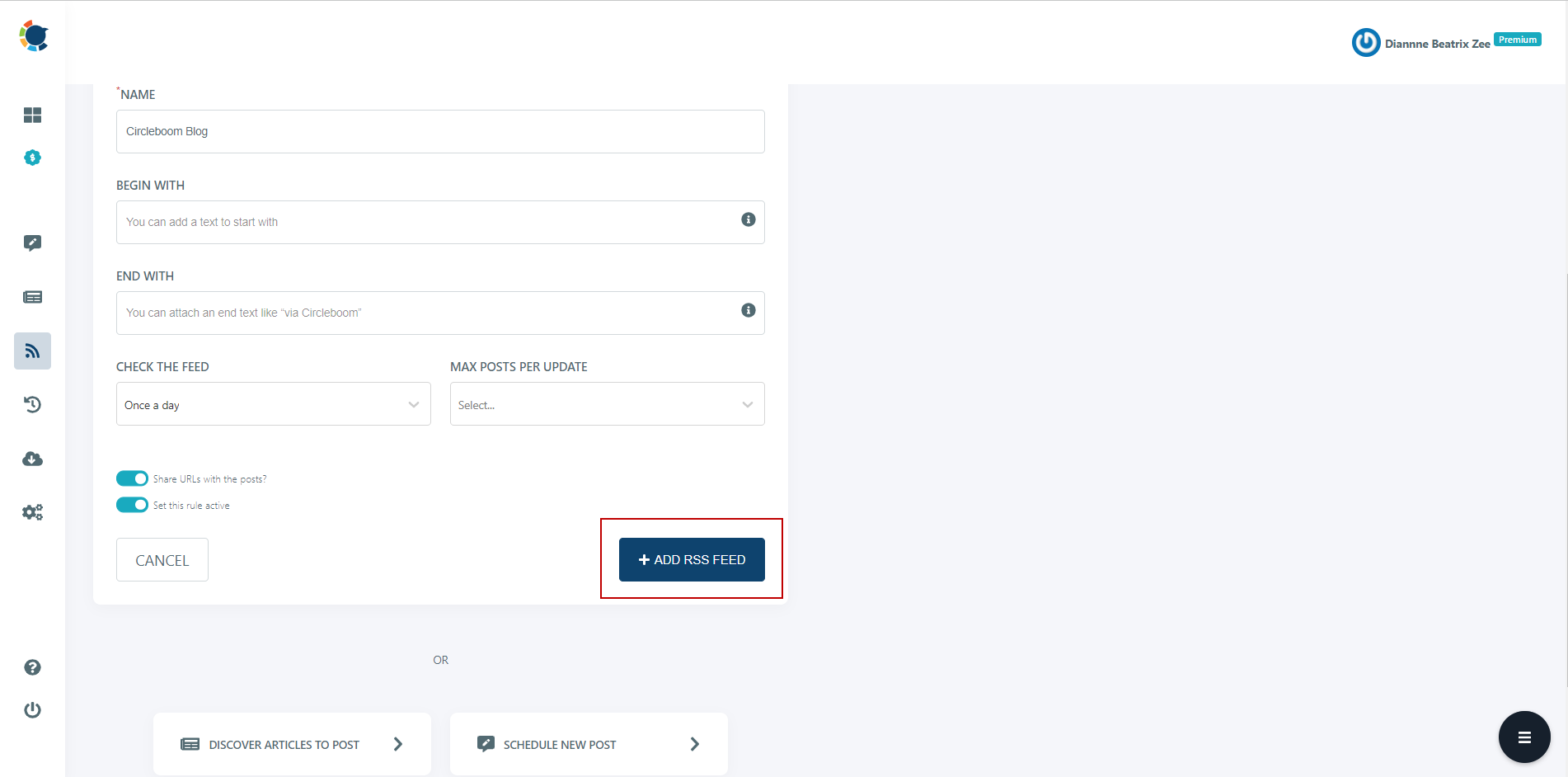
Once you complete all the steps, finish the process via clicking on the "+ ADD RSS FEED" button.
Auto-posting to Google Business Profile is that easy!

Frequently Asked Questions (FAQs)
How to Add RSS Feeds to Google Business Profile
How to Add RSS Feeds to Google Business Profile easily with Circleboom Publish!
Are you looking for a comprehensive social media scheduler? Take advantage of Circleboom Publish's Twitter Scheduler, Facebook Post Scheduler, LinkedIn Post Scheduler, Instagram Post Scheduler, Google Business Profile Scheduler, YouTube, Threads and Pinterest Scheduler!
Manage all social media in one place! One dashboard, less effort.