Circleboom : An Official Enterprise Developer
"Work with a trusted X Official Enterprise Developer to expand what's possible for your business. Each Official Enterprise Developer has been selected for the program after an extensive evaluation, and represents excellence, value, and trust." — X (Twitter)Circleboom Publish Tool

DOWNLOAD YOUTUBE THUMBNAIL 4K
When a video is published in 4K, YouTube stores the thumbnail at a matching high resolution. Circleboom's downloader detects this automatically and surfaces the 4K option alongside the standard resolutions, so you are not stuck with a compressed version when the original exists.
To download a YouTube thumbnail 4K, paste the URL and select the 4K option from the resolution picker. The file downloads at full size, suitable for large-format print, high-DPI screens, or any use case where a compressed thumbnail would look soft or pixelated. If the video does not have a 4K thumbnail stored, Circleboom shows the highest resolution that is available.

YOUTUBE THUMBNAIL DOWNLOADER ONLINE
Circleboom's YouTube thumbnail downloader runs entirely in the browser. There is nothing to install, no desktop app to update, and no browser extension to manage. Open the page, paste a URL, and download. It works on any device with a browser, including phones and tablets, and access does not require creating a Circleboom account.
As a YouTube thumbnail downloader online, it handles all public YouTube URLs: standard videos, Shorts, unlisted videos (if you have the link), and videos from any country's regional YouTube library. The tool fetches the thumbnail directly from YouTube's CDN, so what you download is always the current, live thumbnail for that video, not a cached copy.

FREE YOUTUBE THUMBNAIL DOWNLOADER
Circleboom's thumbnail downloader is available without a paid subscription. Paste a YouTube URL, select your resolution, and save the image. There is no watermark added to the downloaded file and no limit on how many thumbnails you can download in a session.
As a thumbnail downloader, Circleboom keeps the process clean: one input field, a resolution selector, and a download button. No ad-heavy interface, no countdown timers, no forced redirects. The tool does one thing and completes it quickly, which is what most users searching for a free thumbnail downloader actually want.
DOWNLOAD YOUTUBE THUMBNAIL
To download a YouTube thumbnail, paste the video URL into Circleboom's downloader and the tool fetches the thumbnail image directly from YouTube's servers. No need to inspect the page source, decode image URLs by hand, or install anything. The thumbnail is pulled at the highest resolution YouTube has stored for that video, and you get a clean download link in seconds.
This works for any public YouTube video, including older uploads where the thumbnail was set manually by the creator and newer uploads where YouTube auto-generated multiple thumbnail frames. Whether you need it for a blog post, a social media graphic, or a presentation, downloading a YouTube thumbnail from YouTube takes one paste and one click.

DOWNLOAD YOUTUBE THUMBNAIL HD
HD thumbnails (1280x720) are the standard for most YouTube videos and the size most creators upload for their channel art. Circleboom's downloader defaults to HD when it is available, so you never accidentally grab the low-resolution fallback that appears in embedded players.
To download YouTube thumbnail HD, paste the video URL and confirm the HD option is selected. The result is a full 1280x720 JPEG, the same file YouTube uses for search results and video pages. This resolution works for most web and social media uses without upscaling, and keeps file sizes manageable compared to 4K.

SAVE YOUTUBE THUMBNAILS ON YOUR COMPUTER
After the download link appears, the file saves to your browser's default download folder as a standard JPEG. From there you can move it, rename it, or open it in any image editor. No proprietary format, no locked file, no cloud storage required unless you choose it.
If you need to save YouTube thumbnails from multiple videos at once, run each URL through the downloader in sequence. Each file downloads separately and is named with the video ID so the files stay organized without manual renaming. The images are yours to use in any workflow once they are on your computer.

YOU'RE SAFE WITH CIRCLEBOOM
We guarantee that no action will be taken without your permission. Your data cannot be shared or distributed to third parties without your approval. Only if our users demand, it can Circleboom post, schedule, and automate their posts on social media. Many international enterprises and non-profit organizations prefer Circleboom products. They can't be mistaken.
YouTube Thumbnail Downloader
Here you will learn how to download thumbnails of any YouTube video for free.
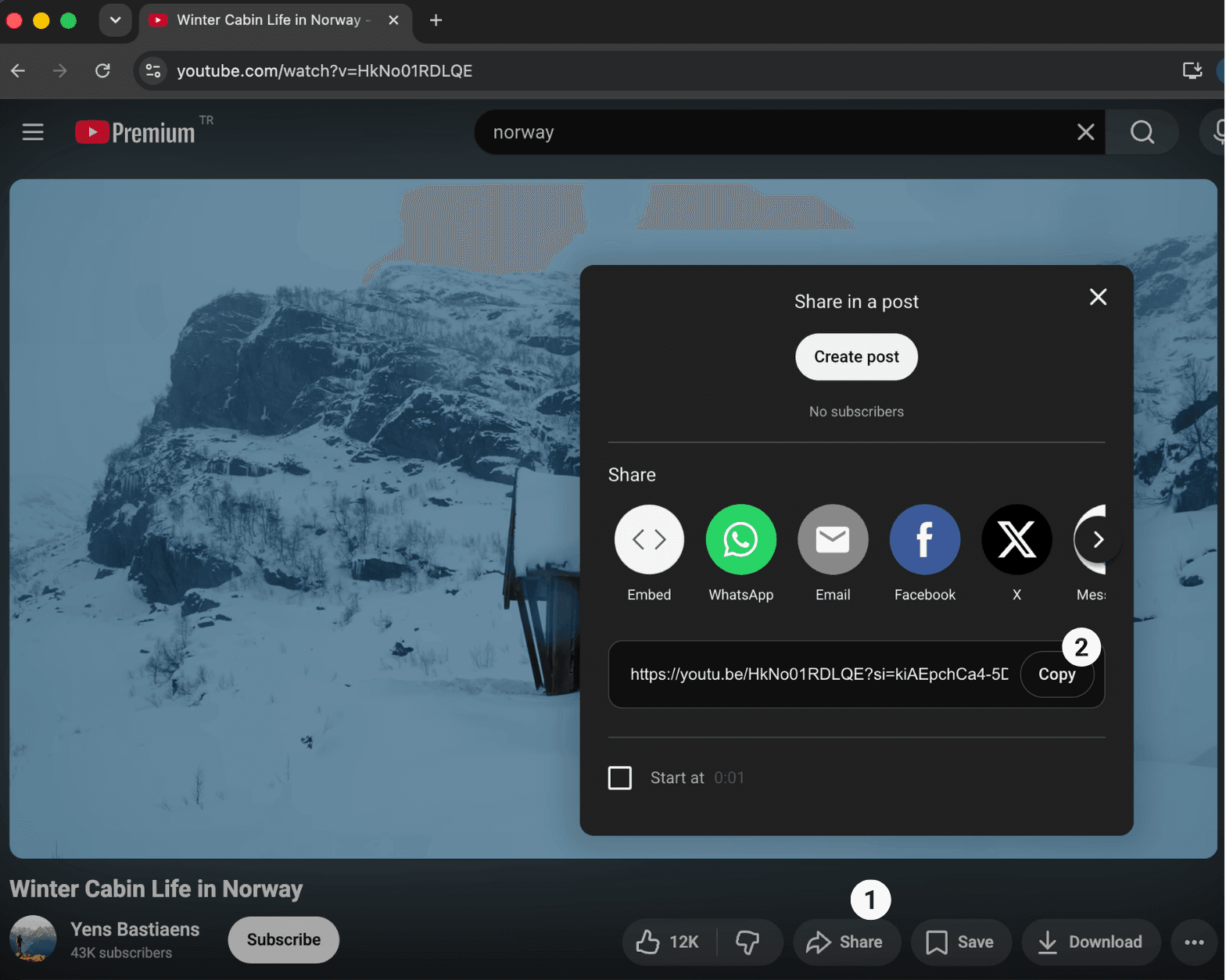
First, go to YouTube and select the video.
Then, you should copy the link of the YouTube video. You should first click on the 'Share' button and then 'Copy'.
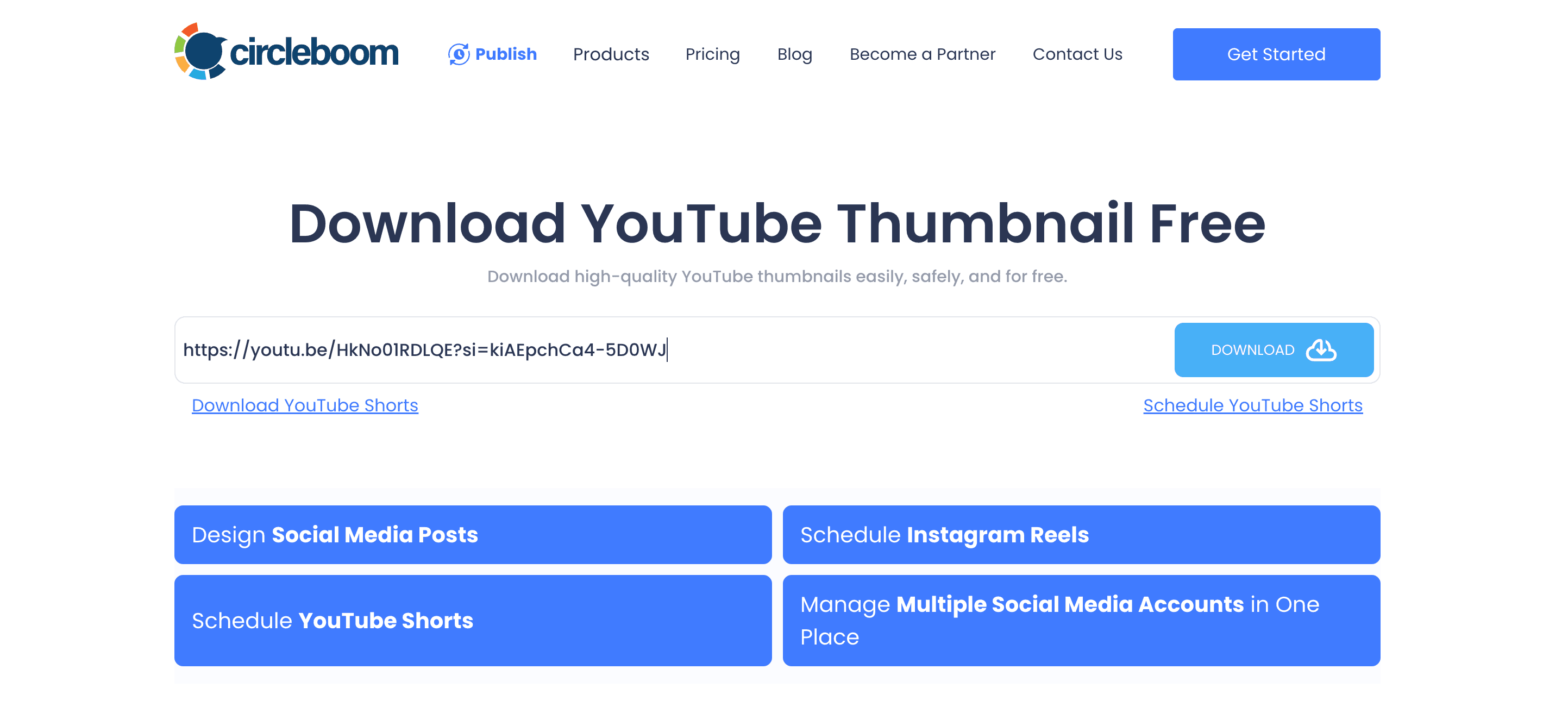
Then, you will paste the YouTube video link to Circleboom's YouTube Thumbnail Downloader.
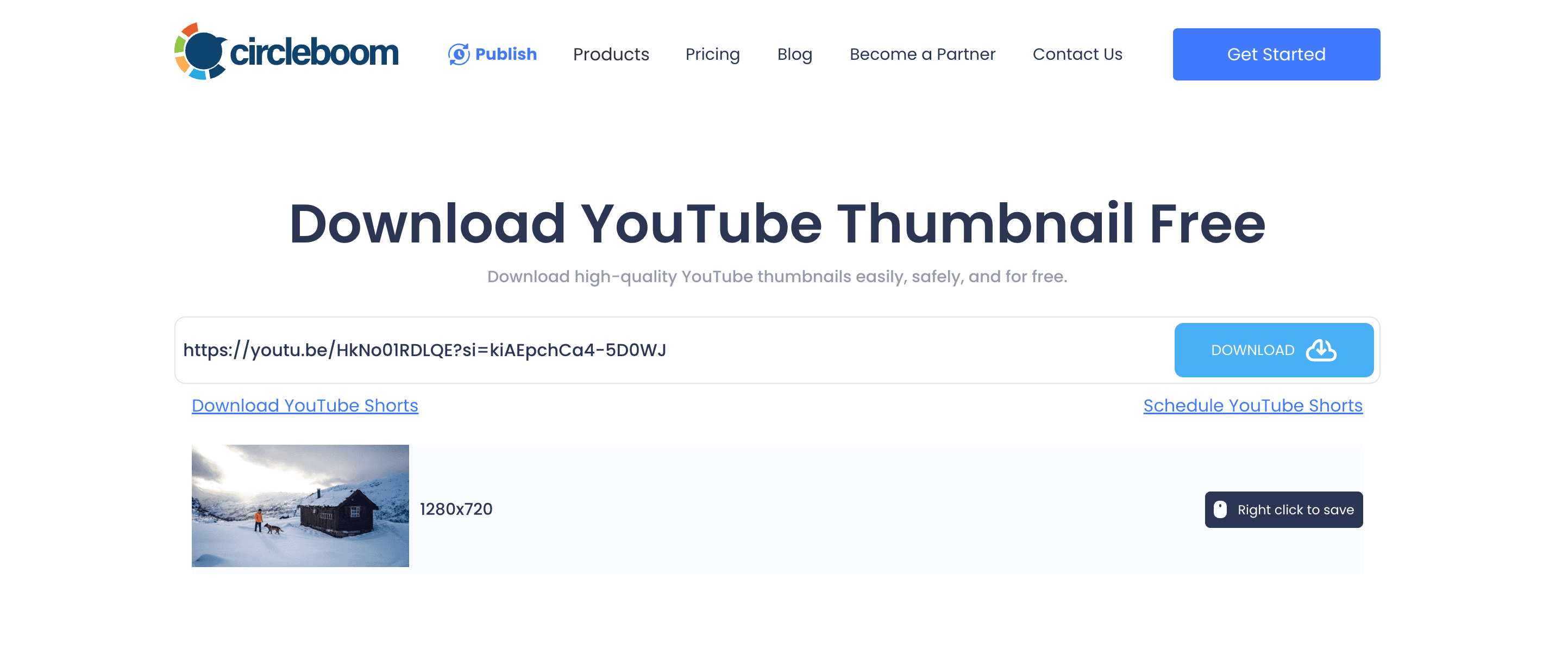
After that, please click on the 'Download' button.

Frequently Asked Questions (FAQs)
Are you looking for a comprehensive social media scheduler? Take advantage of Circleboom Publish's Twitter Scheduler, Facebook Post Scheduler, LinkedIn Post Scheduler, Instagram Post Scheduler, Google Business Profile Scheduler, YouTube, Threads and Pinterest Scheduler!
Manage all social media in one place! One dashboard, less effort.