"Work with a trusted X Official Enterprise Developer to expand what's possible for your business. Each Official Enterprise Developer has been selected for the program after an extensive evaluation, and represents excellence, value, and trust." — X (Twitter)
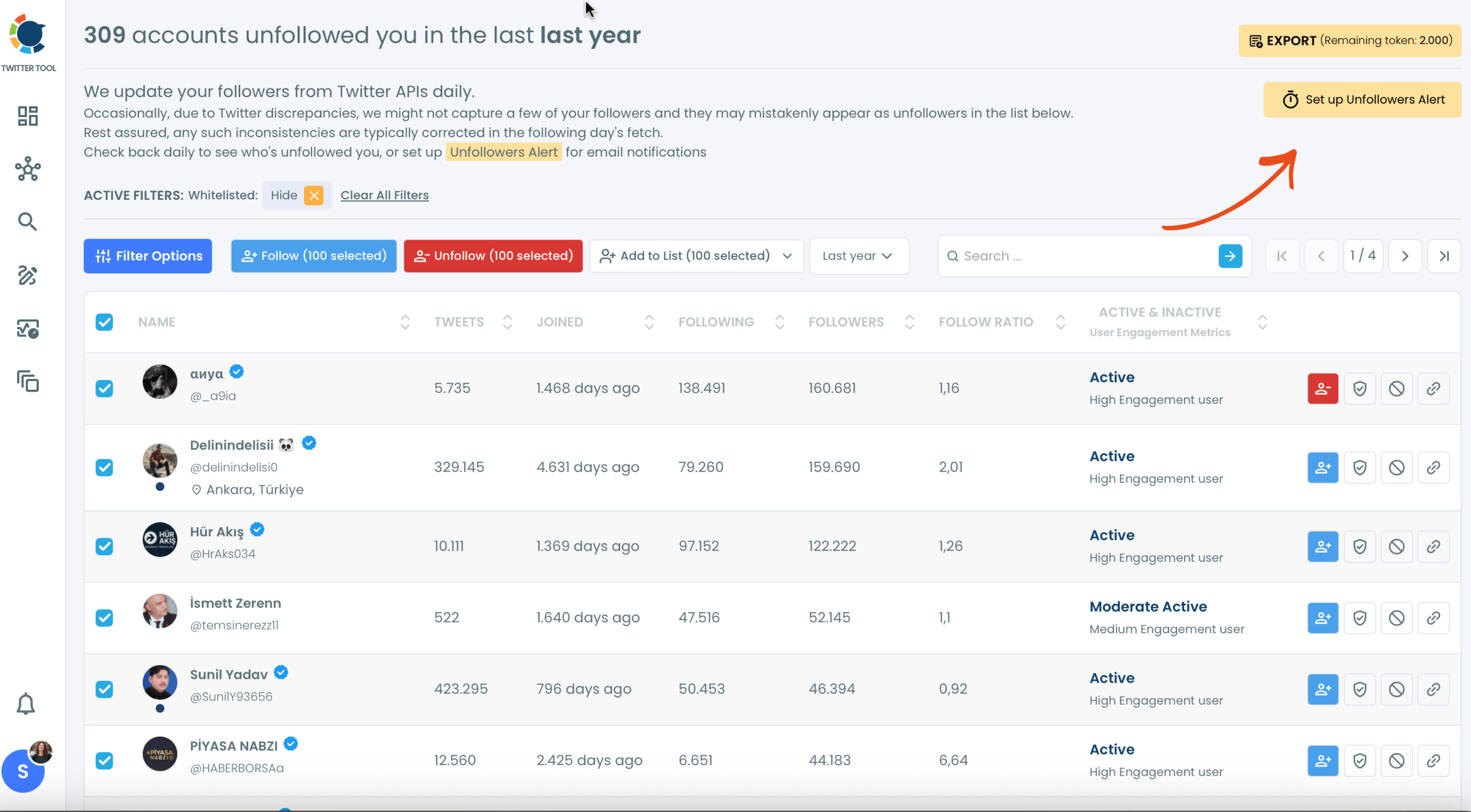
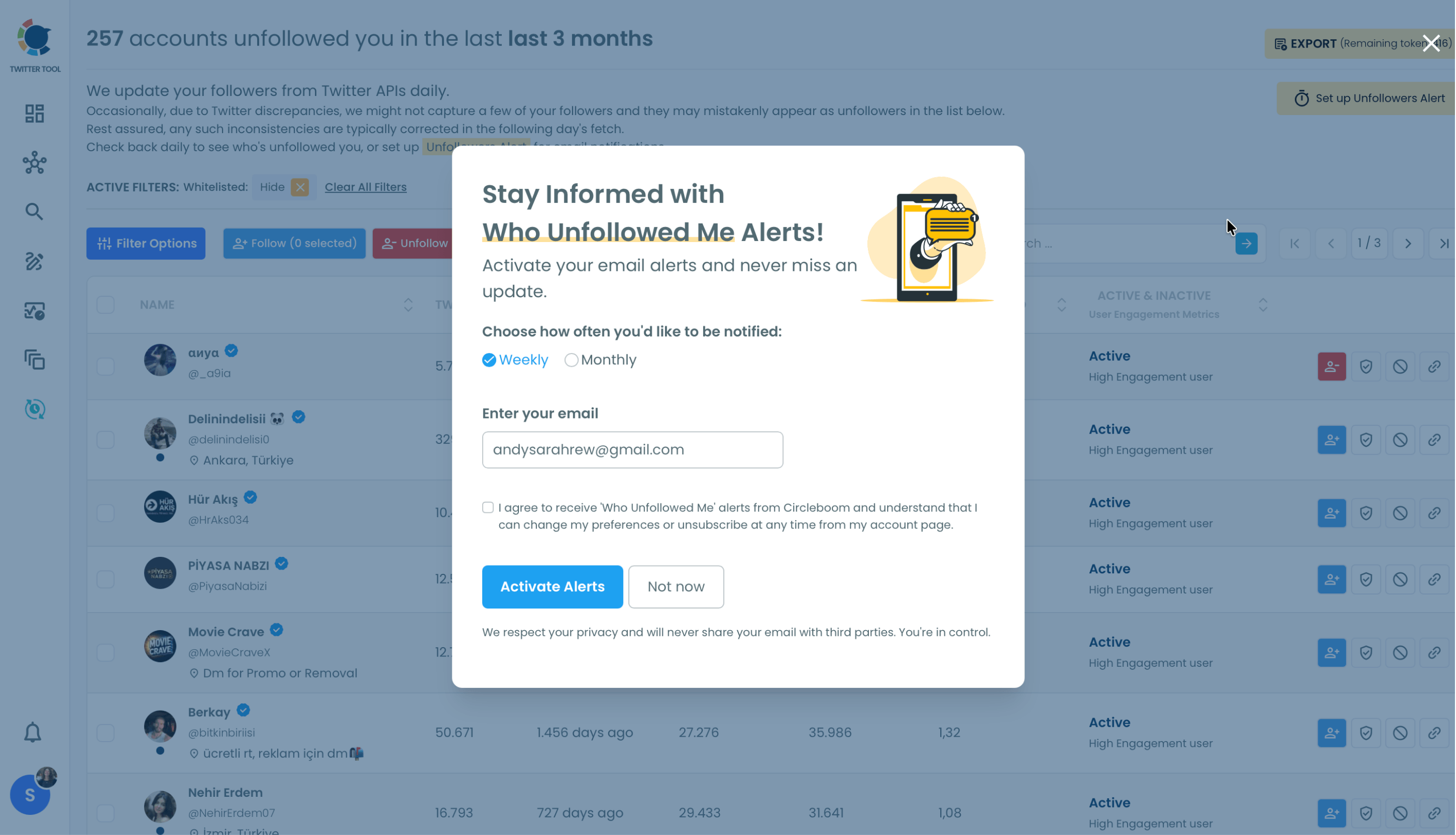
Set up "Unfollowers Alert", choose Weekly or Monthly, and get an email summary of the accounts that unfollowed you on Twitter. You can also track Twitter unfollowers any time in your dashboard with Circleboom!
TWITTER FOLLOWER AUDIT
You can detect fake, inactive followers on Twitter with the Audit Tool on Circleboom. You can apply filters and know your Twitter followers better!
FIND OUT WHO UNFOLLOWED YOU ON TWITTER
No one likes losing followers. With Circleboom's Twitter Unfollowers Alert, you can find out who unfollowed you without checking manually. After spotting these unfollowers, you can reshape your Twitter strategy and focus on the followers who stay.
TWITTER FOLLOWER ANALYSIS
Know your audience better on Twitter! This is the key to being successful on the platform. Circleboom’s advanced features and tools allow you to analyze your Twitter followers and drive helpful statistics and graphics to measure your performance on the platform.
EVERYTHING IS ALWAYS SAFE ON CIRCLEBOOM
Circleboom is an official X Enterprise Developer. Keep in mind that we use the official API, so your account is totally safe with us. In addition to that, using the official API gives us the opportunity to use the most accurate and precise data!
You can set up Unfollowers Alert on Circleboom to find out who unfollowed you on Twitter and get a weekly or monthly email summary of your unfollowers!
1
01
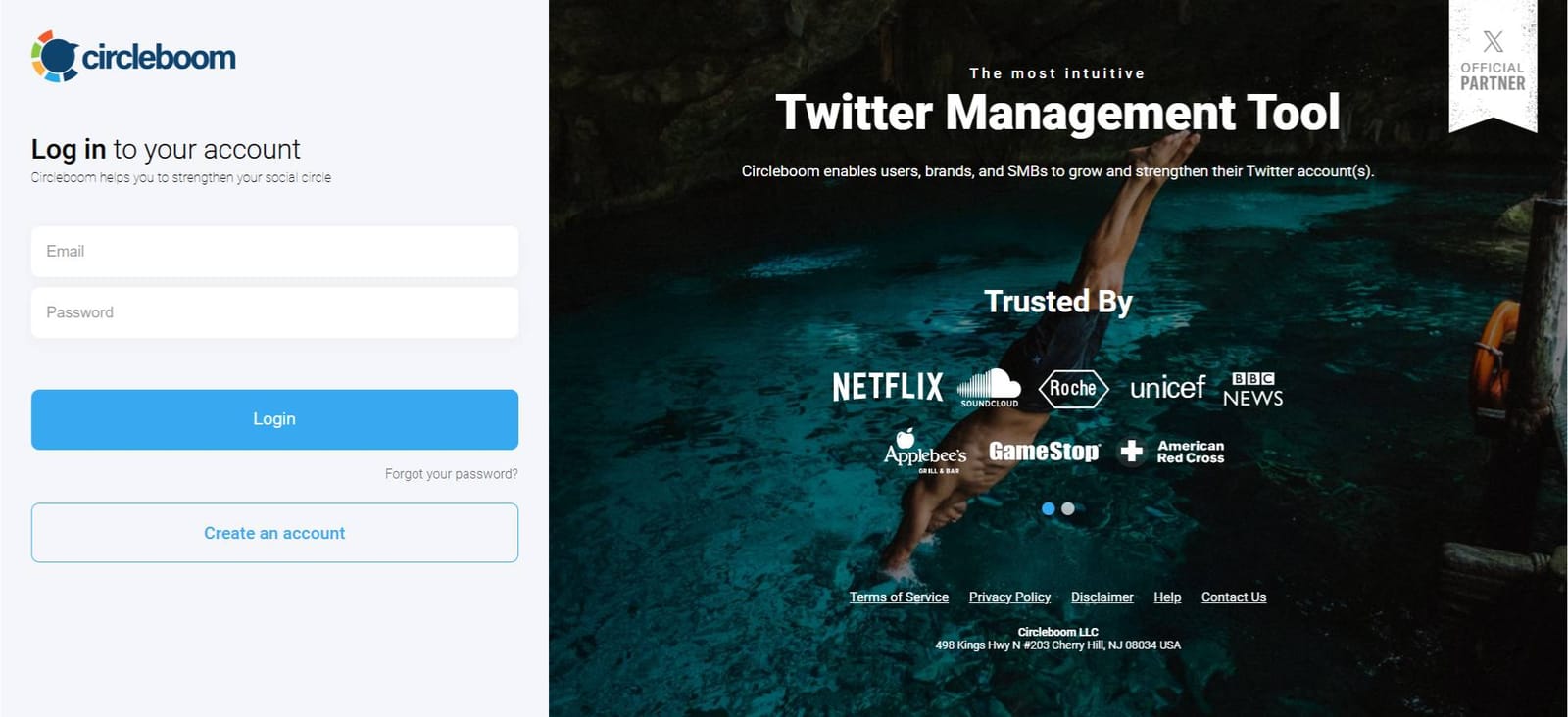
As the first step, please go to Circleboom Twitter and login with your active e-mail address.
If you haven't got a Circleboom account yet, you can get one in almost no time!
2
02
You should connect your X account to Circleboom.
Circleboom is an official X Enterprise Developer. So, you are totally safe with us!
3
03
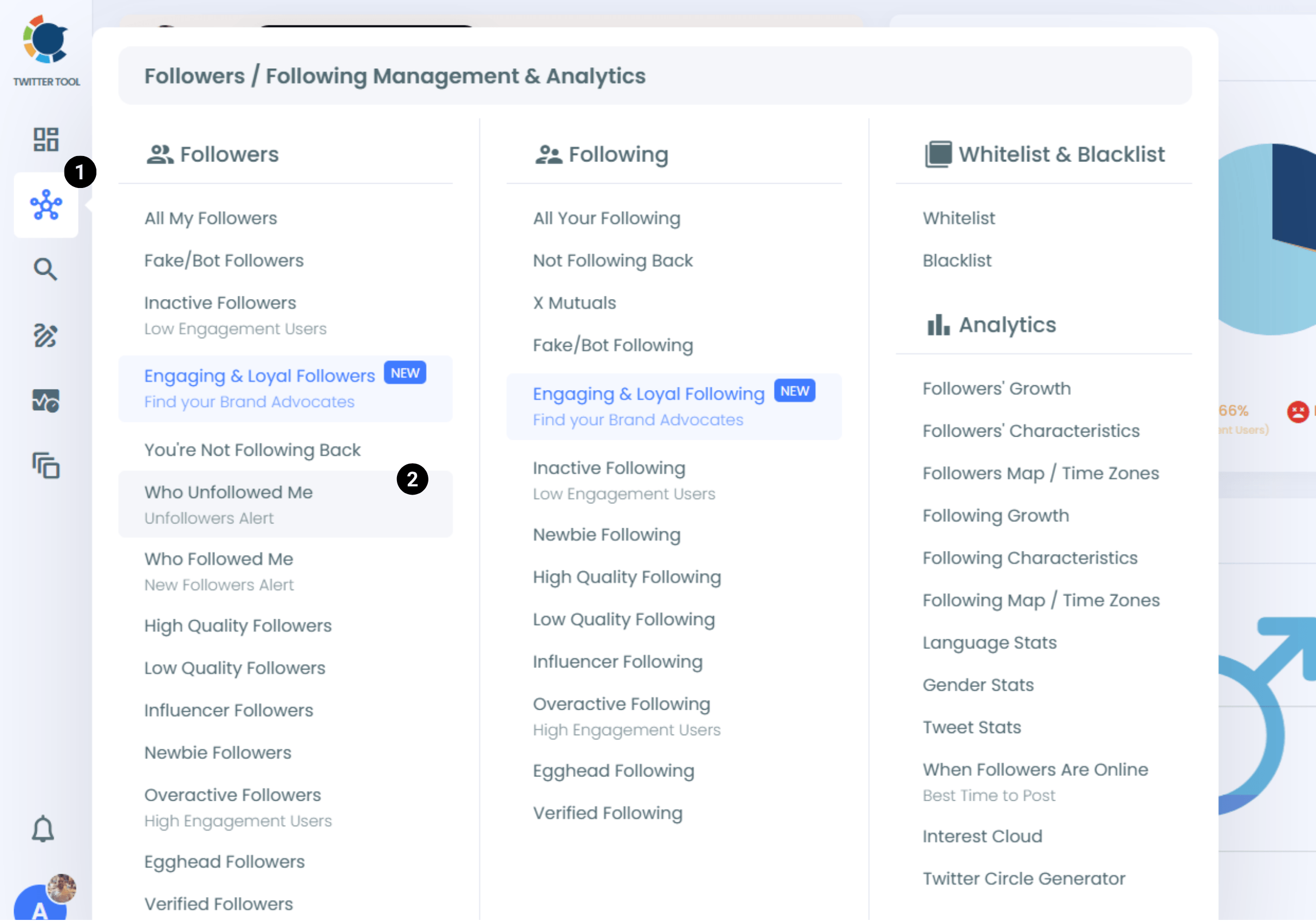
Open the left menu and go to Followers / Following Management & Analytics > Followers.
Then select "Who Unfollowed Me".
4
04
You can see who unfollowed you on Twitter so far. You can see a time range from the last day to the last year.
Click the "Set up Unfollowers Alert" button at the top right, choose Weekly or Monthly, enter your email address and click "Activate Alerts". Set up your unfollowers alert now!